
 Blu Agent
Walk Out With the Recap Written and Follow-Up Ready
Blu joins the call, records and transcribes it, writes the summary and action items, and drafts the follow-up, synced to the deal before you close the tab.
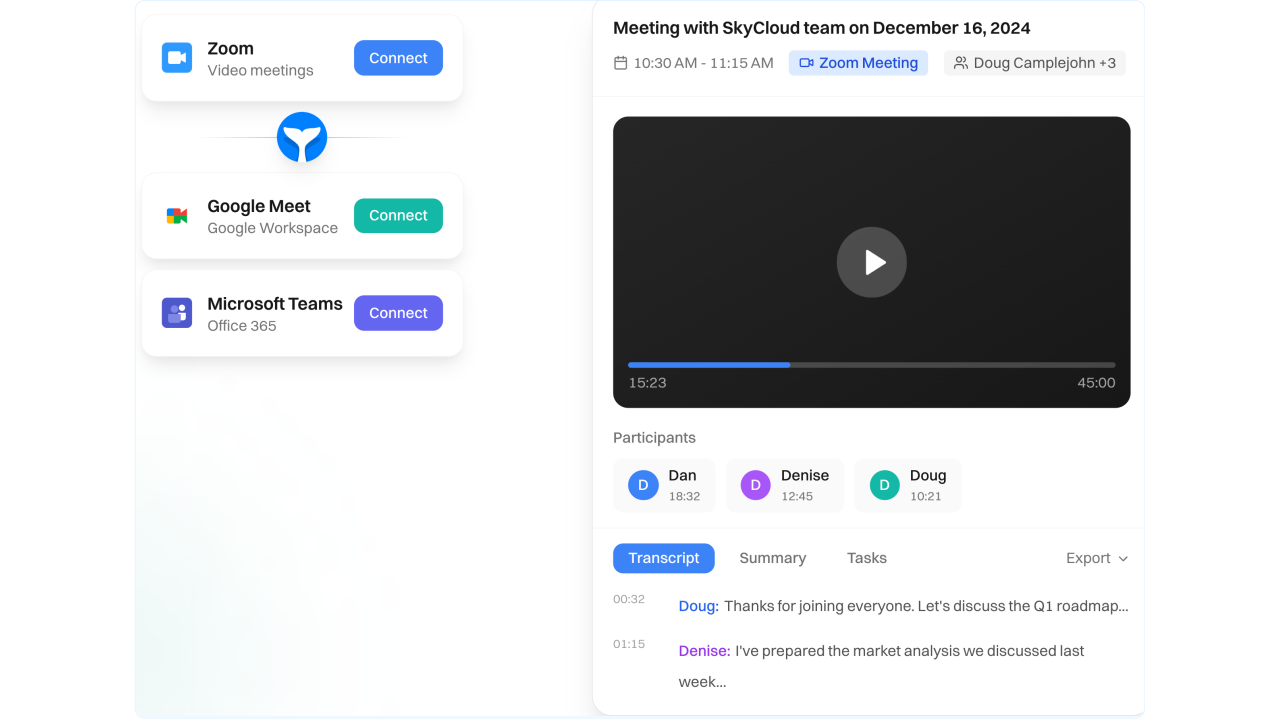
Capture and search the full conversation
Record, transcribe, and jump to the exact moment you need without rewatching calls.
Auto transcription
Accurate transcripts with speaker separation so you know who said what.
Video recording with highlights
Store the recording, share links, download when needed, and jump to key moments fast.
Search with timestamps
Search across transcripts and click to the exact timestamp for objections, pricing, competitors, and next steps.
Summaries, action items, and follow-ups
Turn raw conversation into decisions and next steps your team can execute the same day.
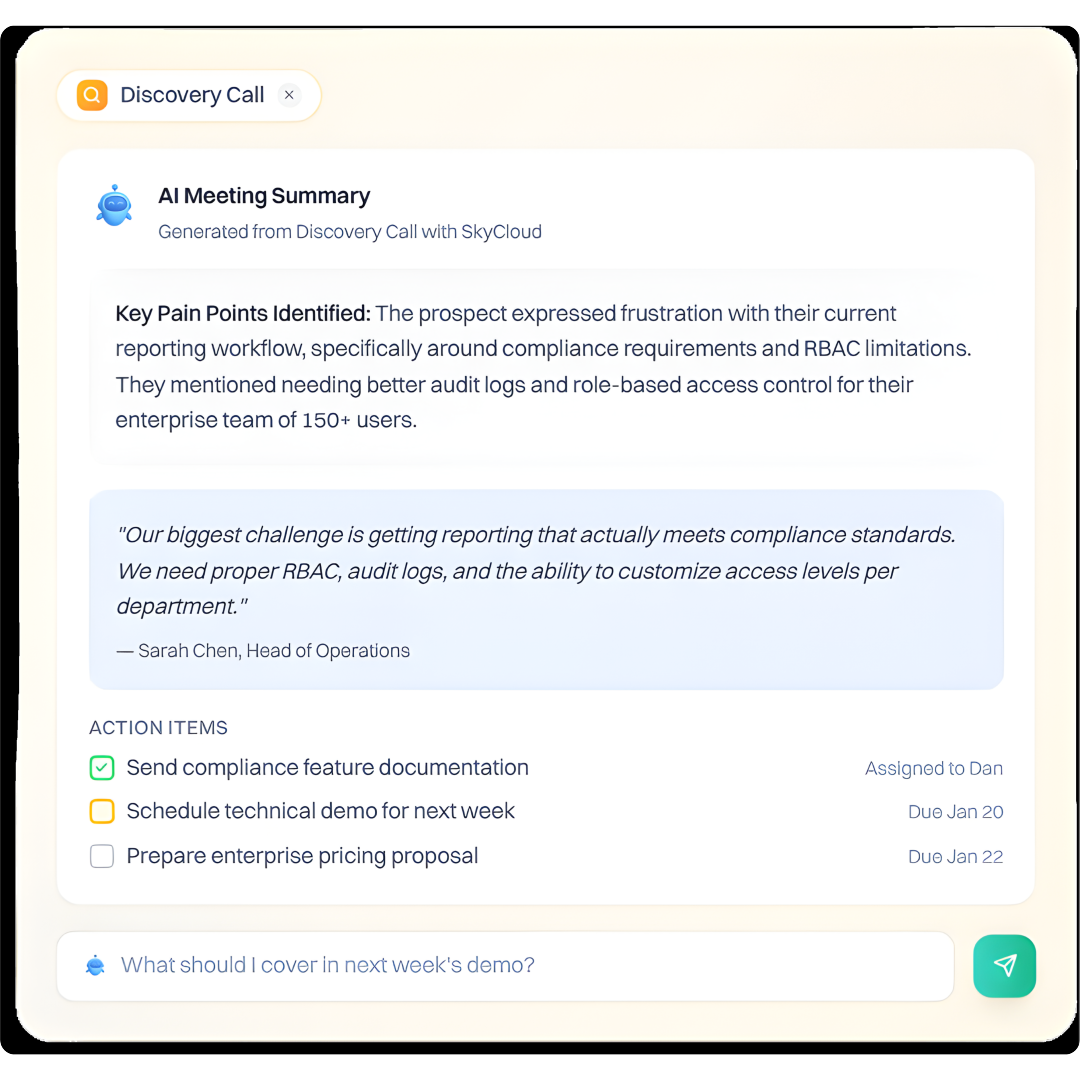
AI meeting summaries
Clear recap of what happened, what changed, and what matters next.
Action items with owners and deadlines
Extract tasks from the conversation and assign them to the right rep automatically.
Follow-up drafts you can send instantly
Generate a follow-up email with commitments, next steps, and context already included.
CRM sync that keeps pipeline clean
Meeting intelligence should land where selling happens, without manual copy-paste.
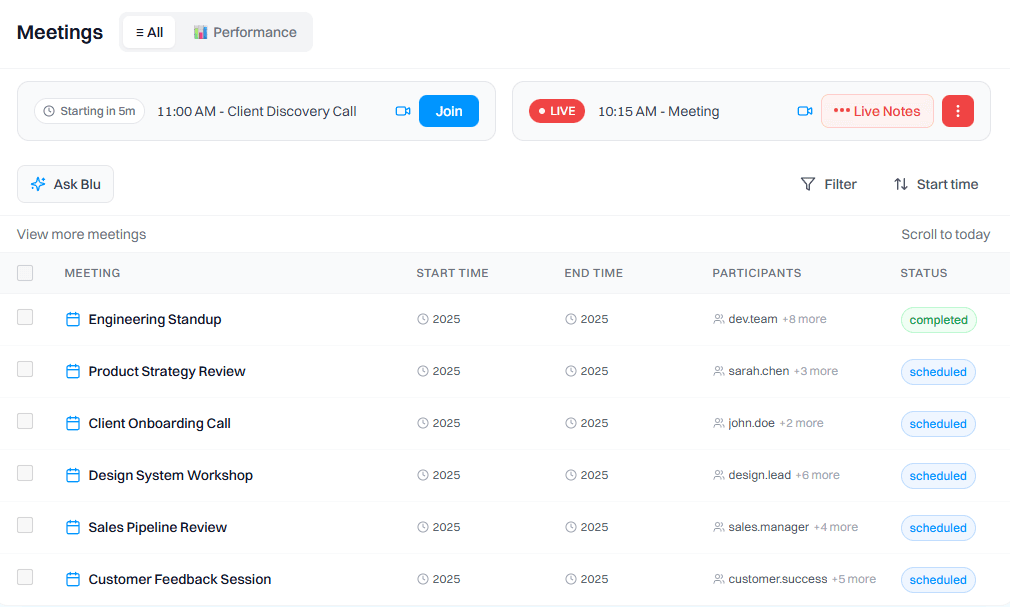
Auto-attach to deals and contacts
Summary, transcript, recording, and notes get linked to the right records.
Auto-update deal context
Meeting outcomes update deal timelines so everyone sees the latest status.
Tasks propagate automatically
Action items become tasks so follow-through is visible, assigned, and trackable.
Frequently Asked Questions
Yes in many cases. Treat consent as mandatory. Notify attendees clearly at the start, follow local recording laws, and set internal rules for which meetings Intempt should or should not join. For sensitive meetings, disable recording or exclude them by rule.
Accuracy depends on audio quality, accents, cross-talk, and mic setup. Intempt performs best with clean mics and minimal overlap. Speaker ID improves as the same participants appear across calls. You can edit transcripts and summaries when needed.
No. Intempt generates a follow-up draft for you to review and send. This avoids wrong recipients, incorrect tone, or sending follow-ups that miss updated context.
It links meetings using participants, calendar context, mapped contacts, and deal ownership rules. If there is ambiguity, you can choose the correct deal once and future meetings will stay aligned to that record.
Inside the account and deal views. The summary, transcript, recording link, highlights, and action items appear in the timeline so reps, managers, and CS can get context without asking for a recap.
You should be able to control which meetings Blu joins, what gets synced to CRM, and retention rules for recordings and transcripts. Compliance teams typically need visibility, deletion controls, and clear policies for sensitive conversations.