
 Blu Agent
Categorize, Draft, and Clear Your Inbox with Deal Context
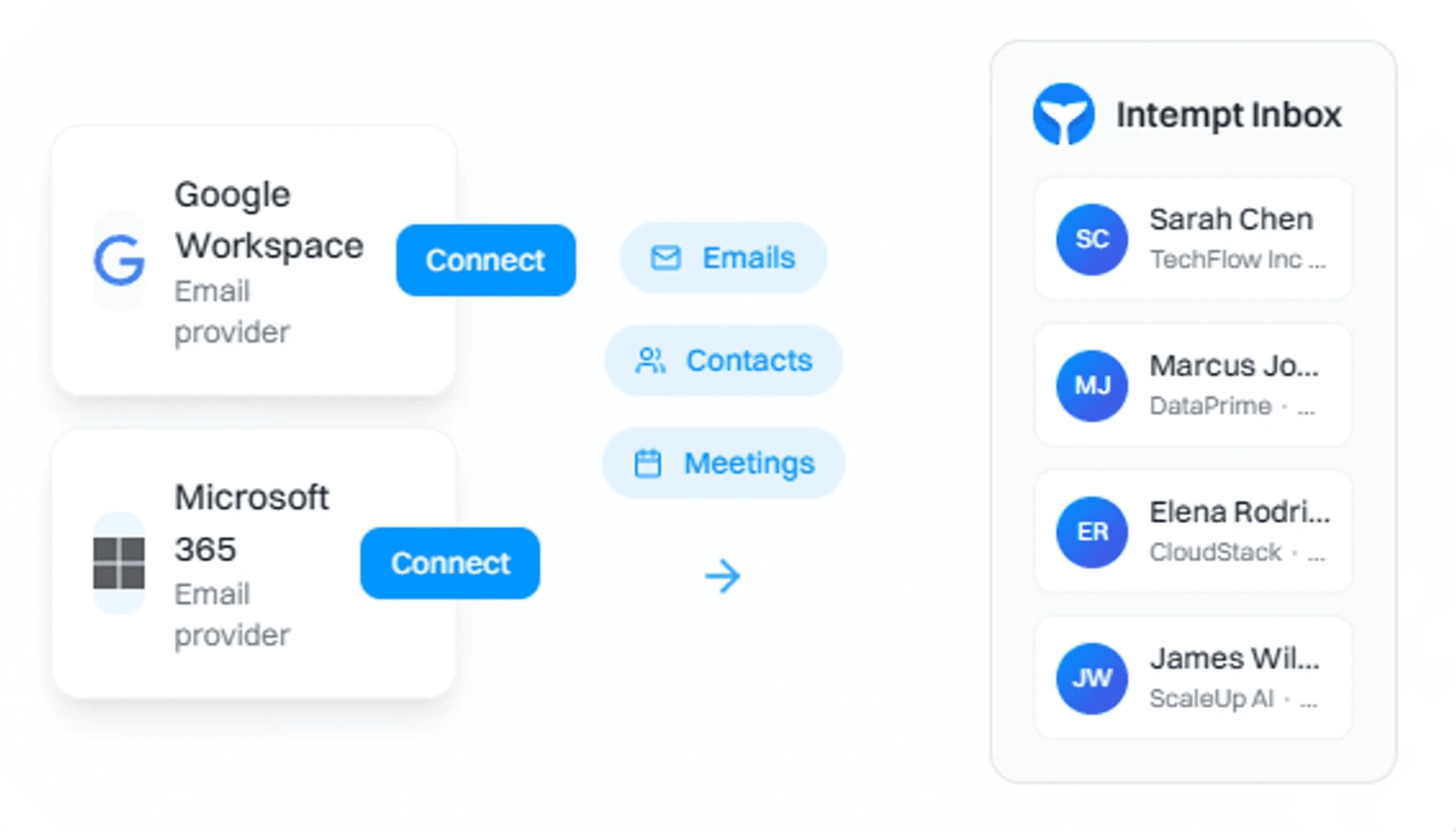
Blu categorizes every email by urgency and deal stage, auto-drafts replies from CRM and meeting context, and syncs every conversation back to the right contact and deal.
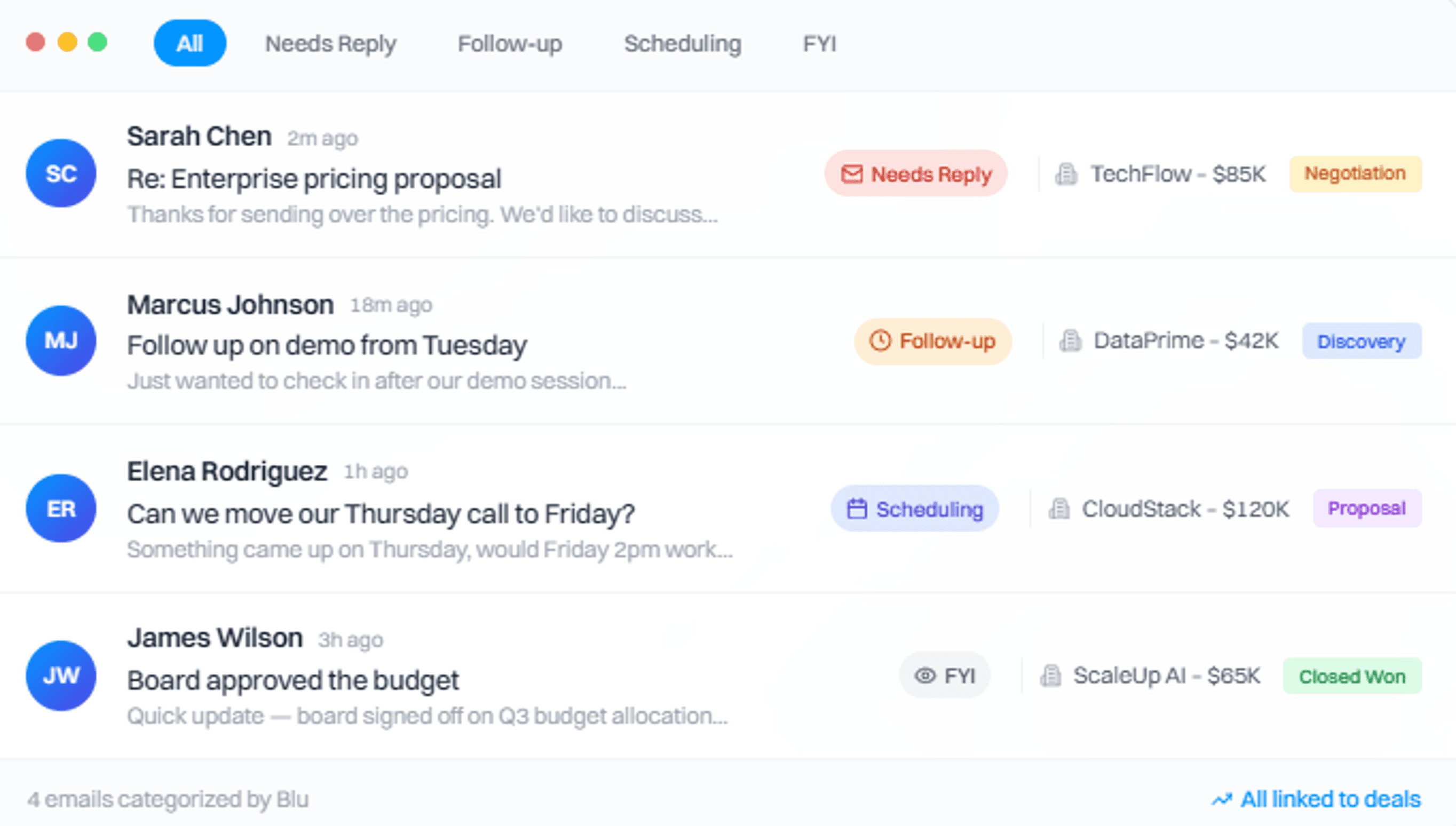
Every email categorized, prioritized, and linked to the deal
Blu reads your inbox, labels each email by what it needs (reply, follow-up, scheduling, FYI), and links context automatically.
Auto-categorization
Blu labels every email as needs-reply, follow-up, scheduling, deal update, or low-priority before you open it.
Deal context on every thread
Each thread shows the linked contact, account, deal stage, and recent activity. No clicking around.
Inbox zero workflow
Work through your inbox by category. Reply, snooze, or archive, and every action syncs to CRM automatically.
Auto-draft replies from deal history, not templates
Reply AI reads the thread, pulls context from CRM, meeting transcripts, and past emails, then writes a draft you review and send in one click.
Today at 10:32 AM
Re: Platform Demo - Next Steps
Hi there,
Thanks for the detailed proposal you sent over last week. Our team has reviewed the integration options and we're particularly interested in the enterprise tier features you mentioned.
Could you share more details about the implementation timeline and what kind of support your team provides during onboarding?
Best regards,
David
Hi David,
Great to hear your team found the proposal valuable! For the enterprise tier, typical implementation takes 2-3 weeks with dedicated support from our solutions team.
Given Avenix current stack, I'd recommend we schedule a technical deep-dive. I've attached our onboarding playbook which covers the support structure.
Would Thursday at 2pm work for a 30-min call?
Reply AI
Blu generates a contextual draft for every email that needs a response. Review, edit if needed, and send. No blank-page writing.
Sequences that pause on reply
Sequences stop when a prospect responds so you do not send outdated follow-ups.
Deliverability controls
Set send windows, daily limits, and spacing so outreach stays safe.
Templates, snippets, and CRM-ready reporting
Keep messaging consistent, personalize with real context, and keep CRM clean automatically.
Welcome back, Alex
Here's what's happening with your inbox
2,847
Emails processed
156
Drafts created
24h
Meeting time
89
Users created
34
Accounts created
Setup Progress
Connect calendar
Sync your schedule
Scheduling link
Share your availability
Drafted Replies
2 pendingSarah Chen
2 min agoTechFlow Inc
Re: Partnership proposal
Marcus Johnson
15 min agoDataPrime
Re: Integration timeline
Smart Snippets for personalization
Insert live fields like company, role, industry, last activity, and qualification notes.
Email analytics that matter
Track replies, meetings booked, and engagement trends by rep, template, and sequence.
Auto-logging to CRM
Every email is logged to the right contact, account, and deal so timelines stay accurate.
Powered by unified customer data
Every action Blu takes, from drafting replies to prioritizing threads to pausing sequences, draws on the same data: inbox activity, meeting transcripts, website behavior, and CRM history. No integrations to break. No context to rebuild.
Frequently Asked Questions
Everything you need to know about email categorization and Reply AI
No. Intempt drafts replies and sequences prepare messages, but sending stays in your control. This prevents wrong tone, wrong timing, and replying without the latest context.
Sequences pause automatically when a prospect replies. They can also pause when a meeting is booked or when a deal stage changes, depending on your rules. This prevents sending awkward, outdated follow-ups.
Basics like name, company, role, and industry. Also sales context like last activity, stage, qualification notes, intent signals, and meeting outcomes. The goal is messages that reflect what happened, not fancy tokens.
Yes. Each rep can have their own inbox view, plus shared inboxes for inbound. Ownership and assignment rules help prevent double-handling, and logging stays consistent.
Use approved templates as the base, snippets for controlled personalization, and let Intempt draft within those constraints. The best setup is templates for structure, Reply AI for context, and reps for final approval.
Reach inbox zero with Reply AI
See how Blu categorizes your email, drafts replies, and keeps your CRM in sync