Most first-time visitors are actively comparing, not committing. They bounce between PDPs, size/fit charts, shipping/returns, and discount pages, and leave without giving you an email or cookie you can rely on. Treating your product recommendations as an "afterthought carousel" means you miss the exact micro-moments when guided discovery would tip them into the cart.
Expected results
- Detect first-purchase intent across key touchpoints (homepage, PDP, cart page, or category page)
- Launch cold-start-proof recommendation blocks that don't require prior user history
- Build real-time, multi-channel messages (onsite, email, SMS, push) tied to first-purchase behaviors
- Measure lift in add-to-cart, revenue-per-visitor (RPV), and first-order conversion with clean A/B testing
Why first-time shoppers research before buying?
- Risk reduction: They probe shipping/returns, reviews, and comparisons before trusting a new brand.
- Goal clarity: They scan for size, use-case, budget, look and feel of products.
- Cognitive load: Too many choices stall action.
Modern recommendation systems address this by blending signals, popularity, and real-time context - not just past-user look-alikes. So even brand-new visitors see relevant options.
What first-purchase signals actually mean?
- Multiple PDP views within a category (e.g., "white sneakers")
- Time spent on shipping/returns and size guide pages
- Adding to cart after viewing reviews/ratings
- Viewing "compare" or bundle pages
- Homepage scrolls + one PDP view
These signals map cleanly to high-performing product recommendations like Similar/"You might also like", Complete the look/Pair with, Frequently bought together, and Bestsellers/Trending.
How to Implement Product Recommendations With Intempt?
Step 1: Nail your data foundation
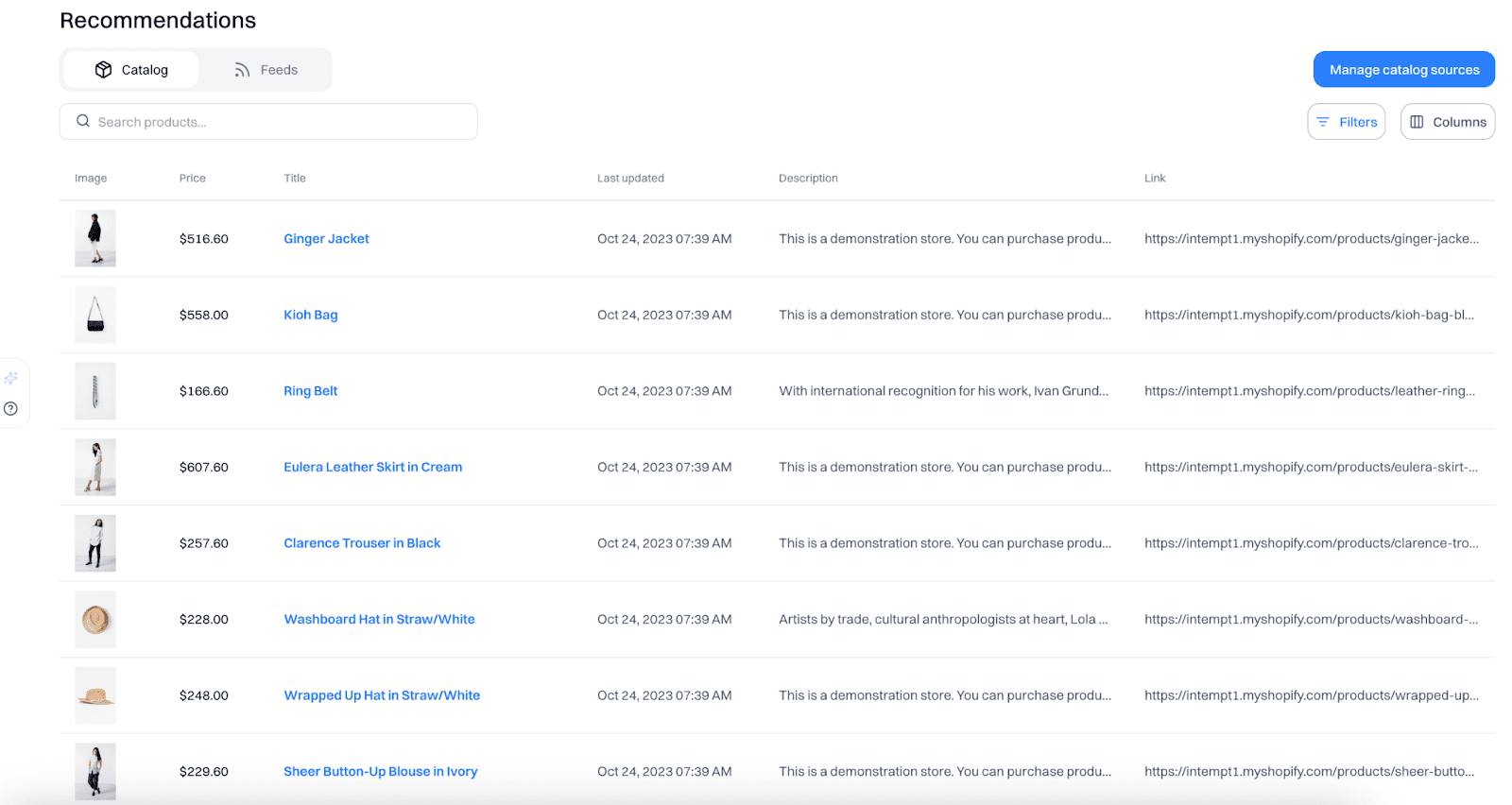
Have your Product catalog and user events (page_view, product_view, add_to_cart, view_size_chart, view_shipping, begin_checkout) sorted. Connect your catalog (Shopify native), website, and app data to Intempt so all products and user events are inside one platform.
Step 2: Pick algorithms that work without history
For first-time visitors, avoid relying solely on collaborative filtering (it needs user history). Use a hybrid approach:
- Content-based (match attributes: category, brand, color, price band)
- Popularity & trend (bestsellers, new arrivals, seasonal)
- Contextual rules (inventory, availability, region)
Step 3: Place product recommendations
- Homepage (new or anonymous): "Trending Now," "Bestsellers," "New In" (fast discovery without choice overload).
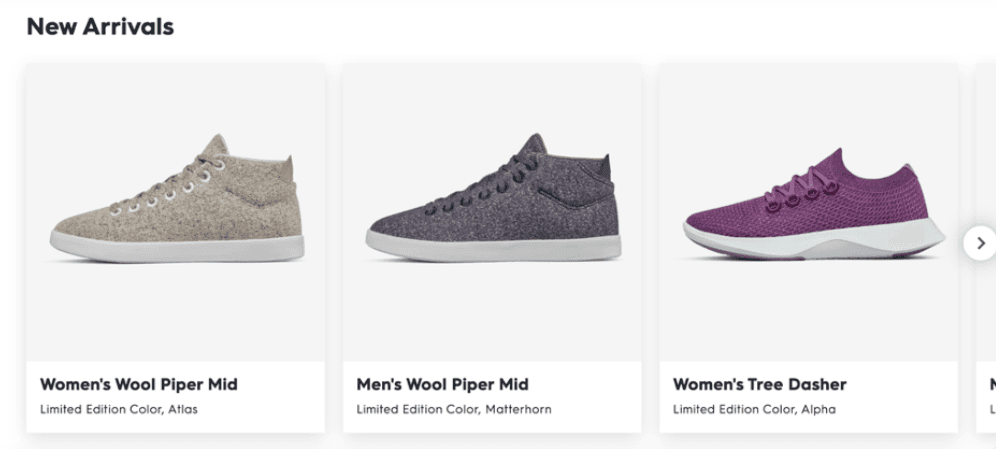
- PDP: "Similar items," "Complete the look/Pair well with," "Frequently bought together," and "Top rated in this category."
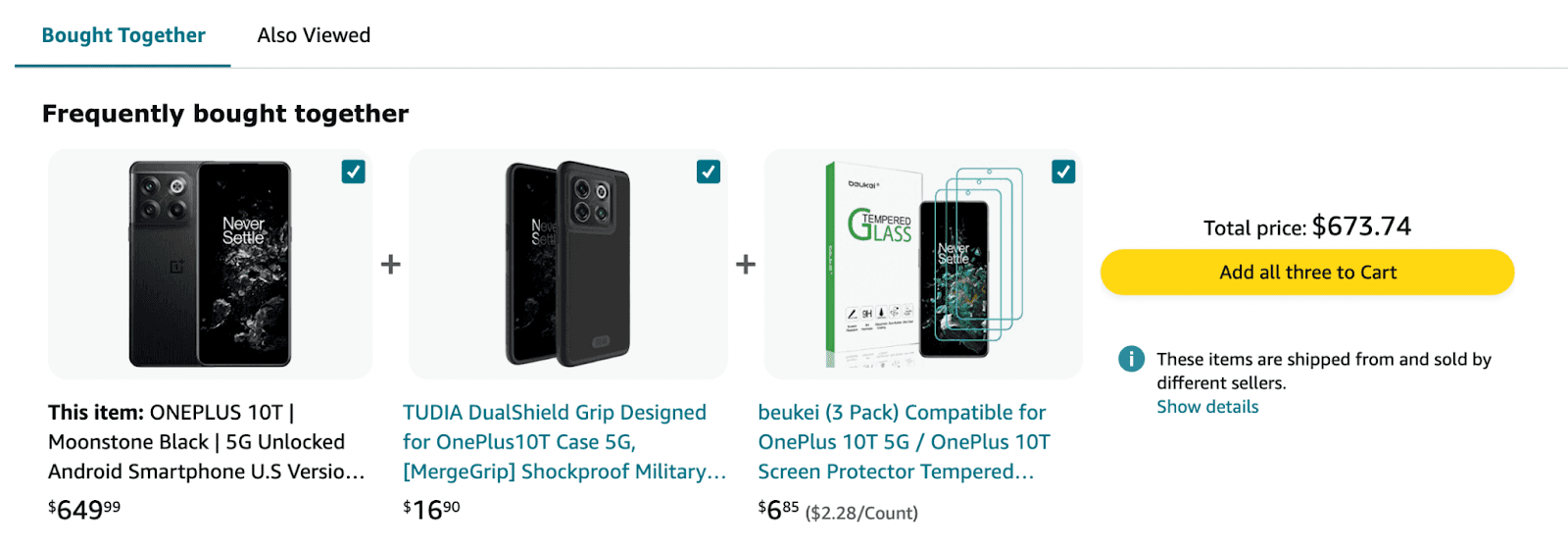
- Cart/Checkout: Low-AOV accessories, on-sale complements, and "Add ₹X for free shipping" nudges.
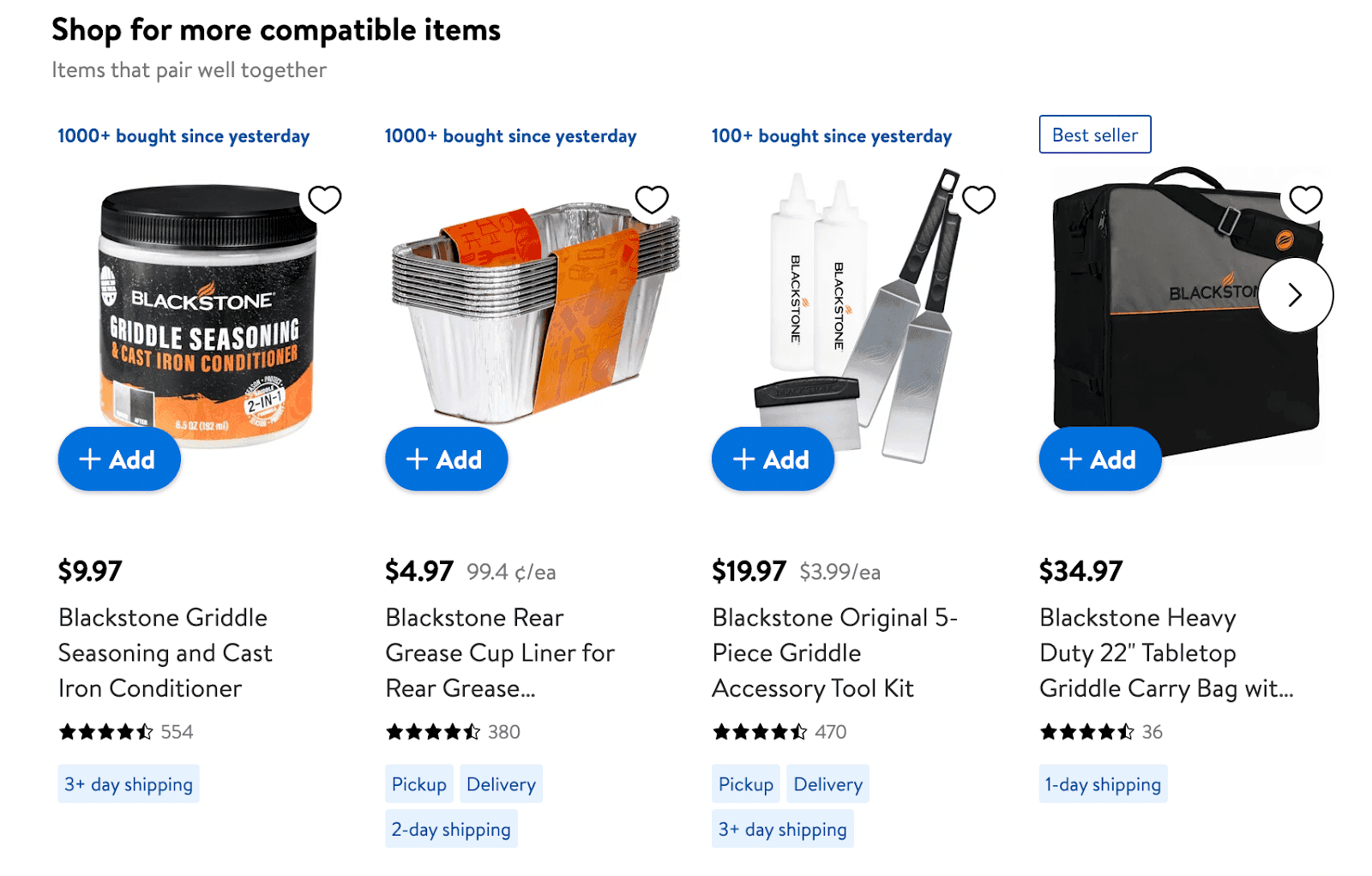
- Category: top sellers and trending within the current category.
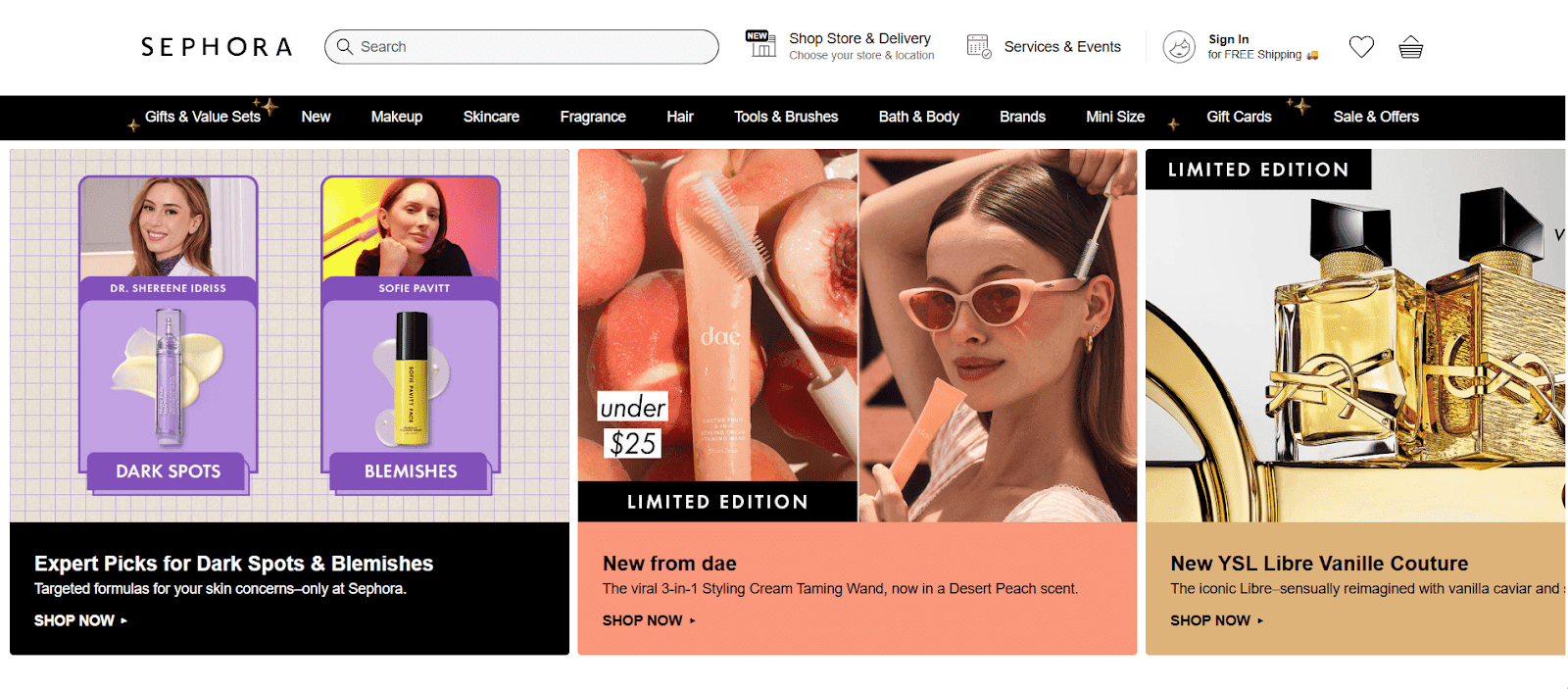
Step 4: Real-time triggers across channels
Turn onsite behaviors into instant nudges. When someone views PDPs but doesn't add to cart, send a browse-abandon email within 2-4 hours that mirrors onsite carousels.
Step 5: Test for incrementality, not just CTR
- Measure CTR, Add-to-Cart rate, Checkout start rate, or First-order conversion rates.
- Revenue per session/visitor (RPV) and attach rate for FBT/looks
- Run controlled A/Bs with clean holdouts.
Two quick plays you can ship this week
Play A: New visitor conversion
- Homepage hero: New arrivals + bestsellers
- PDP: "Complete the look" + "Top rated in category"
- Cart: "Add ₹300 to get free shipping" + two low-AOV care items
- On-site message: "Unsure on size? Most first-time buyers pick M - see our fit guide"
Play B: Confidence to check out
- PDP: "Frequently bought together" and "Similar, under ₹X"
- Checkout sidebar: "On-sale add-ons" under ₹999
- Transactional email: "Thanks! 3 quick picks that pair perfectly with your order"
Frequently asked questions. Answered.
Use a hybrid approach that blends content similarity (attributes), popularity/trend, and contextual rules. Fall back to bestsellers/new arrivals in the same category.

About the author
Somya Nayak
Growth Marketer
Somya is a product marketer focused on helping B2B and e-commerce teams get more from their marketing stack. She writes about personalization, analytics, and revenue-focused campaigns.
LinkedIn