.svg)


Best Tools to Capture User Events Across Web and Mobile Platforms


Every click tells a story. Every swipe, tap, or hover is a clue to what your users want, how they behave, and why they buy (or don’t).
But here’s the catch! Unless you capture those user events properly across web and mobile, those stories remain unread.
Modern growth teams don’t just collect data; they react to it in real time. Whether it’s a user exploring your pricing page, abandoning a cart, or completing an in-app milestone, your event tracking setup should catch that signal instantly and help you act on it.
Let’s break down the best tools to capture user events across web and mobile, their strengths, and how to choose the right one for your stack.
What Are User Events and Why Do They Matter?
User events are specific actions like clicks, form submissions, purchases, screen views, or feature uses that show what your customers do and how they move through your product.
Tracking them helps you answer:
- What drives conversions or churn?
- Where do users drop off in the funnel?
- Which marketing channels bring high-value customers?
- Which product features create long-term retention?
- Which campaigns or ad channels lead to the highest purchase intent?
- Where do shoppers abandon their carts, checkout page, shipping step, or payment?
- How do discounts, recommendations, or delivery times influence conversion rates?
Event tracking is the foundation of personalization, optimization, and growth.
Why You Need an Event Tracking Tool?
- Unified View: Bring web, mobile, and CRM/CDP data together.
- Behavioral Intelligence: Understand user intent through interactions.
- Personalization: Trigger the right message at the right moment.
- Revenue Insights: Tie every click to its revenue outcome.
- Experimentation: Run A/B tests powered by behavioral data.
- Automation: Reduce manual tagging with auto-capture or AI-based tracking.
What to Look for in an Event Tracking Tool?
- SDKs for web, iOS, and Android.
- Real-time sync across platforms and CRMs.
- Predictive analytics and AI event insights.
- Integrations with tools like Shopify, HubSpot, Stripe, and Salesforce.
- Privacy, consent management, and GDPR compliance.
- Ability to connect behavioral events with business metrics.
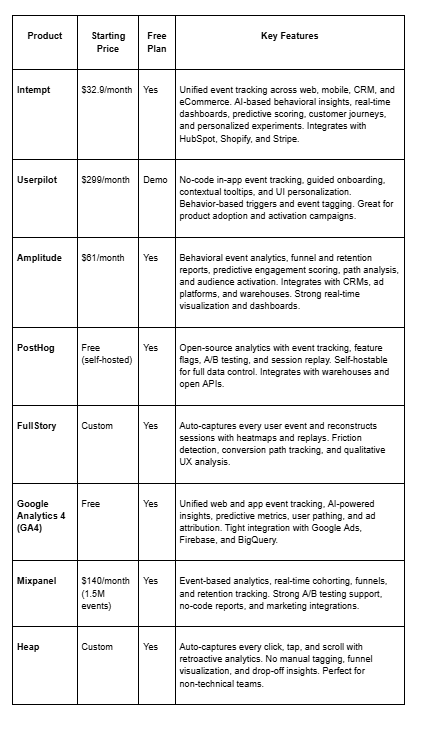
If you are running a little low on time, here’s a comparison chart for you to review all the tools and choose the one that suits you best.
The Top Picks
1) Intempt
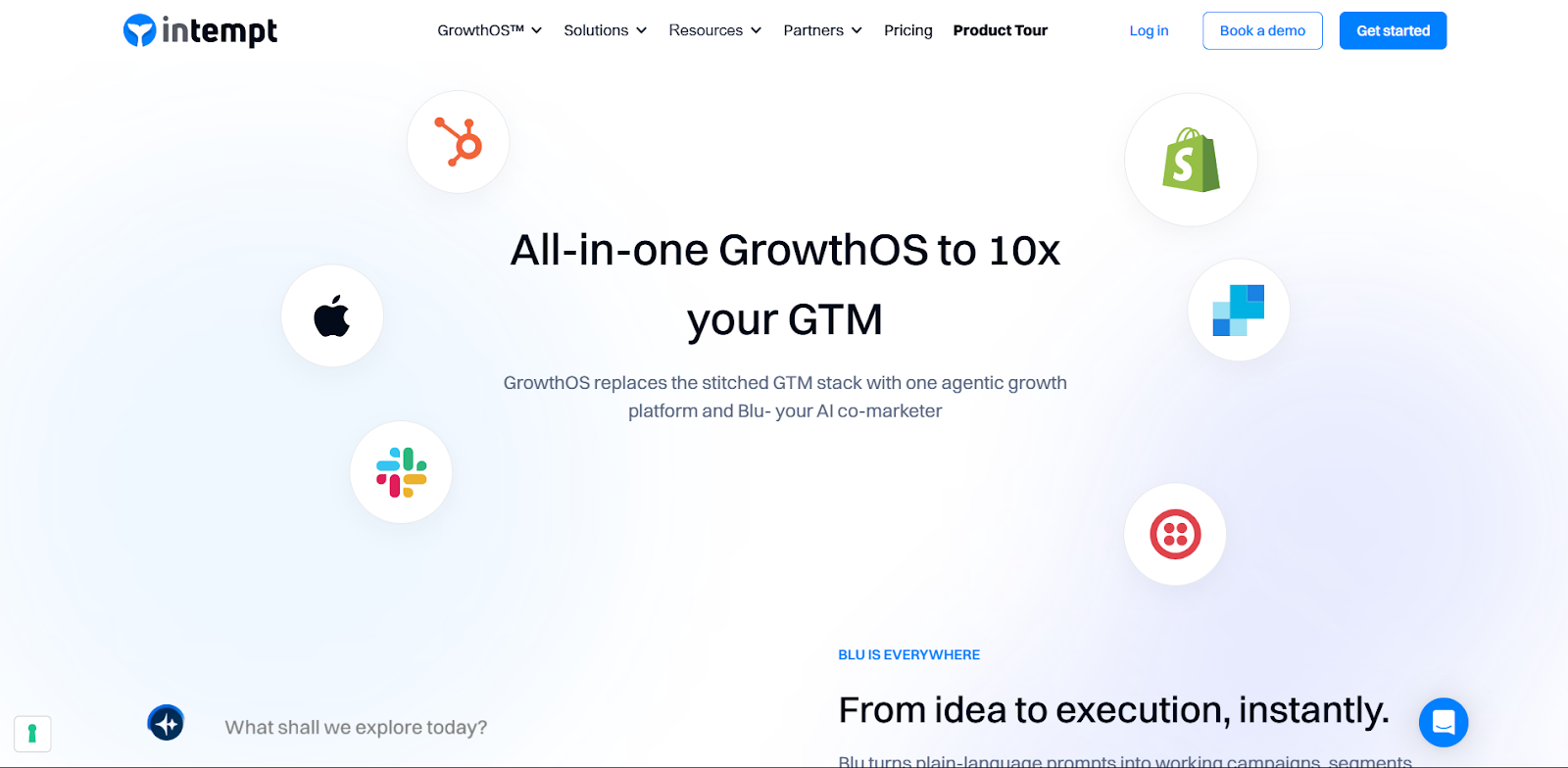
Intempt is a unified platform that brings together event tracking, analytics, and activation, all powered by AI. It captures every event from your web, app, and backend systems, helping you transform behavioral data into personalized experiments that increase engagement and revenue.
With seamless integrations with HubSpot, Shopify, and Stripe, Intempt is purpose-built for SaaS and eCommerce. Its Revenue Analytics connects user actions directly to financial outcomes.
Strengths
- Intempt captures every user event, web, mobile, CRM, and backend, in real time, ensuring you never miss a behavioral signal.
- Its event engine updates user profiles dynamically as new actions happen, meaning segments evolve automatically, not hours later.
- It stitches together anonymous, session, and user-level events across devices to build a single, complete customer view.
- Intempt’s AI-powered predictive engine analyzes user behavior patterns to surface intent signals like “likely to churn” or “ready to upgrade.”
- Instead of just visualizing events, Intempt helps you act on them through real-time personalization, campaign triggers, and A/B experiments.
Watchouts
- Intempt’s power lies in connecting behavioral signals to outcomes. Without well-defined events and properties, insights can feel generic.
- Like any intelligent system, the quality of your event data determines how accurate the predictions and personalization will be.
Best for: SaaS and eCommerce teams wanting one intelligent system for events, personalization, and revenue measurement.
Pricing: Starts at $32.9/month with a free trial.
2) Userpilot
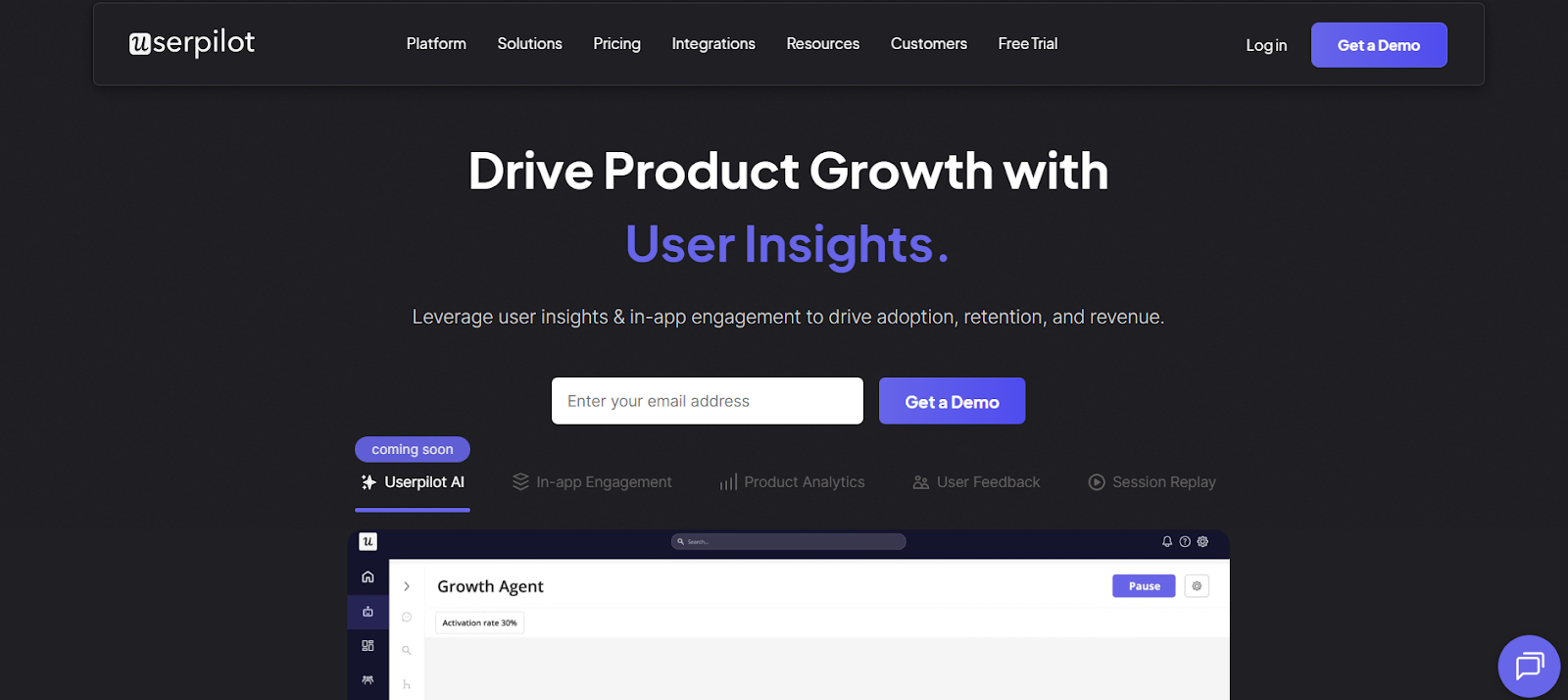
Userpilot is built for product-led growth teams who want to track in-app behavior and trigger contextual experiences. It helps you create personalized walkthroughs, tooltips, and checklists, all based on real-time events, without needing code. It’s one of its best features.
Strengths
- In-app event tracking with no code.
- Behavior-triggered onboarding flows.
- User segmentation by activity.
- Beautiful UI personalization.
Watchouts
- Strong on web, but mobile event tracking support is improving.
- While great for activation metrics, it doesn’t offer advanced segmentation or predictive analysis like Intempt.
Best for: Product teams driving activation and adoption.
Pricing: Starts at $299/month.
3) Amplitude
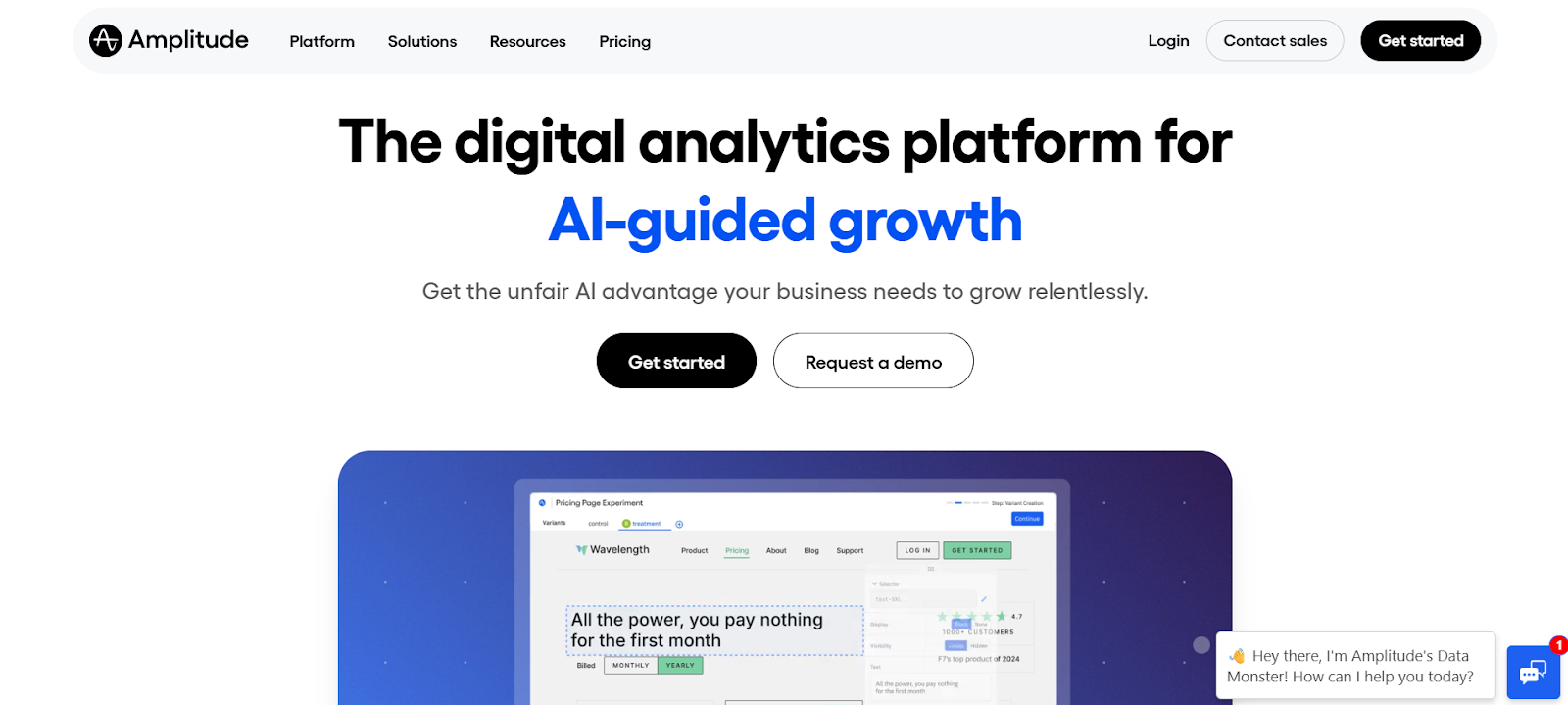
Amplitude is the gold standard in behavioral analytics. It helps teams understand why users engage or churn by turning event data into visual funnels, retention charts, and predictive insights.
Amplitude’s powerful machine learning models can forecast user churn and conversion probabilities, making it ideal for long-term engagement analysis.
Strengths
- Advanced funnel, path, and retention analysis.
- Predictive insights and engagement scoring.
- Real-time visualization with strong cohorting tools.
- Integrates with CRMs, ads, and CDPs.
Watchouts
- Amplitude requires structured event naming, property mapping, and planning across web and mobile SDKs. Without this, data can fragment easily.
- Amplitude’s power lies in depth, but marketers new to analytics may need onboarding support to interpret results effectively.
Best for: Data-driven SaaS teams focused on long-term engagement.
Pricing: Starts at $61/month.
5) PostHog
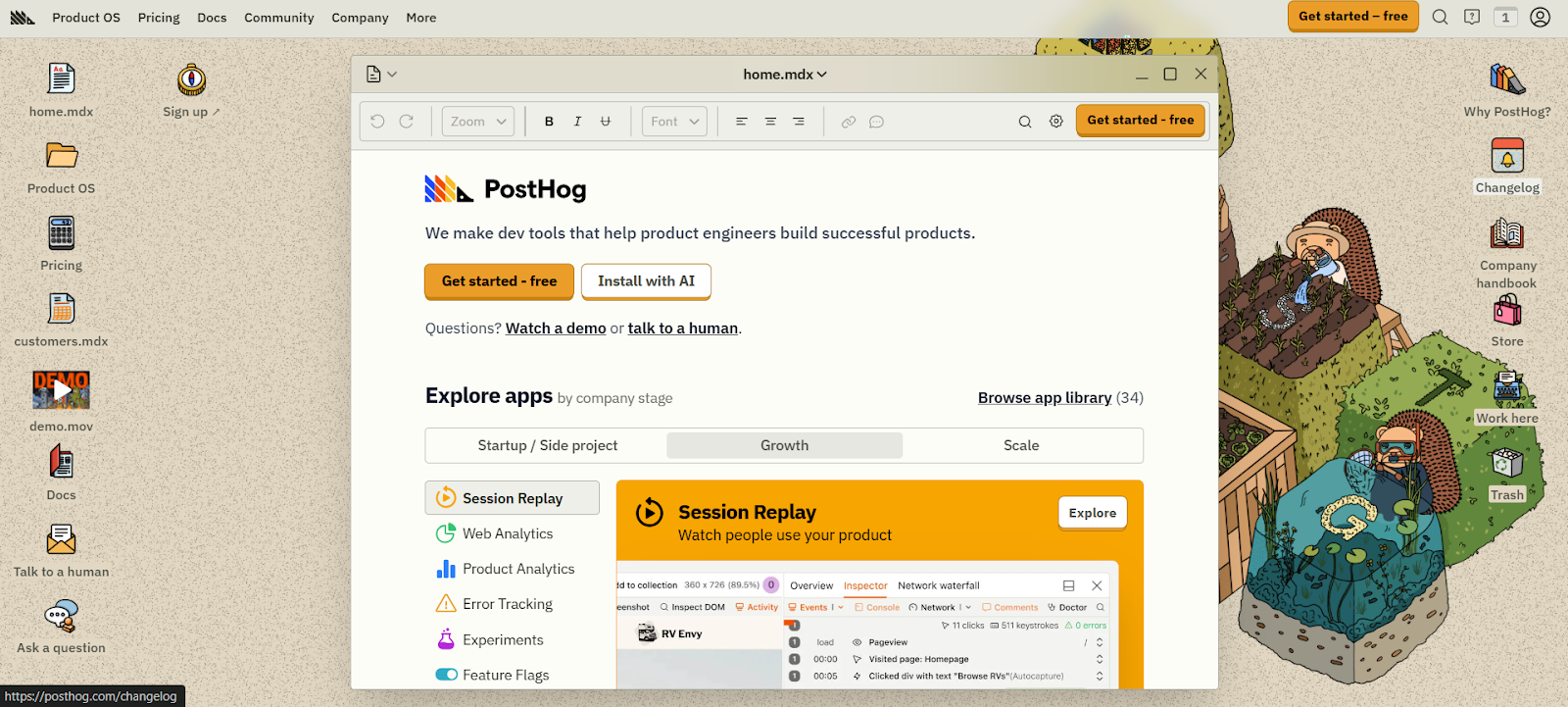
PostHog is an open-source analytics suite that lets you track, replay, and experiment, all while keeping your data private. Unlike hosted tools, it can be self-deployed, giving full control over user data.
It combines event tracking, feature flags, and experimentation, making it powerful for developers and privacy-conscious teams.
Strengths
- Self-hosting for privacy control.
- Event analytics, replays, and A/B testing.
- Great for technical and dev-centric teams.
Watchouts
- Self-hosting demands DevOps skills, server resources, and version management.
- PostHog focuses on functionality; the interface feels more technical compared to cloud-based tools.
Best for: Teams needing data sovereignty and extensibility.
Pricing: Free for self-hosted; paid cloud plans available.
6) FullStory
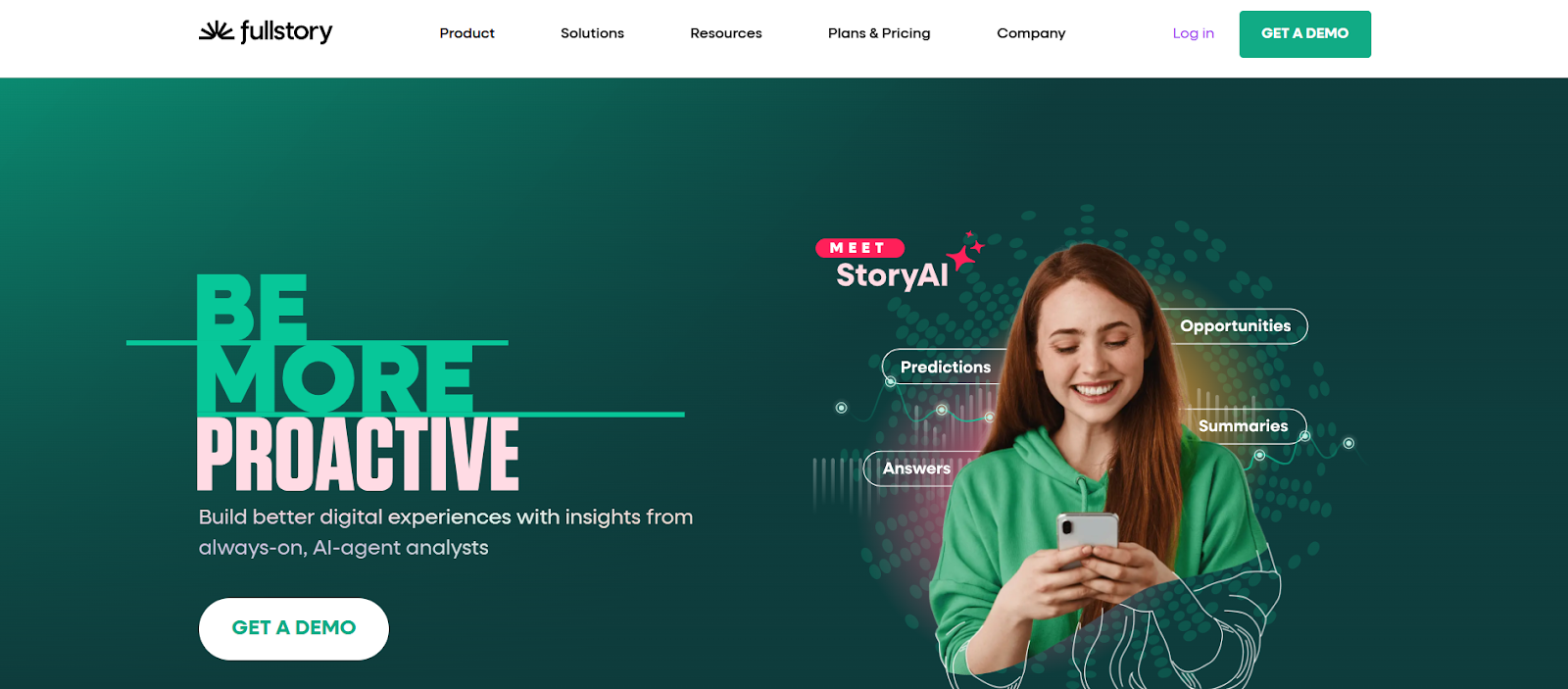
FullStory offers a visual-first approach to event tracking. It automatically records every user session so you can replay exactly what happened on your website or app.
Instead of just reporting numbers, FullStory helps you see the user’s experience, where they got stuck, what they clicked, and what led to conversion or frustration.
Strengths
- Auto-captures every click, scroll, and movement.
- Session replays reveal real-world user struggles.
- Friction detection, heatmaps, and user journey mapping.
- Excellent for UX and conversion optimization.
Watchouts
- Continuous recording can be resource-intensive; it’s best to limit retention or sample sessions.
- Because it captures user screens, teams must set up masking and consent policies to avoid sensitive data collection.
Best for: UX and product teams improving experience design.
Pricing: Custom.
8) Google Analytics 4
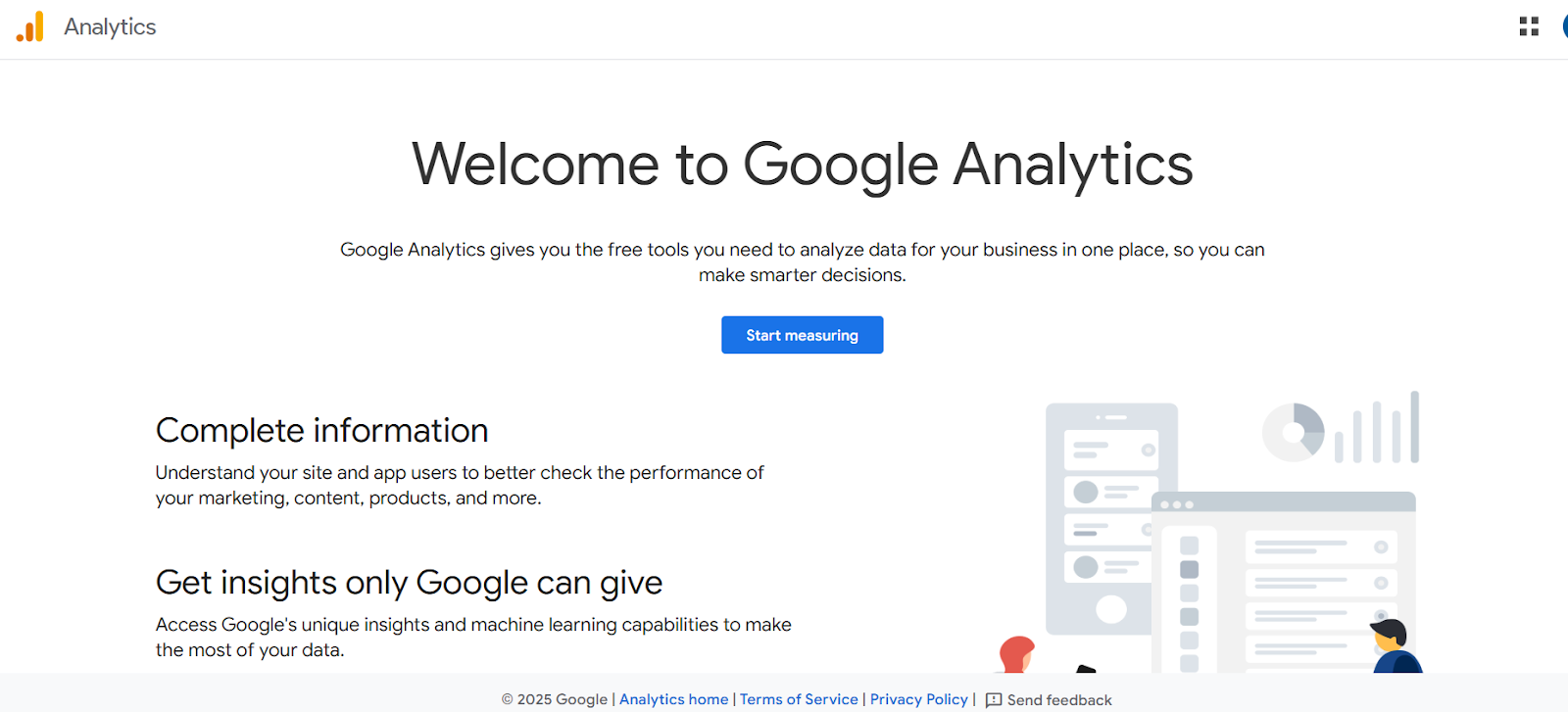
GA4 uses a modern event-based tracking model that captures both web and app activity in one platform. It’s perfect for understanding user journeys across devices and channels, especially for ad-driven teams.
With machine learning baked in, GA4 offers predictive metrics like purchase probability, churn likelihood, and revenue forecasts.
Strengths
- Free and widely adopted.
- Cross-platform tracking (web + app).
- Integration with Google Ads, Firebase, and BigQuery.
- Predictive insights and event modeling.
Watchouts
- Free GA4 accounts may sample data in large datasets, affecting accuracy.
- While GA4 supports consent mode, compliance depends on correct configuration, especially for EU/CCPA data.
Best for: Marketing and analytics teams seeking cost-efficient tracking.
Pricing: Free.
9) Mixpanel
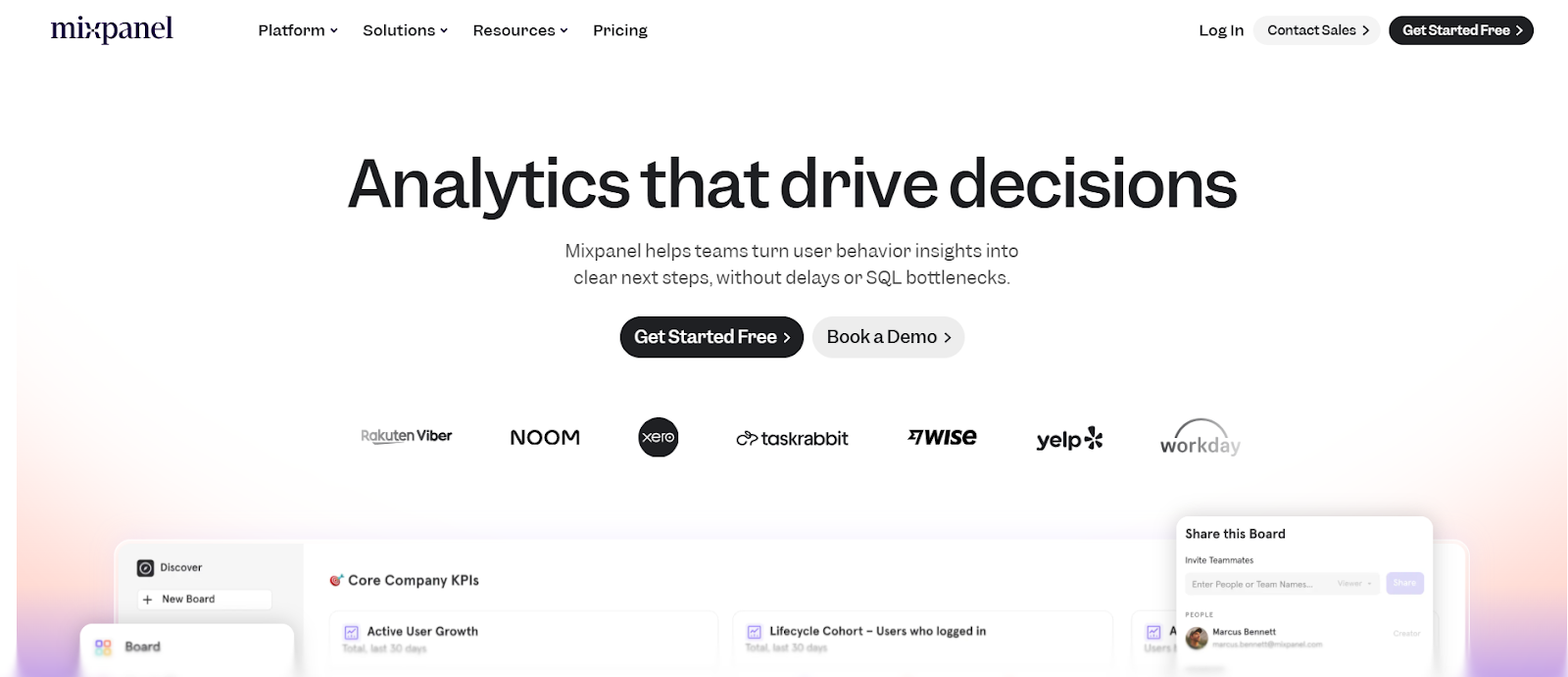
Mixpanel remains a favorite among growth teams for real-time event analytics and retention tracking. Its clean interface and drag-and-drop reports make it easy to measure funnels, cohorts, and user journeys without writing SQL.
Strengths
- Real-time funnel, retention, and cohort reports.
- No-code dashboard builder and data exploration.
- Integrates with CRMs and engagement tools.
- Excellent for measuring feature impact and activation.
Watchouts
- Mixpanel’s flexibility allows unlimited event tracking, but too many undefined events make dashboards messy. A clear schema is key.
- At scale, Mixpanel may aggregate or sample data; teams needing high-precision event logs should validate export options.
Best for: Growth-focused SaaS teams.
Pricing: Starts at $140/month (1.5M events).
10) Heap
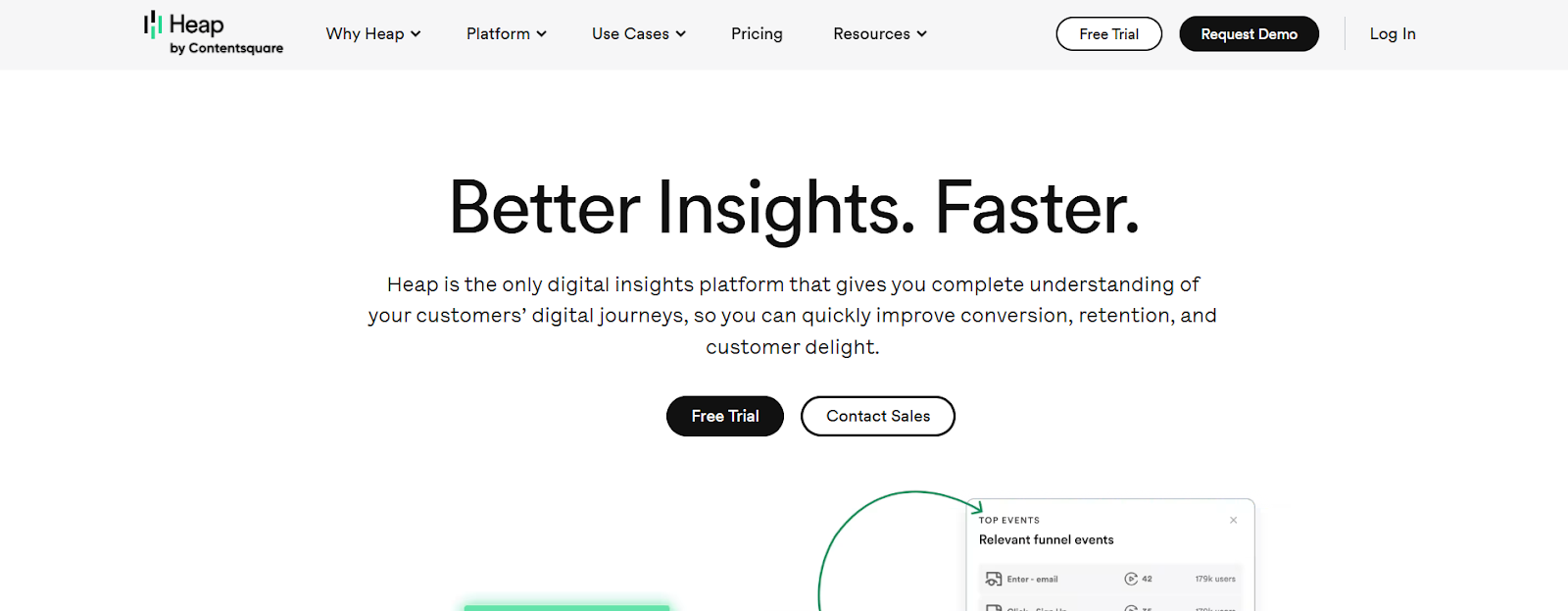
Heap captures every interaction automatically, so you never miss an event. It’s ideal for non-technical teams who want instant insights without spending hours on event tagging.
Retroactive analytics is one of its best features, even if you forgot to tag an event, Heap still has it.
Strengths
- Auto-captures every click, swipe, and scroll.
- Retroactive event analysis.
- No-code funnel and journey visualization.
- Instant insights for non-technical users.
Watchouts
- Since Heap captures everything, irrelevant or duplicate events can overwhelm dashboards unless filtered.
- To maintain accurate reporting, teams must periodically prune or rename automatically captured events.
Best for: Non-technical teams wanting easy event tracking.
Pricing: Custom with a free tier.
How to Choose (Fast)
With so many event-tracking tools available, it’s easy to get overwhelmed. The trick is to match your business maturity, goals, and data capabilities with the right platform.
Here’s how to navigate your options like a pro 👇
● If you want an all-in-one growth engine:
Go with Intempt. It unifies real-time event tracking, personalized experiments, and activation in one powerful platform. Perfect for SaaS and eCommerce teams tired of juggling separate journeys, analytics, CDP, and personalization tools. You can track revenue impact directly from HubSpot, Shopify, and Stripe, then instantly act on behavioral signals using its AI-driven audience builder and predictive scoring.
● If you already have a strong analytics setup:
Choose Amplitude. It’s designed for data-savvy SaaS and PLG teams who live inside dashboards and need to dig deep into behavioral trends. Amplitude helps you uncover why users engage, convert, or churn before it happens.
● If you care about deep funnel analytics and experimentation:
Mixpanel and Intempt shine together. Mixpanel’s funnel and retention analytics help uncover where users drop off and what drives engagement across journeys, while Intempt lets you instantly activate those insights through personalized experiments and behavioral triggers across email, web, and in-app channels.
● If you want effortless tracking and retroactive insights:
Go with Heap. It automatically captures every click, tap, and scroll, letting you retroactively analyze user behavior without worrying about event tagging. This makes it ideal for marketers and product teams who need insights immediately and can’t afford the complexity of manual instrumentation.
● If you want to unify and distribute clean data across tools:
You can go with Intempt. It’s your reverse ETL powerhouse that syncs clean, structured event data from your data warehouse into your marketing, CRM, and analytics tools, in real time. Perfect for teams that already have a robust data pipeline and want to activate that warehouse data into growth workflows. It ensures data consistency across your stack while keeping compliance and governance in check.
● If personalized customer engagement is your priority:
Use Intempt. Its AI-powered personalization engine combines real-time event tracking with predictive scoring to send perfectly timed, context-aware messages across channels. Whether it’s nudging SaaS users to activate a feature or re-engaging eCommerce shoppers with cart reminders, Intempt helps you deliver personalization that feels intuitive and human. It’s your AI-powered co-marketer for intelligent engagement.
● If you want a free, universal analytics foundation:
Start with Google Analytics 4 (GA4). It’s the go-to entry point for web and mobile event tracking. GA4’s unified event model, predictive metrics, and integration with Google Ads and Firebase make it an essential tool for small to mid-sized teams.
FAQs
1) What are user events in analytics?
User events are specific actions like clicks, purchases, or form submissions that reflect how users interact with your app or website across different devices.
2) Which event tracking tool is best for SaaS companies?
Intempt and Amplitude are top picks for SaaS. They capture detailed behavioral events and combine analytics with activation and personalization capabilities.
3) Do I need a CDP to track user events?
Not always. Tools like Intempt combine CDP, analytics, and experimentation features, so you can unify, analyze, and activate event data without a separate CDP.
4) What’s the best way to get started with event tracking?
Start small: define a few key actions (e.g., “completed signup” or “viewed pricing”), instrument those events on web and mobile, and visualize them in a platform like Intempt or Mixpanel. Then expand as insights grow.
5) How does data privacy affect event tracking?
Privacy and consent are critical when collecting behavioral data. Tools like Intempt and PostHog include built-in privacy controls, consent management, and secure event storage to stay compliant.
6) Which event tracking tools work best for non-technical teams?
Heap and Userpilot are great no-code options. They auto-capture or visually tag events, helping marketers and product teams analyze user behavior without writing SQL or code.
7) Which tools support both web and mobile event tracking?
Intempt, Amplitude, and Google Analytics 4 (GA4) natively track user events across web, Android, and iOS, giving you a unified customer journey view.
8) What’s the difference between quantitative and qualitative event tracking?
Quantitative tools like Amplitude and Mixpanel focus on numbers and funnels, while qualitative tools like FullStory visualize the why behind user actions through heatmaps and replays.
9) How do I connect user events to revenue outcomes?
Use tools like Intempt, which include built-in Revenue Analytics. It lets you tie every tracked behavior, like purchases or churn signals, directly to business metrics and ROI.
10) How many user events should I track initially?
Start with a handful of high-impact events (e.g., “signup submitted”, “checkout completed”, “feature used”). Tracking everything from day one often leads to noise and difficult analysis.
FAQs
Can I trial Webflow before paying?

Sure! You can test out Webflow on our free plan where you can experiment with 2 projects. Your unhosted projects will have a two-page limit, but you can purchase a site plan on a per-project basis to unlock up to 100 static pages and additional CMS pages.
What is a project?
A project is a website that you build in Webflow. You can publish projects to a webflow.io staging subdomain for free, export the code on a paid plan, or add a site plan to connect your custom domain and unlock hosting features.
What can I white label?
Pro accounts can add their own logo to Client Billing forms and the Editor. Pro accounts can also remove references to Webflow in the source code and form submission emails, and hide the Webflow badge from their staging sites.
How much traffic can the hosting handle?
Webflow hosting scales automatically to handle millions of concurrent visits. All site plans serve sites through our Amazon's Cloudfront CDN and accelerated using Fastly, loading sites in milliseconds.
What kind of support does Webflow provide?
We offer fast email support to paid accounts and prioritized help for team accounts. Community support (forum.webflow.com) is available to free accounts.
How long does it take to learn Webflow?
If you're new to building websites, our video tutorials will get up and running quickly. If you already know concepts behind CSS and the box model, you will feel at home in Webflow.
Check out Growth Play Library ➡️
Get started free on GrowthOS ➡️
Book a growth call ➡️
.svg)
Sid Chaudhary
Founder & CEO


Looking for ways to grow faster?
Discover marketing workspace where you turn audiences into revenue.
Learn about IntemptReceive Monthly Insights
Get expert insights & news on the latest promotion trends in our monthly newsletter.
Sid Chaudhary
CEO & Founder

Lifecycle automation tips
Industry tips
Case Studies
You might also like...
%20In-Depth%20Comparison.png)
Intempt v/s Klaviyo (2025): In-Depth Comparison
Marketers want seamless customer journeys, not a maze of rules and manual triggers. If the system feels like work, it’s not automation, it’s stress in a shiny UI. Klaviyo has long been the go-to for e-commerce platforms, powering email, SMS, and now even WhatsApp automation. But 2025 teams want more than AI that writes better subject lines; they want an AI comarketer that thinks ahead. In this comparison, we’ll explore Intempt v/s Klaviyo with a sharp focus on their Journeys to help you find out which one delivers true AI-powered orchestration rather than just automated messaging.

%20In-Depth%20Comparison.png)
Intempt vs VWO (2025): In-Depth Comparison
Marketers don’t just want to test ideas; they want to turn those ideas into real customer experiences. Simple A/B tests and standard conversion lifts were once the gold standard, but now they have become the ghost of the past, because in 2025, growth teams demand more. They want to personalize in real time, orchestrate intelligently, and connect experiment results to revenue outcomes.
%20In-Depth%20Comparison.png)
Intempt vs Mixpanel (2025): In-Depth Comparison
Marketers and product teams thrive on data, and let’s be honest, they hate it when it’s scattered across 2-3 different tools, buried in dashboards, and takes a ton of their time just to get a half-answer. Mixpanel has long been the gold standard for analytics, but 2025 teams want more than charts and funnels; they want action. They want orchestration, personalization, and a clear line from insight to revenue. In this comparison, we’re putting Intempt vs. Mixpanel under the microscope, feature by feature, insight by insight, to help you find the smarter and more future-ready analytics partner for your team.
Subscribe to The Full Stack Marketer 📈
Zero theory or mindset discussions here; just actionable marketing tactics that will grow revenue today.

Web A/B testing
Use front-end A/B and multi-page experimentation product built for any business size. Run multiple experiments on the same page.

Targeting & personalization
Deliver targeted messaging, personalized offers and recommend the most relevant content for your users.

Visual editor
Empower your team to collaborate with an easy-to-use visual editor without using developer time to get things up and running.

Analytics
Gain insight into the impact of your experiments with statistically valid results. No complex statistical analysis required.

Server & client-side testing
Go beyond client-side testing and deploy experiments on the server-side. Test and optimize content changes and even complete re-brands.

Flexible goal selection
Select the right goal for each personalization and experimentation campaign to ensure you’re optimizing towards the right objectives.
.svg)

.svg)


.svg)
.svg)