Choosing the best retail analytics tools in 2026 is harder than it looks, not because there are too few options, but because the category has quietly split into two fundamentally different types of platforms. One type helps you see what is happening. The other helps you do something about it. Most comparison guides treat them as the same thing.
Retail brands today collect more data than ever. POS transactions, ecommerce behavior, loyalty redemptions, email opens, support tickets, and inventory movements. The challenge is no longer collecting that data. It is turning fragmented signals into decisions that move revenue, and doing it fast enough to matter.
Traditional dashboards helped. But they were built for analysts summarizing the past for executives. What retail teams need now is something different: platforms that connect customer insight to customer action without requiring a ticket, a SQL query, or a three-day lag.
This guide covers six of the best retail analytics tools available, what each one actually does well, where each one falls short, and how to match a platform to the real problem your team is trying to solve. If you are evaluating customer intelligence and analytics together, the Intempt analytics platform covers both in a single workspace.
What is retail analytics software?
Retail analytics software helps brands collect, analyze, and act on data across their operations, including sales, customers, inventory, marketing, and store performance. The category spans a wide spectrum from enterprise business intelligence tools to AI-powered customer intelligence platforms.
The key distinction to understand before evaluating any tool: traditional retail analytics platforms were built to report on what happened. Modern platforms are built to predict what will happen and help teams act before the window closes.
Traditional retail analytics vs modern retail analytics
| Traditional analytics | Modern AI retail analytics |
|---|---|
| Historical reporting on past performance | Predictive insights about future outcomes |
| Static dashboards are refreshed on a schedule | Conversational AI queries answered in real time |
| Analyst dependency for most questions | Self-service insight for non-technical teams |
| Department data silos | Unified customer intelligence across all channels |
| Insight delivered days after the event | Insight available as events happen |
| Analytics as a reporting function | Analytics as a revenue operation |
This shift is not cosmetic. Traditional BI tools were built so analysts could summarize past performance. Modern retail analytics platforms are built so operators can understand why something is happening right now and take action without filing a ticket.
What to look for in a retail analytics tool
The best retail analytics tool is not the one with the most features. It is the one that closes the specific gap your team has between data and decisions. Evaluate any platform across five criteria before shortlisting it.
1. Data integration capabilities
A retail analytics tool is only as useful as the data it can access. Before evaluating dashboards or AI features, verify that the platform can connect to every data source your business runs on.
Common sources to integrate:
- Point of sale (POS) systems
- Ecommerce platforms: Shopify, WooCommerce, Magento, BigCommerce
- CRM: Salesforce, HubSpot, Pipedrive
- Marketing platforms: email, SMS, push, ads
- Customer support tools: Zendesk, Intercom
- Inventory and supply chain systems
- Advertising platforms: Google Ads, Meta, TikTok Ads
Fragmented integrations produce fragmented answers. A tool that connects ecommerce but not your CRM will give you a partial picture of customer behavior. That partial picture leads to partial decisions.
2. Customer intelligence
Sales reporting tells you what sold. Customer intelligence tells you who bought it, whether they will come back, and what would make them buy more.
The capabilities that matter:
- Customer segmentation: Group customers by behavior, purchase history, and predictive signals
- Cohort analysis: Track how different groups of customers behave over time after a specific event
- RFM analysis: Score customers by Recency, Frequency, and Monetary value to prioritize retention efforts
- Lifetime value modeling: Understand which customers drive the most long-term revenue, not just the most recent transactions
- Churn prediction: Identify at-risk customers before they stop purchasing
Platforms focused on customer intelligence help retailers move beyond sales reporting and understand the behaviors driving revenue. This is the layer where newer platforms have meaningfully outpaced legacy BI tools.
3. AI capabilities
AI in retail analytics is not about replacing analysts. It is about reducing the time between a question and an answer.
What to evaluate:
- Natural language querying: Can non-technical team members ask questions in plain language and get a structured answer?
- Automated insight surfacing: Does the platform proactively flag anomalies, drops, and opportunities without someone asking?
- Predictive analytics: Can it forecast demand, identify churn risk, or model LTV from behavioral signals?
- Recommendation engines: Does it suggest next-best actions based on individual customer data?
The practical test: if your Head of Merchandising needs to know why revenue dropped this week, can she get that answer in two minutes without a SQL query? If not, the AI capabilities are not yet operational for your team.
4. Reporting and dashboards
Dashboards should serve decisions, not decorate them. Look for:
- Custom dashboards configurable by role (executive view vs team view)
- Real-time or near-real-time data refresh
- Pre-built templates for retail-specific metrics: AOV, repeat purchase rate, cart abandonment rate, inventory turnover
- Shareable and exportable views for stakeholder reporting
5. Activation capabilities
This is the criterion most comparison guides leave out entirely.
Analytics that generate insight but do not connect to action create what could be called insight debt: a growing backlog of things the team knows but cannot act on fast enough. Your data shows that 23 percent of customers last purchased more than 90 days ago. To do something about it, you export a CSV, pass it to your email platform, build a segment, write the campaign, and wait two days. By then, more customers have lapsed.
Platforms that connect insight to segmentation to campaign execution in a single workflow eliminate that latency entirely. When evaluating tools, the most important question is not "what does it show?" It is: after we see something in our data, how many steps does it take to act on it?
Best retail analytics tools in 2026
The right platform depends on your primary use case: business intelligence, customer behavior analysis, ecommerce performance, or full-stack activation. Here is a side-by-side comparison of six platforms covering different parts of the retail analytics landscape.
| Platform | Best for | Analytics capabilities | AI capabilities | Activation layer |
|---|---|---|---|---|
| Tableau | Enterprise visualization | Drag-and-drop dashboards, blended data sources, and calculated fields | Tableau GPT, AI-assisted insight discovery | None native |
| Microsoft Power BI | Microsoft ecosystem teams | Pre-built connectors, DAX modeling, embedded analytics | Copilot natural language queries, AI visuals | None native |
| Looker | BI teams and data modeling | LookML semantic modeling, custom dimensions, embedded analytics | Looker Studio AI features | Minimal |
| Domo | Business dashboards with broad connectivity | 1,000+ connectors, pre-built app tiles, real-time refresh | Domo AI assistant | Limited |
| Klaviyo | Ecommerce marketing analytics | Revenue attribution, predictive CLV, segment analytics | Predictive analytics, AI segmentation | Strong (email, SMS, push) |
| Intempt | AI-powered retail analytics and customer intelligence | Funnel analysis, cohort tracking, revenue attribution, behavioral segmentation, predictive LTV | Blu AI analyst, natural language queries, automated insight surfacing, anomaly detection | Built-in (segments flow to journeys, personalization, campaigns) |
1. Tableau
Best for: Enterprise teams that need flexible data visualization
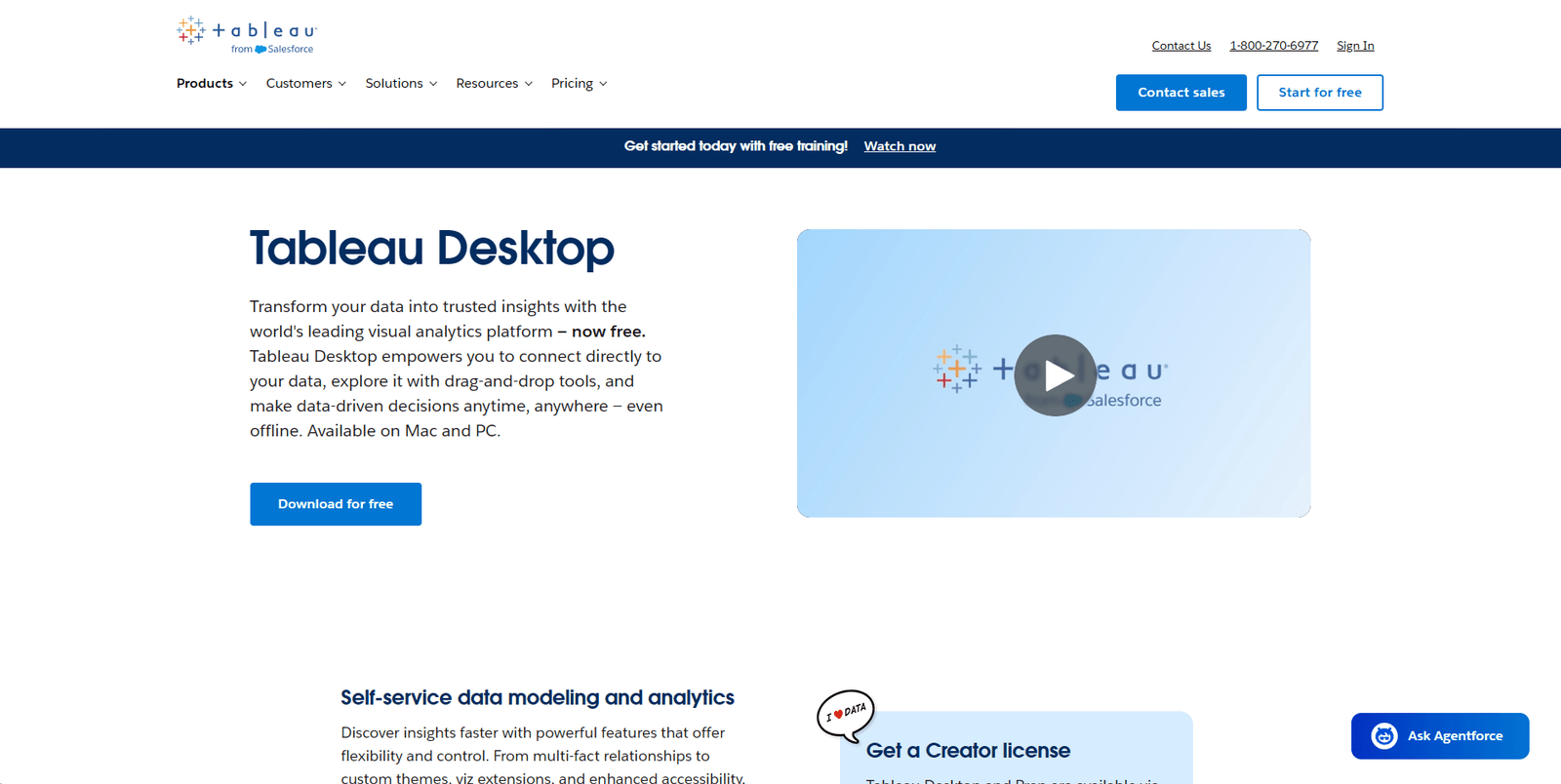
Tableau is one of the most established business intelligence platforms in the market. It connects to nearly any data source and allows analysts to build complex, interactive visualizations without custom code. For retail teams with dedicated analytics resources, it remains the benchmark for visualization depth.
Key strengths:
- Deep visualization with drag-and-drop interface; handles complex multi-source datasets
- Large community and template library accelerates dashboard development
- Embedded analytics capabilities for product and operations teams
- Tableau GPT provides natural language query access on top of existing workbooks
Limitations:
- Requires analyst skill to build and maintain dashboards effectively; not self-service for most business users
- No native customer intelligence features: segmentation, LTV modeling, and churn prediction require additional tools
- No activation layer; insight and action live in separate systems
- Salesforce acquisition has shifted pricing upward; licensing costs have increased in recent years
Integrations: Salesforce, Google BigQuery, Snowflake, Amazon Redshift, most SQL databases
Pricing: Tableau Creator starts at $75/user/month billed annually
Good fit if:
- Your team has dedicated analysts who build and own dashboards
- You need sophisticated multi-source visualization at enterprise scale
Pass if:
- Marketing needs self-service insights without analyst dependency
- You need analytics connected to campaign execution in the same workflow
2. Microsoft Power BI
Best for: Teams already running in the Microsoft ecosystem
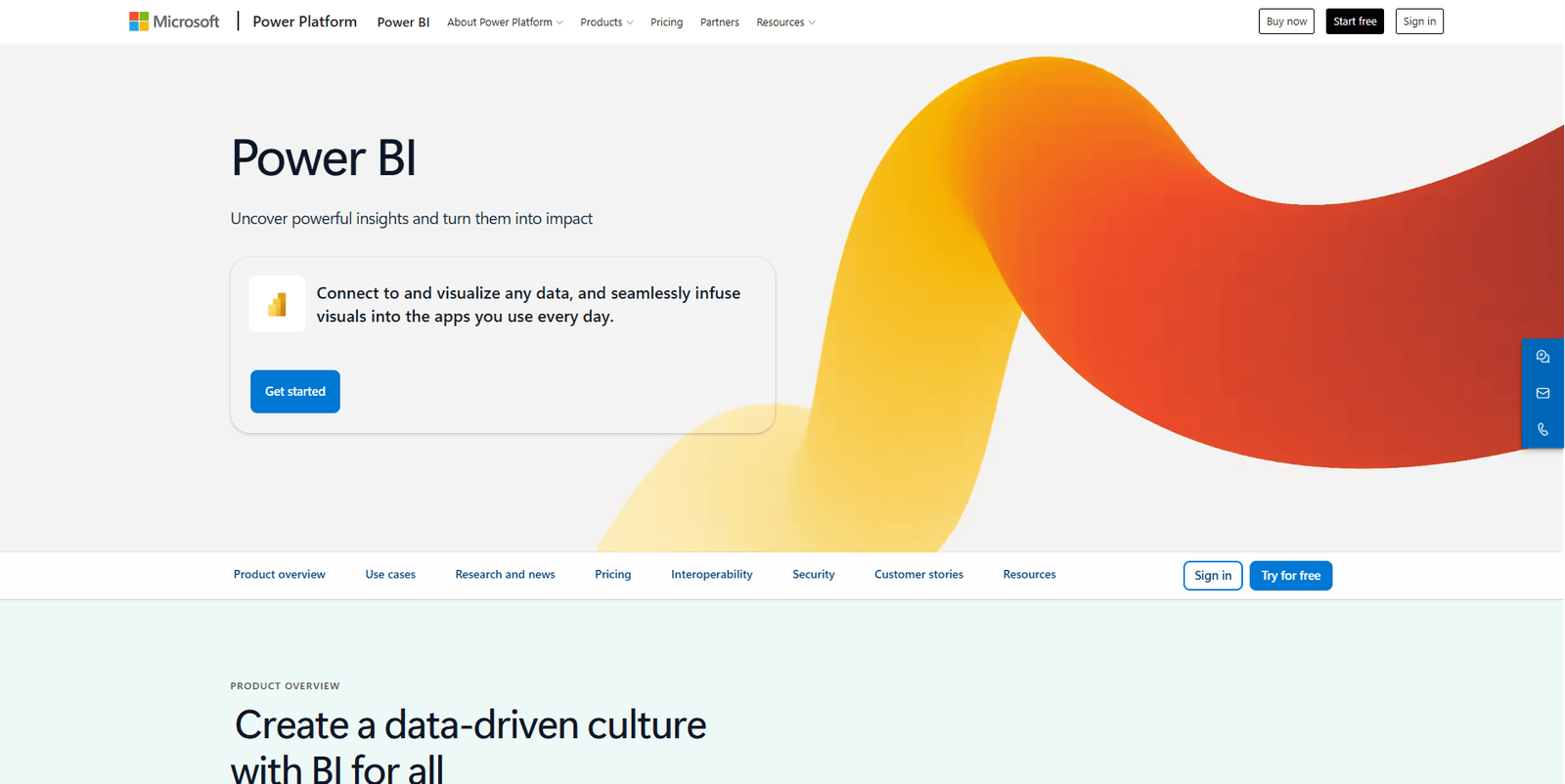
Power BI integrates deeply with Microsoft 365, Azure, and Dynamics 365, making it a natural fit for retail teams already on Microsoft infrastructure. It offers a wide range of connectors and solid reporting at a lower price point than most enterprise BI tools.
Key strengths:
- Tight integration with Excel, Teams, SharePoint, and Dynamics 365
- Copilot AI enables natural language queries and report generation
- Lower cost than most enterprise BI platforms
- Pre-built retail analytics templates available through AppSource
Limitations:
- Best results require working knowledge of DAX (Microsoft's formula language); full self-service is limited
- Performance can degrade with very large datasets outside Azure
- Limited customer intelligence capabilities beyond basic reporting
- No activation layer for campaign execution
Integrations: Microsoft 365, Azure, Dynamics 365, Salesforce, SAP, Google Analytics
Pricing: Power BI Pro at $10/user/month; Power BI Premium from $20/user/month
Good fit if:
- Your organization is Microsoft-first and wants analytics embedded in existing workflows
- You need solid reporting at a controlled cost without significant implementation overhead
Pass if:
- Customer behavior analysis is your primary use case
- Your team is outside the Microsoft ecosystem
3. Google Data Studio
Best for: Data engineering teams that need governed, modeled analytics
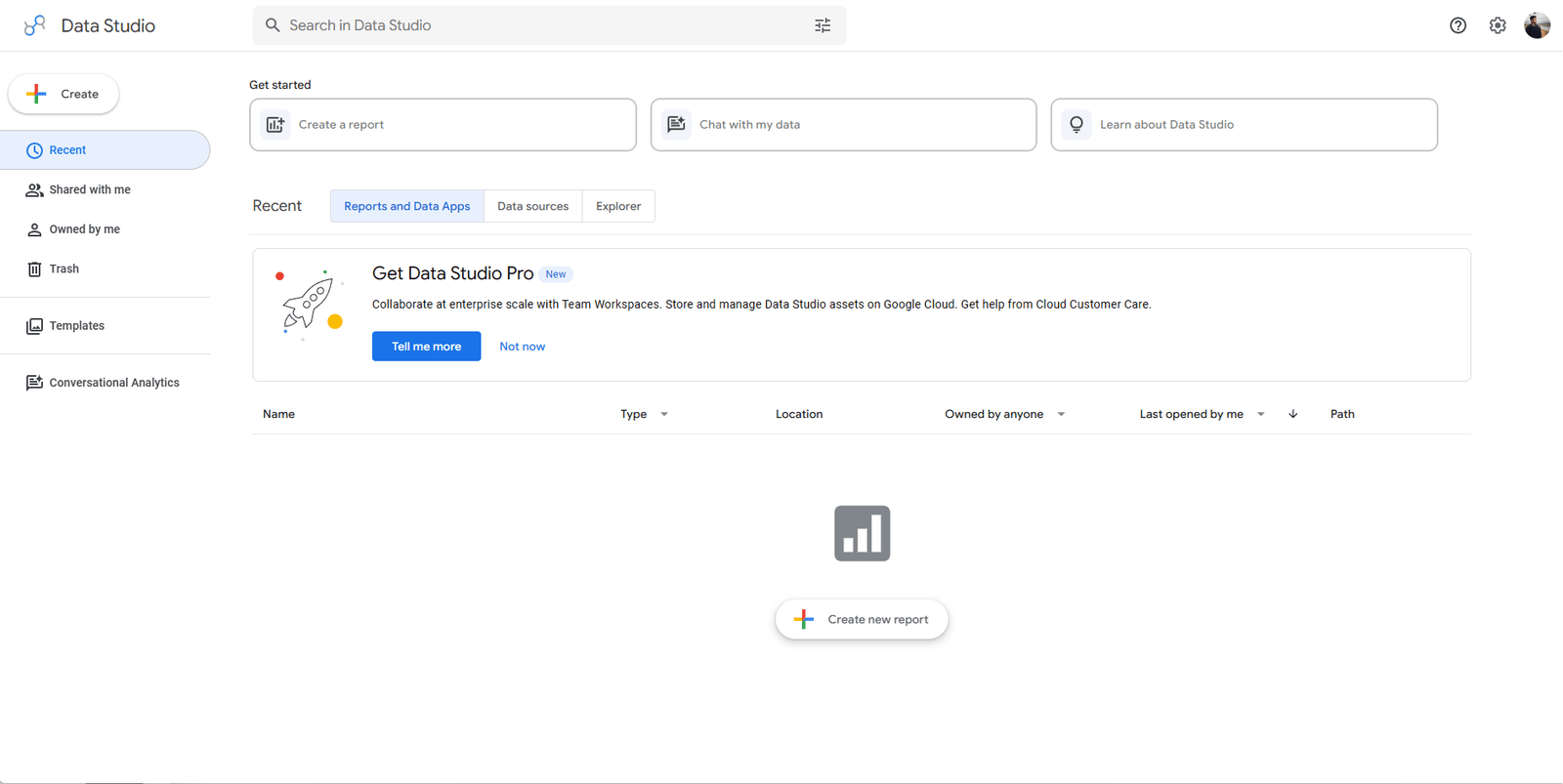
Looker, now part of Google Cloud, sits a layer above traditional BI. Its LookML modeling layer allows data engineers to define business metrics in one place and expose them consistently across teams. It is the right choice when data governance and metric consistency are priorities.
Key strengths:
- LookML enables a single source of truth for all business metric definitions
- Embedded analytics for building analytics into custom products or portals
- Strong version control and governance for large data organizations
- Deep Google Cloud and BigQuery native integration
Limitations:
- Requires significant data engineering investment before business users see value
- LookML has a learning curve that limits self-service for non-technical teams
- No native customer intelligence or activation capabilities
- More infrastructure than insight tool for most mid-market retail teams
Integrations: BigQuery, Snowflake, Redshift, most SQL-based data warehouses
Pricing: Custom pricing via Google Cloud; typically starts at $3,000 to $5,000/month for mid-market teams
Good fit if:
- You have a data engineering team and need governed, modeled metrics at scale
- Embedded analytics in your own product is a hard requirement
Pass if:
- You are a lean team without data engineering support
- Business users need self-service insight without technical intermediaries
4. Domo
Best for: Business dashboards with broad data connectivity
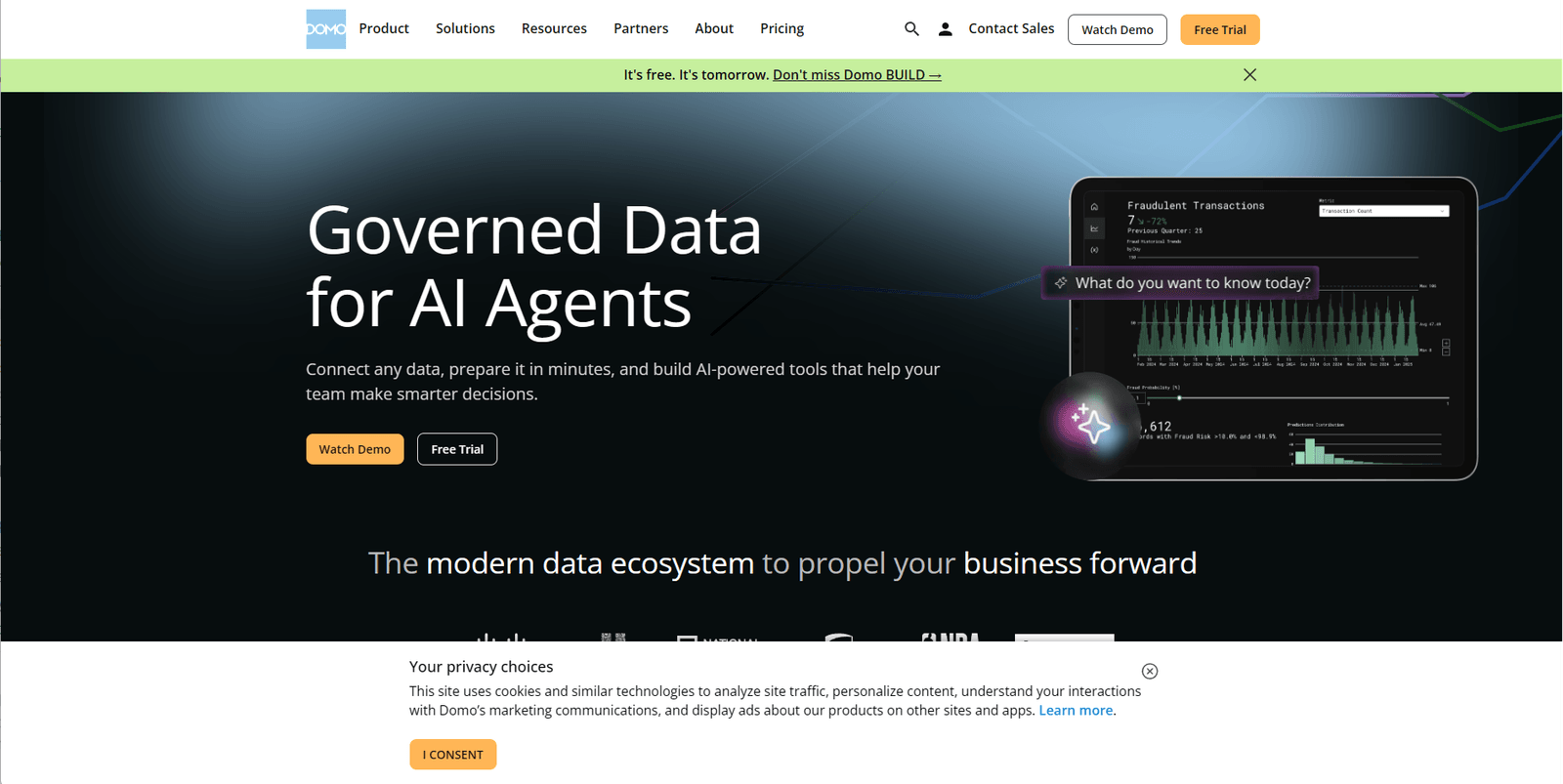
Domo positions itself as a business intelligence platform built for non-technical business users. Over 1,000 pre-built connectors and a library of dashboard apps reduce setup time compared to building everything from scratch in Tableau or Power BI. For retail operations teams that need data from many disparate sources in one place, Domo's connectivity is a genuine advantage.
Key strengths:
- Over 1,000 native connectors covering retail, ecommerce, ERP, and marketing sources
- Pre-built dashboard apps for common retail KPIs
- Collaboration features built directly into the platform
- Real-time data refresh capabilities for operational monitoring
Limitations:
- Pricing scales significantly with data volume and user count; can become expensive as the business grows
- AI features are less mature compared to newer purpose-built analytics platforms
- No deep customer intelligence or behavioral segmentation
- Activation requires connecting to third-party tools outside Domo
Integrations: Shopify, Salesforce, Google Analytics, Marketo, SAP, and most major retail platforms
Pricing: Custom pricing; typically $800 to $1,500/month for small teams
Good fit if:
- You need broad connectivity and pre-built dashboards to go live quickly
- Business users want to explore operational data without analyst dependency
Pass if:
- You need sophisticated customer behavior analysis
- Cost predictability is important as your data volume grows
5. Klaviyo
Best for: Ecommerce teams focused on email and SMS marketing analytics
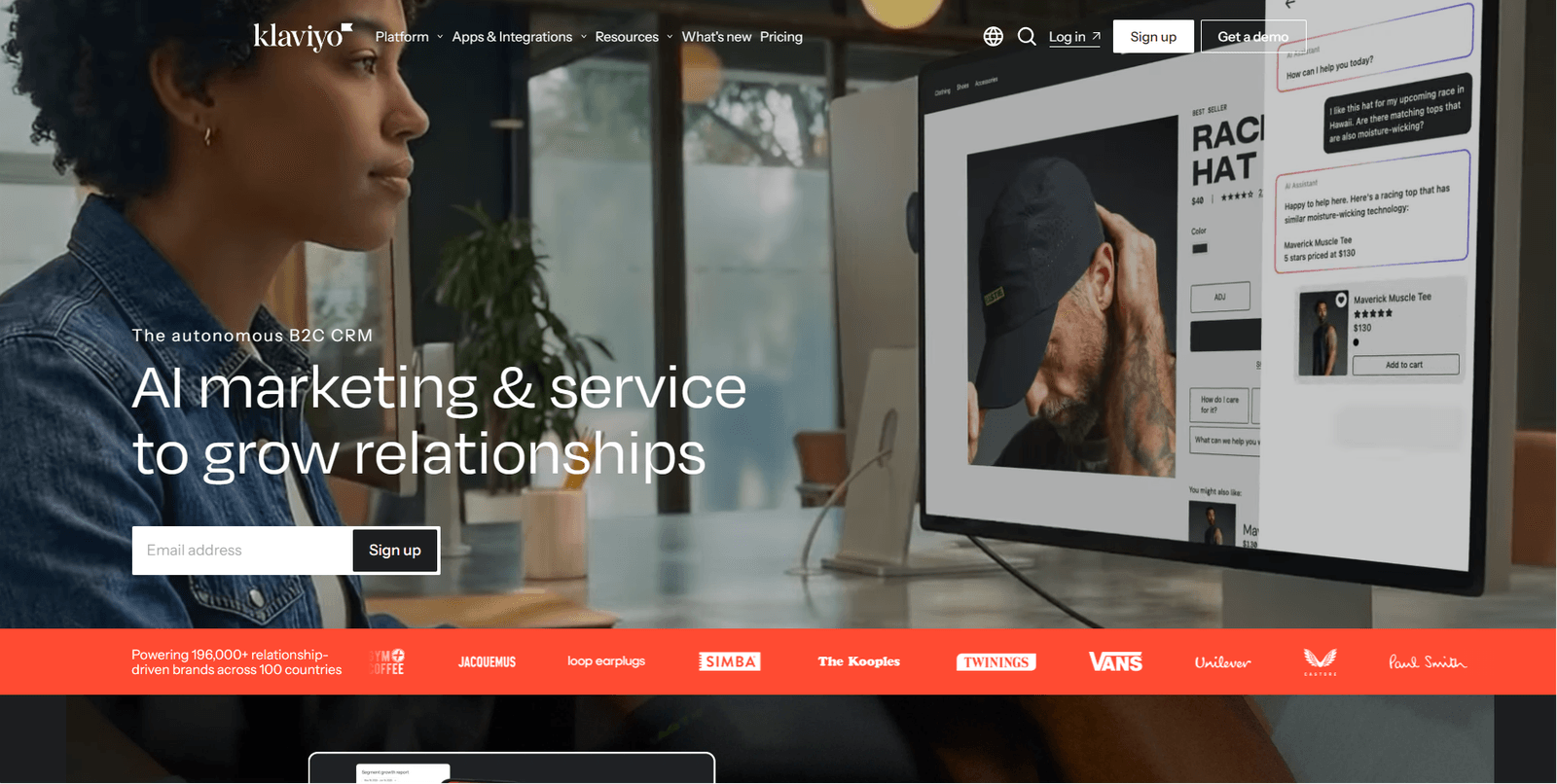
Klaviyo is primarily a marketing automation platform, but its analytics capabilities are substantive for ecommerce teams. Revenue attribution, customer segmentation, predictive CLV, and churn risk signals are all built in, and they connect directly to email, SMS, and push campaigns. It is one of the few tools that naturally connects analytics to activation, within the scope of marketing channels.
Key strengths:
- Deep native ecommerce integrations with Shopify, WooCommerce, and BigCommerce
- Predictive customer lifetime value and churn risk modeling built into the platform
- Revenue attribution tied directly to individual campaigns
- Segmentation connects directly to campaign execution with no data export required
Limitations:
- Analytics are scoped to marketing channel performance; no broader retail analytics, inventory analysis, or sales operations view
- Active profile billing model can become expensive as your customer list grows past certain thresholds
- Limited cross-channel view beyond email and SMS
- No AI analyst or natural language querying for ad-hoc business questions
Integrations: Shopify, WooCommerce, BigCommerce, Magento, most major ecommerce platforms
Pricing: Free for up to 250 contacts; paid plans from $45/month, scaling with active profiles
Good fit if:
- Email and SMS are your primary retention and reactivation channels
- You want analytics and campaign execution in one tool for a Shopify-centric stack
Pass if:
- You need analytics beyond email marketing, such as store operations, inventory, or B2B
- Active profile billing is creating cost unpredictability as your list grows
6. Intempt Analytics
Best for: Retail and ecommerce teams that want AI-powered analytics, deep customer intelligence, and insights they can act on without switching tools
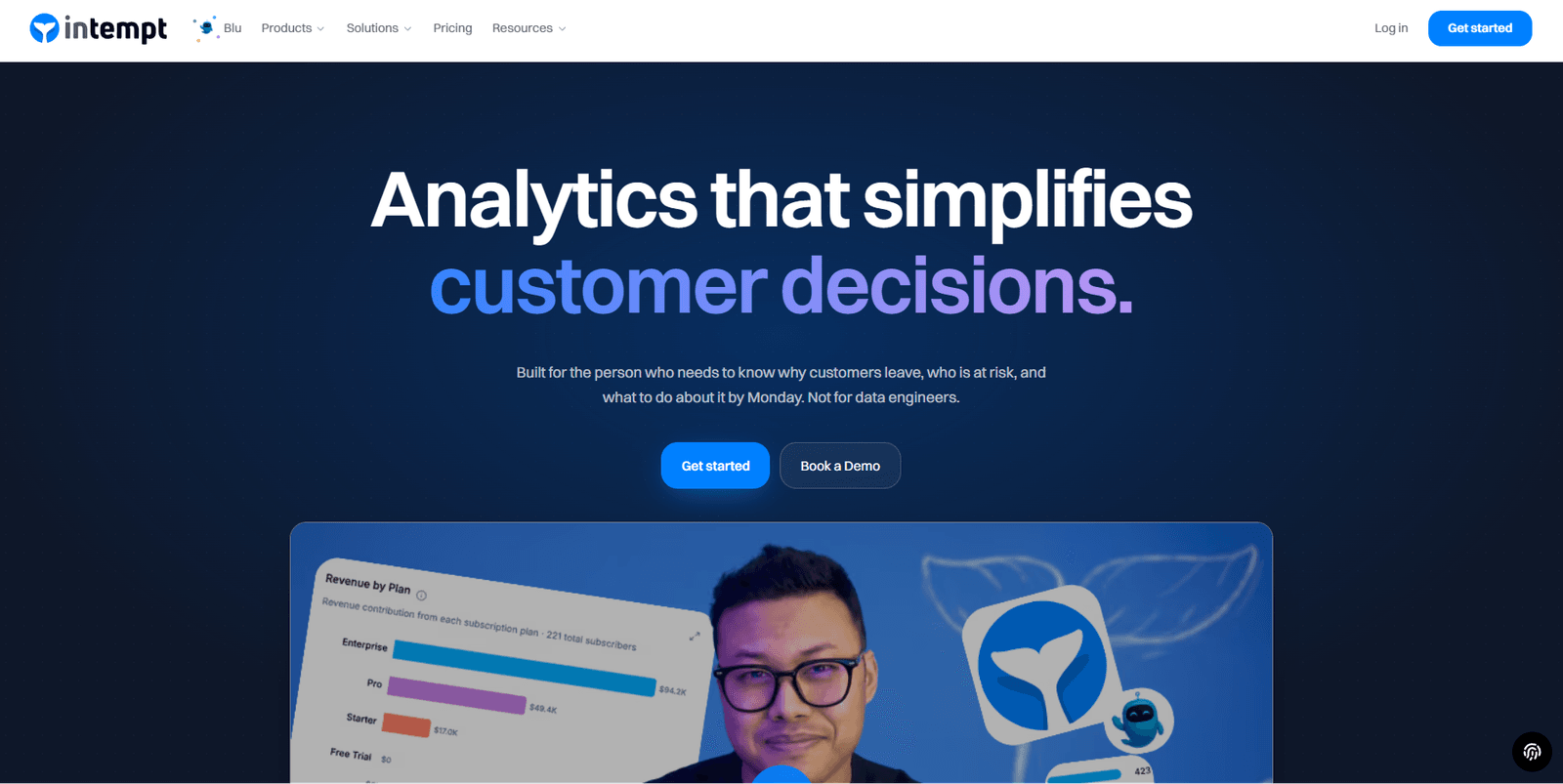
Intempt is a retail analytics and customer intelligence platform. Its analytics capabilities cover funnel analysis, cohort tracking, behavioral segmentation, predictive lifetime value, and revenue attribution, all built on a unified customer data layer that pulls from ecommerce, CRM, marketing, and behavioral sources.
The platform includes Blu, an AI analyst that surfaces insights in natural language. Instead of building a query or waiting for a report, a retail analyst or marketer can ask "which customer segment has the highest churn risk this month?" and receive a structured answer with supporting data, no SQL required. Where Intempt goes further than traditional analytics tools is that insights connect directly to action: a segment identified in the analytics view can become a targeted campaign or personalization without a data export or a separate tool.
Key strengths:
- Unified customer data layer connecting ecommerce, CRM, marketing, and behavioral data into a single analytics view
- Blu AI analyst surfaces funnel leaks, revenue trends, cohort drops, and anomalies proactively, no SQL required
- Behavioral segmentation and predictive cohorts built on real-time customer data, not batch exports
- Full analytics suite: funnel, retention, cohort, revenue attribution, and predictive LTV in one workspace
- Insights connect to action: analytics segments can flow into campaigns and personalization without leaving the platform
- Flat seat-based pricing with no active profile billing, no MTU charges, and a free tier for teams starting out
Limitations:
- The platform covers more ground than pure BI: teams looking only for visualization may find the full workspace wider than their immediate need
- Newer to market than Tableau or Power BI; smaller ecosystem of third-party integrations and community templates
Integrations: Shopify, WooCommerce, BigCommerce, Salesforce, HubSpot, Segment, Mixpanel, Amplitude, Klaviyo, Twilio, and 50+ others
Pricing: Free tier available; paid plans from $18/seat/month billed annually
Good fit if:
- You need analytics that go deeper than sales reporting into customer behavior, retention, and LTV
- Your team needs self-service insight without SQL or analyst dependency
- You are replacing a fragmented stack of separate analytics, CDP, and campaign tools with one platform
Pass if:
- Your only requirement is executive-level reporting dashboards without deeper customer analytics
- You prefer maintaining separate best-of-breed tools for analytics, segmentation, and execution
Retail analytics built for action, not just reporting. Intempt gives retail teams AI-powered analytics, deep customer intelligence, and the ability to act on both, without analyst dependency or tool sprawl. Explore Intempt Analytics
Retail analytics tools compared by use case
The right tool category depends on the problem, not the platform name. This table maps common retail use cases to the appropriate platform type.
| Use case | Best tool type | Example platforms |
|---|---|---|
| Executive reporting and dashboards | BI platforms | Tableau, Power BI, Looker |
| Customer behavior and lifetime value | Customer intelligence platforms | Intempt, Klaviyo |
| Ecommerce channel performance | Ecommerce analytics tools | Klaviyo, Intempt |
| Inventory and supply chain analytics | Retail operations platforms | Domo, SAP analytics |
| Marketing personalization and targeting | Customer data platforms | Intempt |
| Predictive CLV and churn modeling | AI analytics platforms | Intempt, Klaviyo |
| Data modeling and metric governance | BI and modeling platforms | Looker, dbt with Power BI |
| Full analytics-to-activation loop | AI retail analytics platforms | Intempt |
The pattern here is worth noting: BI platforms dominate the top of the table, where the job is reporting. Customer intelligence platforms dominate the bottom, where the job is action. Most retail teams need both layers but often only budget for one.
Retail analytics features that matter most in 2026
AI has shifted what retail analytics tools can do in the past two years. Three capabilities have moved from "advanced" to "expected" for teams that want to stay competitive.
AI-powered analytics and natural language querying
The most important AI shift in retail analytics is not model sophistication. It is accessibility. Natural language querying allows any team member to ask questions like "which product categories drove the most repeat purchases last quarter?" and receive a structured answer without writing SQL or waiting for an analyst report.
This matters because most retail analytics investment historically served one team: the BI or analytics team. AI querying democratizes access across operations, marketing, and merchandising. A VP of Retail can ask a business question on a Monday morning and act on the answer by Tuesday, rather than waiting for a report cycle.
Research from McKinsey found that retailers who invest in AI-powered personalization and analytics generate significantly higher ROI on marketing spend compared to those relying on static reporting. The driver is response time: teams that can answer questions faster act faster.
Predictive analytics
Predictive analytics in retail covers three primary applications:
- Demand forecasting: Which products will sell, in what volume, and in which time window, so inventory decisions get made ahead of demand shifts
- Customer churn prediction: Which customers are at risk of lapsing, identified 30 to 60 days before they stop purchasing, not after
- Next best action: What offer, product recommendation, or message is most likely to convert a specific customer right now
The practical value of predictive analytics is the lead time it creates. Knowing a customer is at churn risk 30 days out gives your team time to act on it. Knowing it after they have already left does not. A 2024 Forrester study on retail AI adoption found that predictive capabilities rank among the top priorities for retail analytics investments, ahead of reporting dashboards.
Real-time customer intelligence
Batch-processed analytics with daily or weekly refresh cycles are no longer adequate for retail operations. Inventory changes, promotional campaigns, and competitive moves happen in hours. Real-time customer data lets teams:
- Identify customers who are browsing high-value products but have not yet converted, and trigger a personalized nudge while they are still in session
- Monitor campaign performance as it runs rather than the morning after
- Catch inventory-demand mismatches before they become stockouts or markdowns
The combination of real-time data and AI-driven activation is what separates modern customer intelligence platforms from legacy BI tools. Visibility without speed is still just a lagging indicator.
How to choose the right retail analytics tool
The right choice depends on what your team actually needs to do with data, not the number of features on a vendor spec sheet. Use this framework to narrow your shortlist.
Choose a BI platform (Tableau, Power BI, Looker) if:
- Your primary need is executive reporting and visualization for leadership
- You have dedicated analysts who build, own, and maintain dashboards
- You need to connect multiple data warehouses and create a governed view of business operations
- You do not need to act on customer data directly from within the analytics tool
Choose an ecommerce analytics tool (Klaviyo) if:
- Email and SMS are your primary retention and reactivation channels
- You sell through Shopify or another major ecommerce platform
- You want marketing analytics and campaign execution in one place without a large stack
- Your budget is constrained and email-driven activation covers most of your use cases
Choose an AI analytics platform (Intempt) if:
- You need analytics that go deeper than sales reporting into customer behavior, cohorts, LTV, and churn
- Your team needs self-service insight that does not depend on analysts or SQL queries
- You want a single platform that covers analytics, customer intelligence, and the ability to act on both
- You are consolidating a fragmented stack of separate analytics, CDP, and campaign tools
Choose a full-stack analytics and activation platform if:
- The time between insight and action is a business-critical bottleneck that affects revenue
- You need AI-driven insights that surface automatically, not just on-demand reporting dashboards
- Your team needs to move from "we see the problem" to "we launched the response" within the same session
The single most useful diagnostic question before choosing a platform: after we see something in our data, how many steps does it take to do something about it? The answer tells you more about the right tool type than any feature comparison.
Things most retail analytics comparisons miss
Most buyer guides in this category evaluate features in isolation. A few observations that rarely surface:
Data quality matters more than dashboard quality. A beautifully designed dashboard built on incomplete or inconsistent data gives you confident wrong answers. Before choosing a platform, audit how each one handles identity resolution, deduplication, and data freshness. The best analytics platforms are also good at data hygiene, not just visualization.
Customer intelligence is becoming the next BI layer. Traditional BI shows you aggregate sales. Customer intelligence shows you which customers drove those numbers, what their behavior looks like, and what they are likely to do next. For retail teams, moving from one to the other is not a platform upgrade, it is a strategic shift in how decisions get made.
Analytics without activation creates slow decision cycles. Every additional step between "we see the problem" and "we launched the response" costs time and revenue. Tools that treat insight and action as separate workflows add operational friction that compounds across every campaign cycle. The platforms that win in 2026 are the ones that eliminate those steps entirely.
Conclusion
Retailers do not have a data shortage. They have an action gap. The best retail analytics tools in 2026 are the ones that close the distance between what the data shows and what the team does about it, not the ones that generate the most dashboards along the way.
BI platforms like Tableau and Power BI remain the right choice for organizations with dedicated analytics teams who need enterprise-grade visualization. Klaviyo serves ecommerce teams that want marketing analytics and campaign execution in one tool. For retail and ecommerce teams that need customer intelligence, AI-driven insight, and the ability to act on both within a single platform, unified customer intelligence tools represent the shortest path from data to revenue.
Whatever platform you choose, evaluate it against one practical benchmark: how fast can your team move from a data observation to a live customer response? That benchmark, more than any feature list, is what separates the best retail analytics tools from the ones that produce impressive dashboards but slow decisions.
Frequently asked questions. Answered.
There is no universal winner. Tableau and Power BI lead for enterprise visualization and BI reporting. Klaviyo leads for ecommerce email and SMS analytics with built-in activation. Intempt leads for AI-powered retail analytics, deep customer intelligence, and insights that connect directly to action without analyst dependency or tool switching. The best tool depends on your team's primary use case, data sources, and how much of the analytics-to-action workflow you need in one place.

About the author
Harish Kumar
Growth Marketer
Harish writes long-form content on SaaS growth, user onboarding, and marketing automation. He specializes in helping product and lifecycle teams improve activation rates and reduce early churn.
LinkedIn