.svg)


5 Best Analytics Tools for SaaS in 2025 & How To Choose One
Analytics tools are the backbone of every successful SaaS company; they not only tell you about what users do, but also about why they do it. Whether it’s about tracking product engagement, customer retention, or revenue attribution, the right analytics platform turns your valuable data into an ultimate growth engine. This guide breaks down the best analytics tools SaaS teams should use in 2025 to make data-informed decisions faster and smarter.


What is a SaaS Analytics Tool?
A SaaS analytics tool helps you capture, visualize, and interpret user data from your product, marketing, and sales channels, all in one place. It helps you connect metrics like activation, churn, LTV, and revenue back to actual user behavior.
Why Do You Need an Analytics Tool?
- Understand what drives growth: Identify which features, campaigns, or cohorts move your metrics.
- Track the full customer journey: See how users flow from signup to retention.
- Reduce guesswork: Replace “gut feeling” with clear data-driven evidence.
- Spot drop-offs early: Detect churn risk and conversion leaks before they cost revenue.
- Unify teams around data: Give marketing, product, and sales a shared source of truth.
What To Look for in a SaaS Analytics Tool?
- Unified data model: Combines product, marketing, and revenue data.
- Real-time insights: No waiting for daily syncs or stale dashboards.
- Cohort and funnel analysis: Track retention and conversion paths by segment.
- Integrations: Works with your stack (CDPs, CRMs, data warehouses).
- Scalability: Fits startups and scales with your growth.
- Ease of use: Clean UI, visual queries, and no-code options.
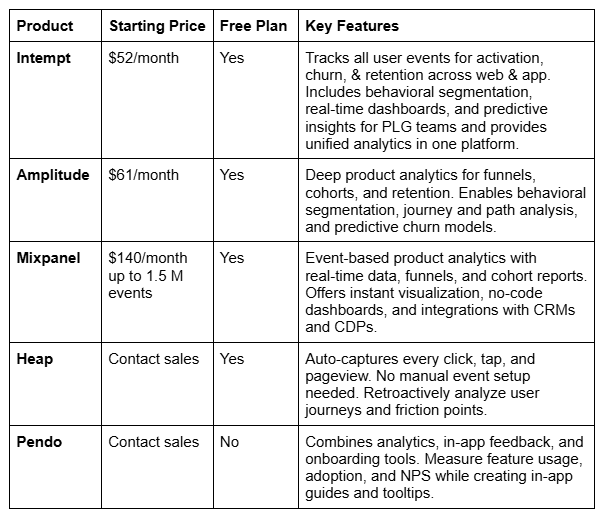
If you are running a little low on time, here’s a comparison chart for you to review all the tools and choose the one that suits you best.
1) Intempt
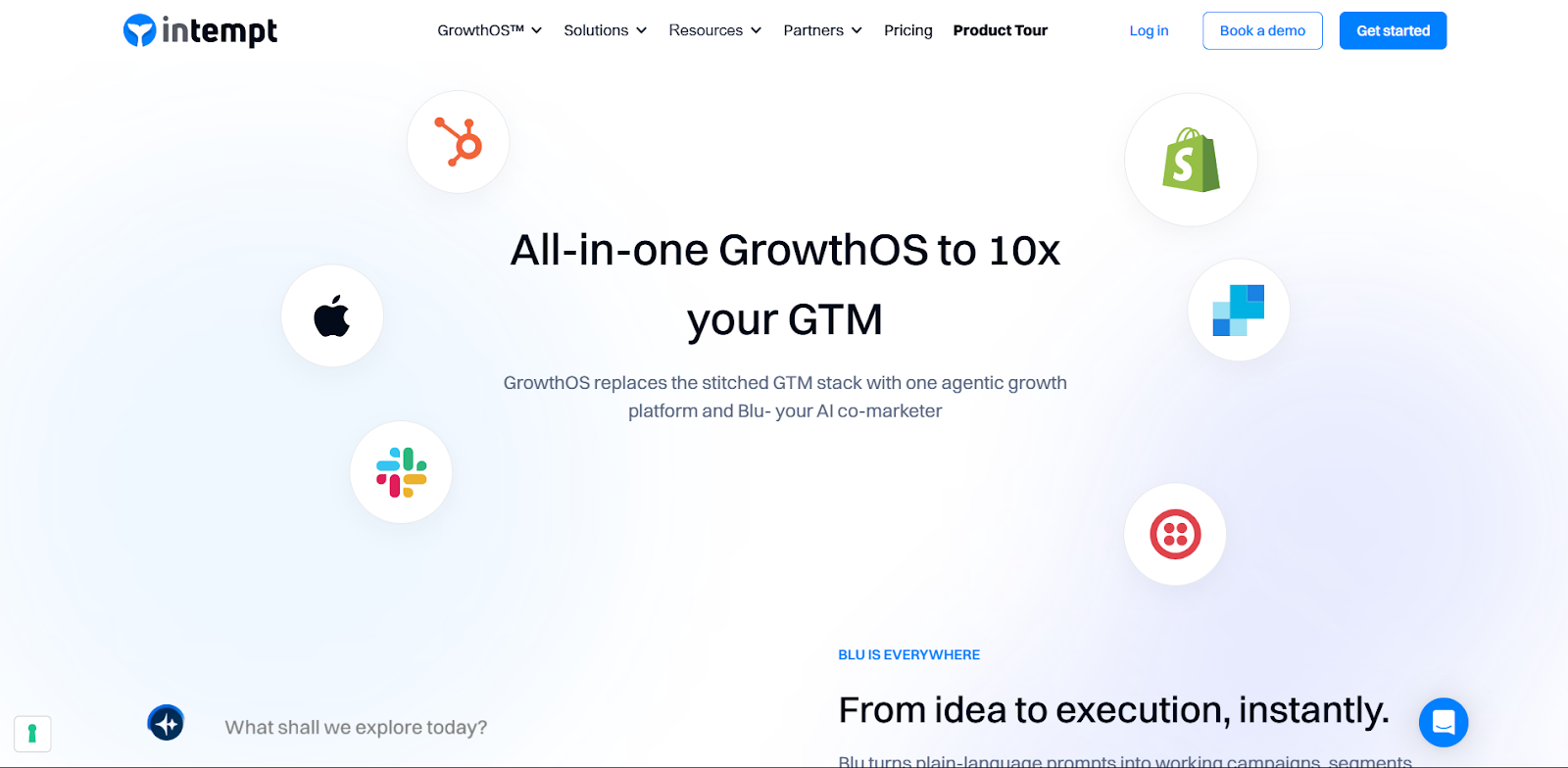
Intempt GrowthOS is built for SaaS and eCommerce teams that want to turn user events into growth-driving insights. It captures every interaction, across web, app, and CRM, and transforms them into real-time segments that power personalized experiments, customer journeys, and revenue analytics.
Unlike traditional analytics tools that only show what happened, Intempt shows who did it, why it happened, and what to do next, automatically. You can track user behavior from the first click to recurring purchase, predict churn or upgrades, and act instantly through automated journeys.
What makes it stand out is its seamless Shopify and Stripe integrations, which directly connect product and transaction events to revenue. This means you don’t just track engagement, you see its business impact.
Strengths
- Unified platform for SaaS and eCommerce: Combines analytics, CRM, customer journeys, and personalized experiments.
- Revenue Analytics: Connects behavioral events to revenue metrics through Stripe and Shopify integrations.
- Attribution Modeling: Track marketing and product touchpoints that lead to revenue.
- Built-in CRM: Centralizes leads, lifecycle stages, and engagement scoring.
- Journeys: Automate customer paths using triggers from web and app behavior.
- Website and app analytics: Track engagement, retention, and funnels across platforms with no extra setup.
- Personalized experiments: Test and optimize onboarding, messaging, and retention flows in real time.
- AI-driven segmentation: Build and update cohorts dynamically as users engage with your product.
- Real-time dashboards: Visualize key metrics such as activation, churn, LTV, and revenue performance.
Watchouts
- Advanced user-based events on the app may require engineering help.
- Since it unifies multiple tools (analytics, CRM, and personalization), teams must plan data governance early to maintain consistency.
Best For
SaaS and eCommerce teams that want analytics, CRM, customer journeys, and personalized experiments in a single platform. Ideal for PLG businesses looking to align product, marketing, and revenue data.
Pricing
Free trial available for 14 days. Paid plans start from just $52/month.
2) Amplitude
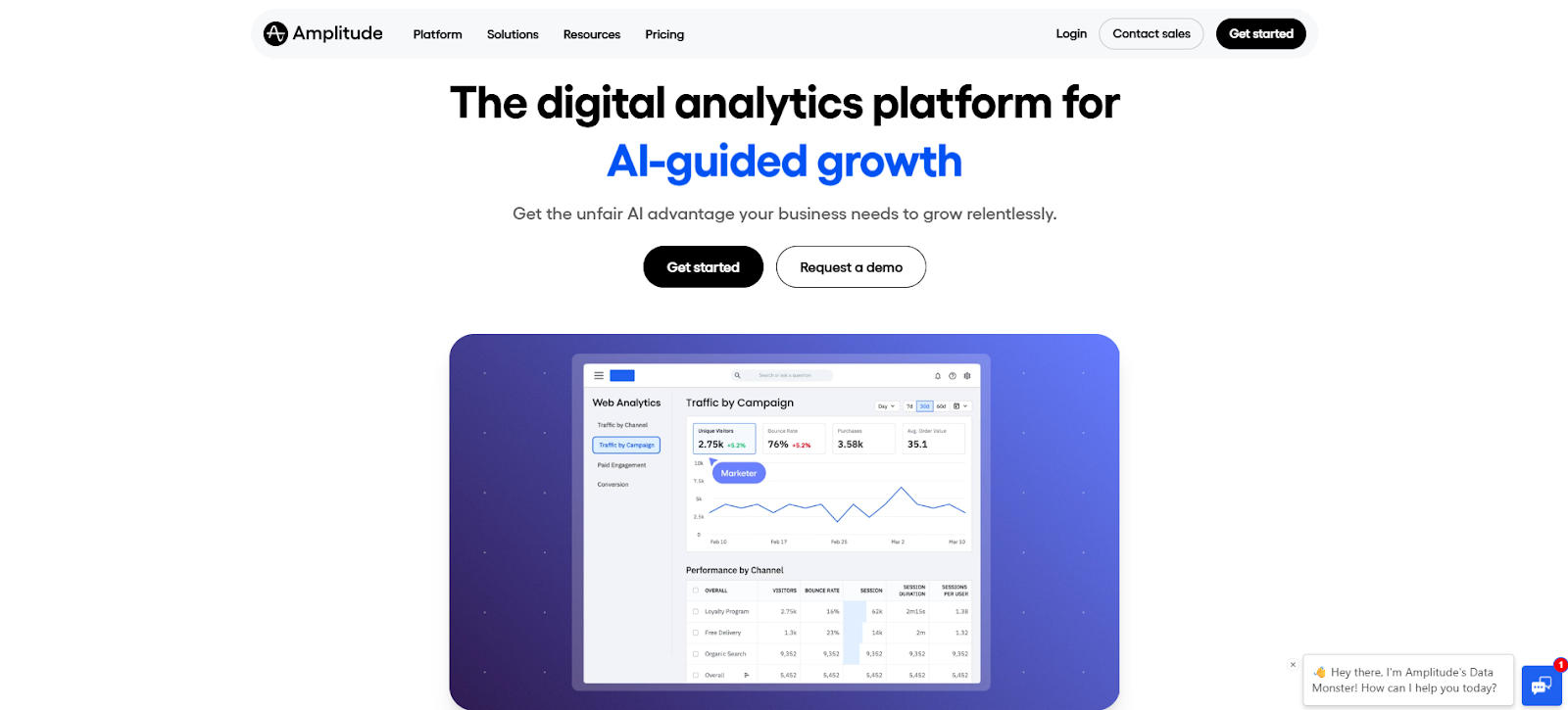
Amplitude is an advanced product analytics platform built for digital-first SaaS companies. It helps you understand user behavior, retention patterns, and growth drivers by mapping how customers interact across every step of your product journey.
Amplitude gives data and growth teams visibility into activation funnels, engagement loops, and retention cohorts. Its dashboards and path analysis reveal exactly what drives long-term usage and what leads to churn.
Strengths
- Deep product analytics: Track detailed user journeys, conversion events, and retention metrics across the entire lifecycle.
- Behavioral cohorts: Build, analyze, and compare user segments based on real actions, not just demographics.
- Retention and stickiness tracking: Identify which features bring users back and measure their impact on LTV.
- Funnel and path analysis: See how users navigate between key features, pages, or screens.
Watchouts
- Powerful but heavy: smaller SaaS teams might feel overwhelmed initially.
- Requires a data-first culture, ideal for mature analytics teams, not beginners.
Best For
Product and growth teams at scale looking to understand behavior at depth.
Pricing
Free tier available; paid plans start from $61/month.
3) Mixpanel
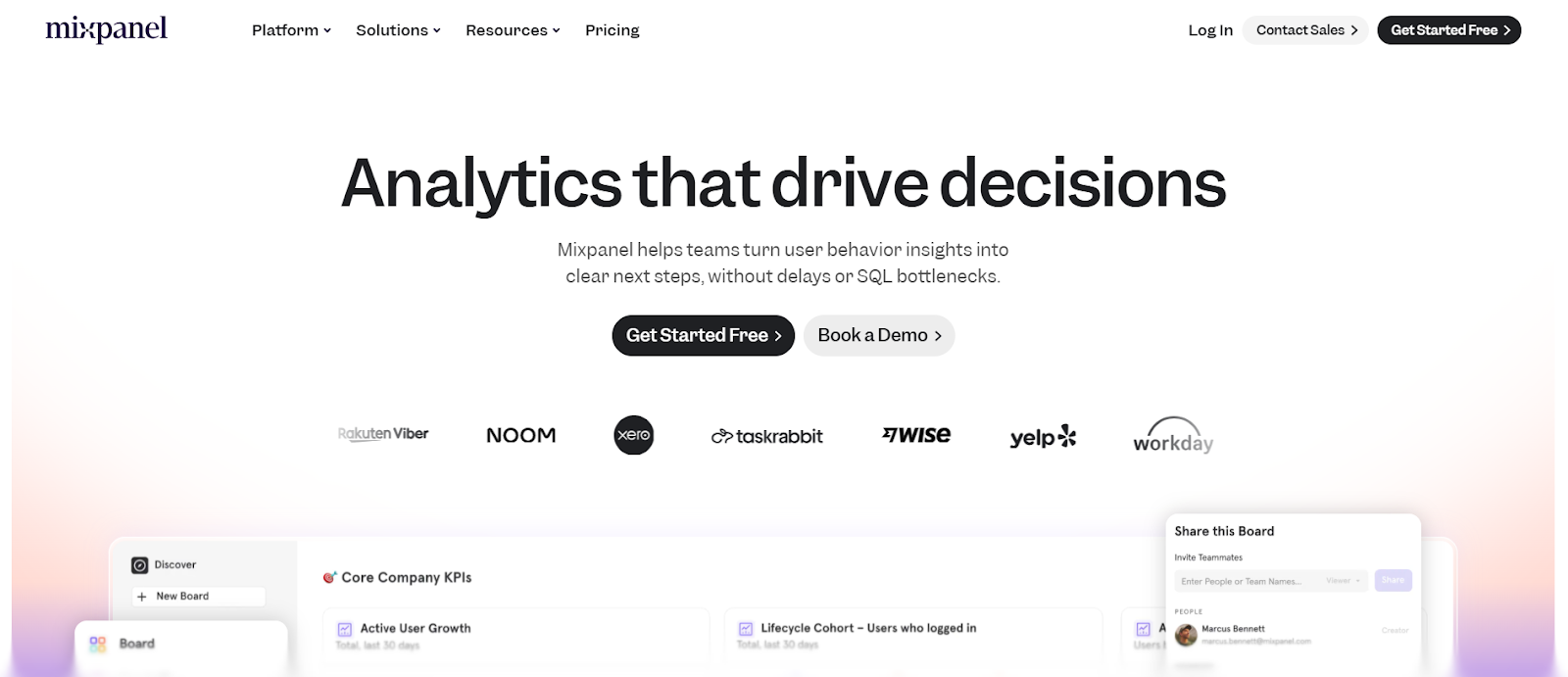
Mixpanel is a widely adopted product analytics platform for SaaS teams looking for real-time insights into user engagement, conversion, and retention. It’s designed for speed and accessibility, giving product, marketing, and growth teams the power to query and visualize data instantly, without relying on engineers.
Strengths
- Event-based tracking: Monitor any interaction, from sign-ups to feature usage, with flexible event definitions.
- Funnel and conversion tracking: Build multi-step funnels to see where users drop off and which paths convert best.
- Cohort analysis: Segment users based on behavior, frequency, or recency to measure engagement trends.
- Real-time data updates: Get instant feedback on how users respond to product changes.
- Custom dashboards and reports: Create and share visualizations tailored to team KPIs.
Watchouts
- Advanced features (like data governance) cost extra.
- Lacks built-in personalization or experimentation features, so activation relies on integrations.
Best For
Event-based pricing can escalate quickly for data-heavy SaaS products.
Pricing
Free tier available up to 1M events, for events up to 1.5M, paid plan starts from $140/month.
4) Heap
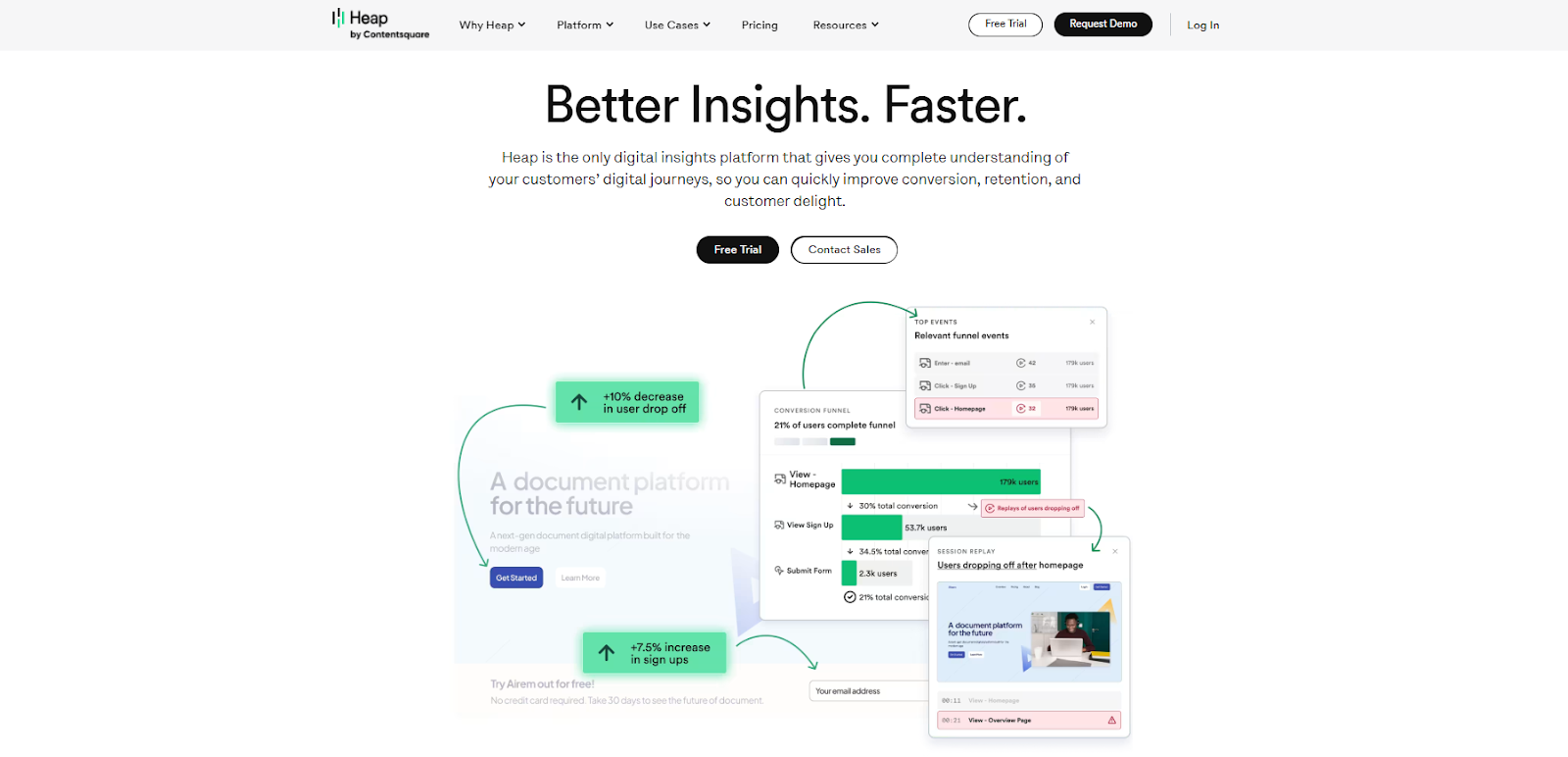
Heap takes a different approach to analytics by automatically capturing every user interaction. Click, tap, swipe, or scroll, without requiring manual event tracking. It’s ideal for teams that want full behavioral visibility and the flexibility to analyze user flows retroactively.
Strengths
- Auto-capture everything: Every event is recorded automatically, removing dependency on manual tagging.
- Retroactive analysis: Analyze historical data even if an event wasn’t pre-defined.
- User journey mapping: See how users navigate through your product and where they get stuck.
- Behavioral segmentation: Group users by in-app actions and trigger engagement campaigns based on intent.
Watchouts
- Built more for product experience than deep behavioral analytics.
- Predictive or revenue-level analytics are limited compared to Intempt or Amplitude.
Best For
Product and UX teams that want no-code behavioral analytics, journey mapping, and retrospective insights without relying on engineering.
Pricing
Free plan available; contact sales for enterprise pricing.
5) Pendo
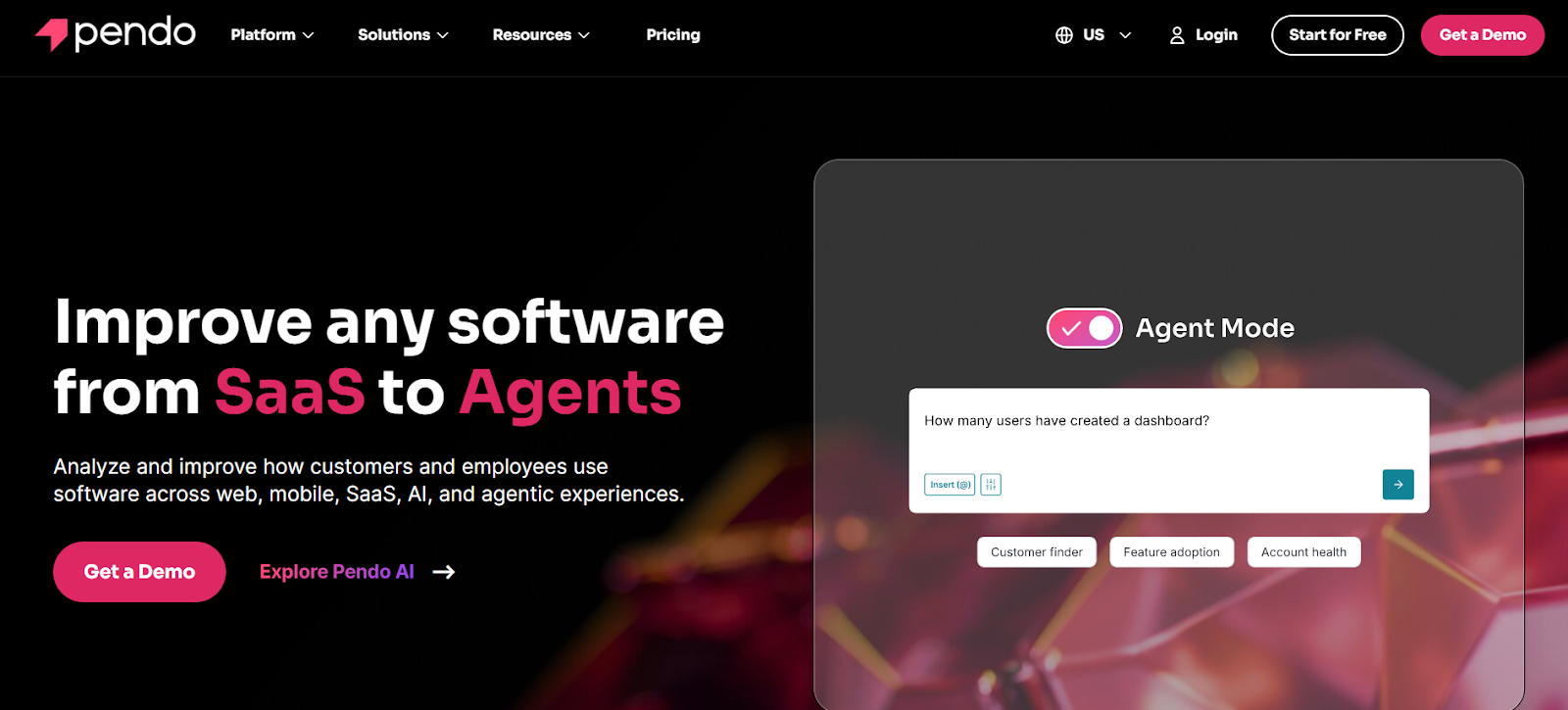
Pendo combines product analytics with in-app feedback and onboarding tools, helping SaaS teams not just measure what users do, but improve how they adopt features. It’s built for product-led organizations that value both quantitative and qualitative insights.
Strengths
- Usage analytics: Track which features users interact with most, and identify underused areas.
- In-app guides: Create tooltips, checklists, and onboarding flows without coding.
- User feedback collection: Gather NPS and in-app surveys directly inside the product.
- Retention and adoption tracking: Understand how usage evolves across cohorts.
- Product roadmap alignment: Connect feedback data with product priorities.
Watchouts
- Built more for product experience than deep behavioral analytics.
- Data visualization and funnel reporting are basic compared to Mixpanel or Amplitude.
Best For
SaaS companies focused on customer success, adoption, and retention insights.
Pricing
Contact sales for pricing; no free trial.
How to Choose (Fast)
Choosing the right analytics tool depends on your goals, data maturity, and team mix. Here’s a breakdown to help you decide faster and smarter.
- If you want an all-in-one system for all your analytics:
Go for Intempt. It’s built for SaaS and eCommerce teams that want to unify their product, marketing, and revenue data. It connects seamlessly with HubSpot, Shopify, and Stripe, letting you track user behavior and link it directly to revenue through Revenue Analytics. - If you want deep product insights and retention analytics:
Pick Amplitude. It’s ideal for tracking engagement loops and finding what drives long-term retention. Growth and data teams can explore how users move through funnels and cohorts without SQL. - If you prefer self-serve, real-time visibility without setup pain:
Go for Mixpanel or Intempt. It’s lightweight and fast. Marketing and product managers can check activation metrics and conversion paths instantly. You can segment users, analyze revenue trends, and see results live. - If you need auto-tracked behavioral data for UX or product optimization:
Try Heap or Intempt. The auto-capture model ensures every event is logged, even if you forget to tag it. You get a full view of how users interact across touchpoints, perfect for product designers or data analysts who want accuracy without a constant tracking setup. - If your focus is on customer success and adoption analytics:
Choose Pendo. It combines product usage data with feedback and in-app guidance. Great for teams that want to improve onboarding, measure feature adoption, and collect NPS within the product.
FAQs
1) Which analytics tool is best if I need one platform for tracking, engaging, and automating?
If you’re looking for analytics plus CRM and customer journeys, go with Intempt GrowthOS. It combines analytics, lifecycle management, and in-product automation in one workspace.
2) How quickly can I start seeing value from these tools?
You can often set up key dashboards (activation, churn risk, feature usage) within days. Deeper work (cohorts, experiments, journeys) takes weeks. The fastest wins are from tracking the right few metrics and acting on them.
3) What metrics should I track first in a SaaS analytics tool?
Start with: activation rate, monthly recurring revenue (MRR), churn rate, customer lifetime value (LTV) and product-feature adoption. These metrics drive growth and retention.
4) Do I need a data warehouse or SQL skills to use these tools?
Not necessarily. Many tools offer no-code setup and interactive dashboards. But if you want custom modelling or large-scale integration, then a warehouse and SQL may help.
5) Can these analytics tools also help me experiment, personalise, and onboard users?
Yes. For example, Intempt includes tools for personalization, experimentation, journey automation, real-time dashboards, and sales CRM. With the help of these tools, you will be able to experiment, personalize, and onboard users.
FAQs
Can I trial Webflow before paying?

Sure! You can test out Webflow on our free plan where you can experiment with 2 projects. Your unhosted projects will have a two-page limit, but you can purchase a site plan on a per-project basis to unlock up to 100 static pages and additional CMS pages.
What is a project?
A project is a website that you build in Webflow. You can publish projects to a webflow.io staging subdomain for free, export the code on a paid plan, or add a site plan to connect your custom domain and unlock hosting features.
What can I white label?
Pro accounts can add their own logo to Client Billing forms and the Editor. Pro accounts can also remove references to Webflow in the source code and form submission emails, and hide the Webflow badge from their staging sites.
How much traffic can the hosting handle?
Webflow hosting scales automatically to handle millions of concurrent visits. All site plans serve sites through our Amazon's Cloudfront CDN and accelerated using Fastly, loading sites in milliseconds.
What kind of support does Webflow provide?
We offer fast email support to paid accounts and prioritized help for team accounts. Community support (forum.webflow.com) is available to free accounts.
How long does it take to learn Webflow?
If you're new to building websites, our video tutorials will get up and running quickly. If you already know concepts behind CSS and the box model, you will feel at home in Webflow.
Check out Growth Play Library ➡️
Get started free on GrowthOS ➡️
Book a growth call ➡️
.svg)
Sid Chaudhary
Founder & CEO


Looking for ways to grow faster?
Discover marketing workspace where you turn audiences into revenue.
Learn about IntemptReceive Monthly Insights
Get expert insights & news on the latest promotion trends in our monthly newsletter.
Sid Chaudhary
CEO & Founder

Lifecycle automation tips
Industry tips
Case Studies
You might also like...
%20In-Depth%20Comparison.png)
Intempt v/s Klaviyo (2025): In-Depth Comparison
Marketers want seamless customer journeys, not a maze of rules and manual triggers. If the system feels like work, it’s not automation, it’s stress in a shiny UI. Klaviyo has long been the go-to for e-commerce platforms, powering email, SMS, and now even WhatsApp automation. But 2025 teams want more than AI that writes better subject lines; they want an AI comarketer that thinks ahead. In this comparison, we’ll explore Intempt v/s Klaviyo with a sharp focus on their Journeys to help you find out which one delivers true AI-powered orchestration rather than just automated messaging.

%20In-Depth%20Comparison.png)
Intempt vs VWO (2025): In-Depth Comparison
Marketers don’t just want to test ideas; they want to turn those ideas into real customer experiences. Simple A/B tests and standard conversion lifts were once the gold standard, but now they have become the ghost of the past, because in 2025, growth teams demand more. They want to personalize in real time, orchestrate intelligently, and connect experiment results to revenue outcomes.
%20In-Depth%20Comparison.png)
Intempt vs Mixpanel (2025): In-Depth Comparison
Marketers and product teams thrive on data, and let’s be honest, they hate it when it’s scattered across 2-3 different tools, buried in dashboards, and takes a ton of their time just to get a half-answer. Mixpanel has long been the gold standard for analytics, but 2025 teams want more than charts and funnels; they want action. They want orchestration, personalization, and a clear line from insight to revenue. In this comparison, we’re putting Intempt vs. Mixpanel under the microscope, feature by feature, insight by insight, to help you find the smarter and more future-ready analytics partner for your team.
Subscribe to The Full Stack Marketer 📈
Zero theory or mindset discussions here; just actionable marketing tactics that will grow revenue today.

Web A/B testing
Use front-end A/B and multi-page experimentation product built for any business size. Run multiple experiments on the same page.

Targeting & personalization
Deliver targeted messaging, personalized offers and recommend the most relevant content for your users.

Visual editor
Empower your team to collaborate with an easy-to-use visual editor without using developer time to get things up and running.

Analytics
Gain insight into the impact of your experiments with statistically valid results. No complex statistical analysis required.

Server & client-side testing
Go beyond client-side testing and deploy experiments on the server-side. Test and optimize content changes and even complete re-brands.

Flexible goal selection
Select the right goal for each personalization and experimentation campaign to ensure you’re optimizing towards the right objectives.
.svg)

.svg)


.svg)
.svg)