
Every asset. Every channel.One canvas.
One brief. Intempt generates on-brand assets for paid, email, and on-site, straight from your product catalog. No designer queue, no tool-switching.
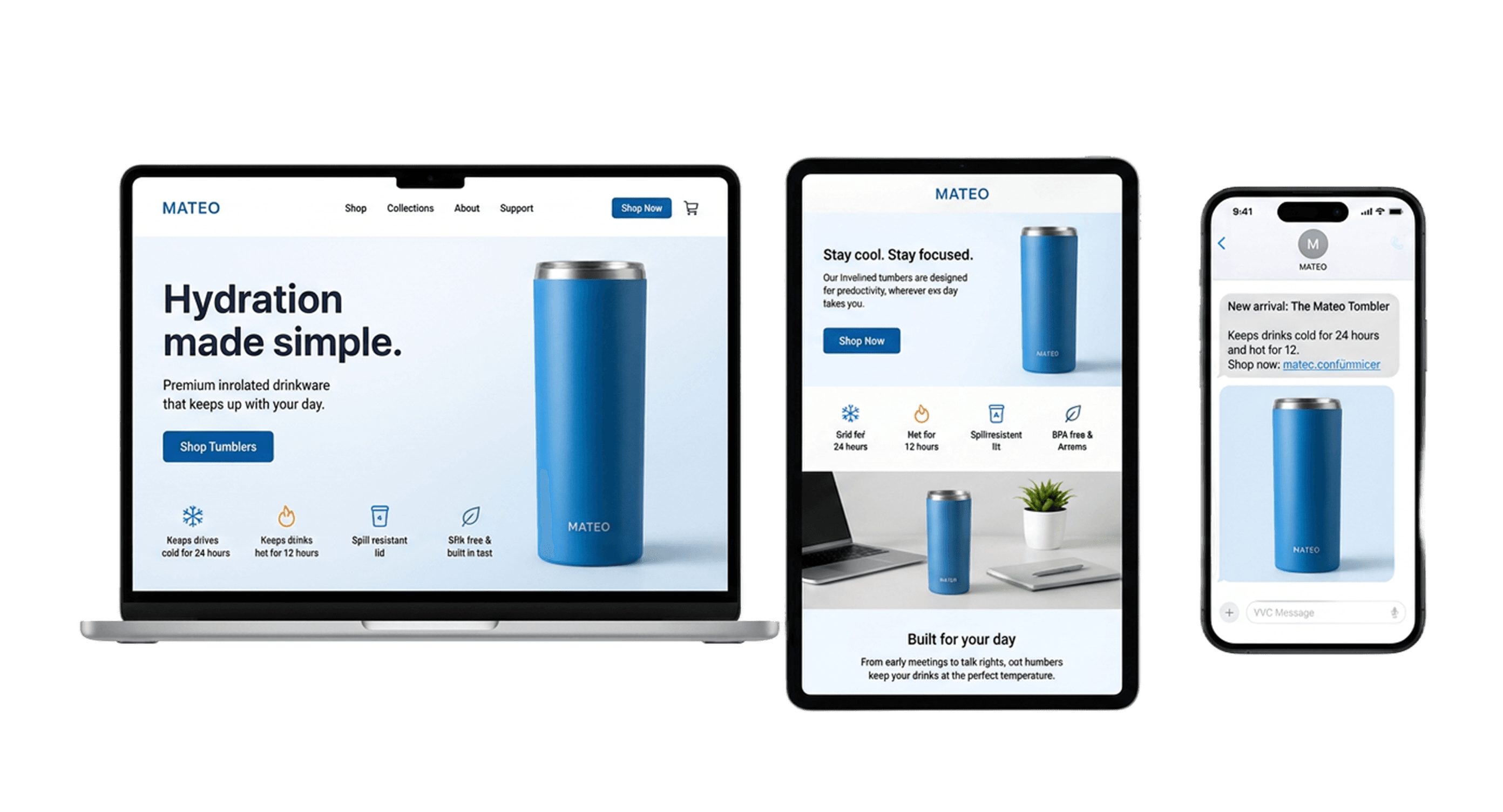
“We were losing visitors before they signed up. Intempt's personalized experiences changed that - we started meeting people where they were instead of guessing. Once they're in, Intempt's automated email takes over and keeps the relationship moving. Acquisition and retention finally feel like one connected motion instead of two separate problems.”

Jim Stromberg
CEO, StockInvest

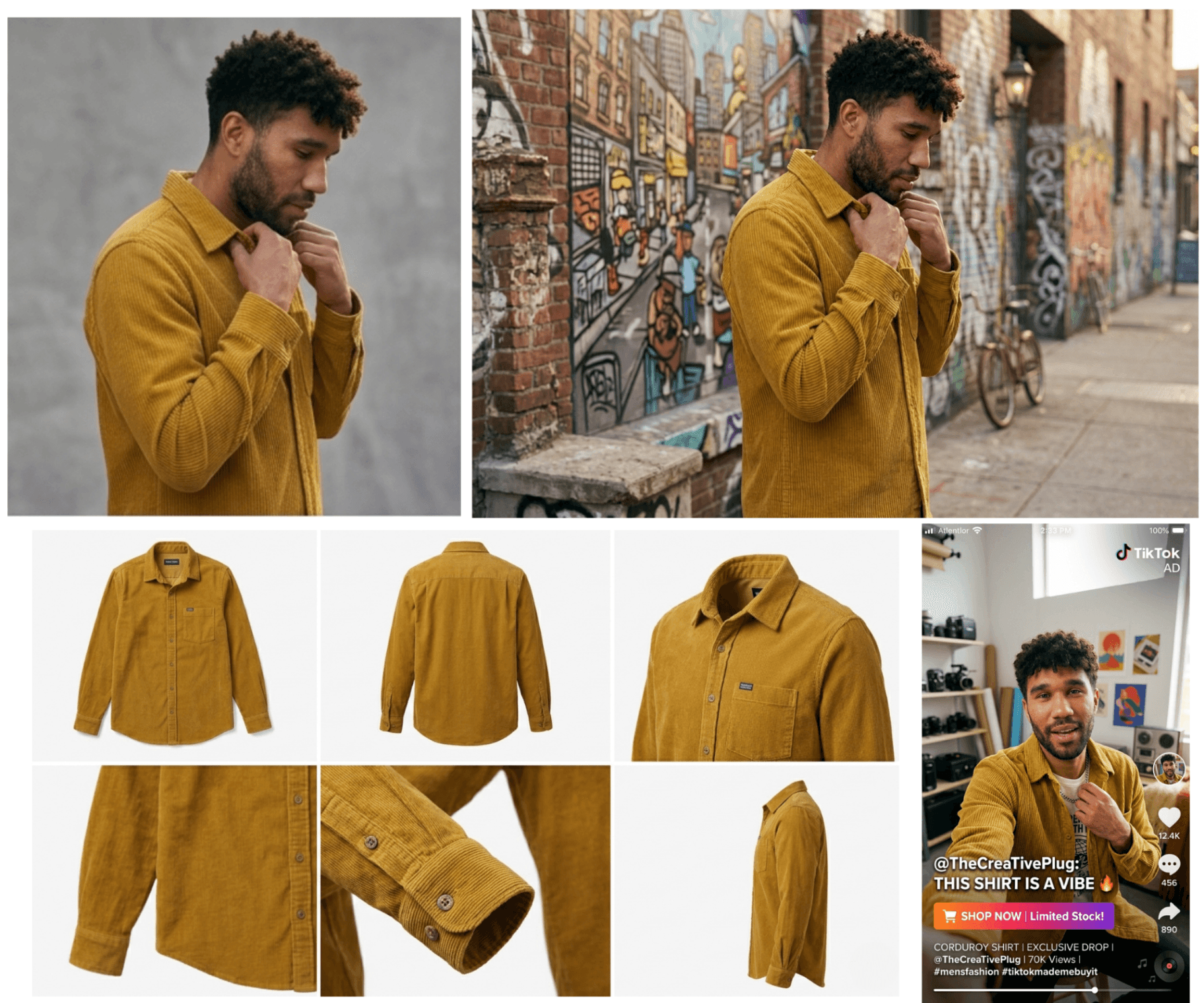
Ship every visual from one AI studio.
- Image and video, same workspace.Turn your catalog into product shots, lookbooks, marketplace listings, social ads, and AI UGC, all from one canvas.
- On-brand by default.Your Brand Kit governs every output. Colors, fonts, and voice applied as generation constraints, not afterthoughts.
- Catalog-scale production.Hundreds of assets, one run. AI Studio handles the full catalog without rebooking a shoot.
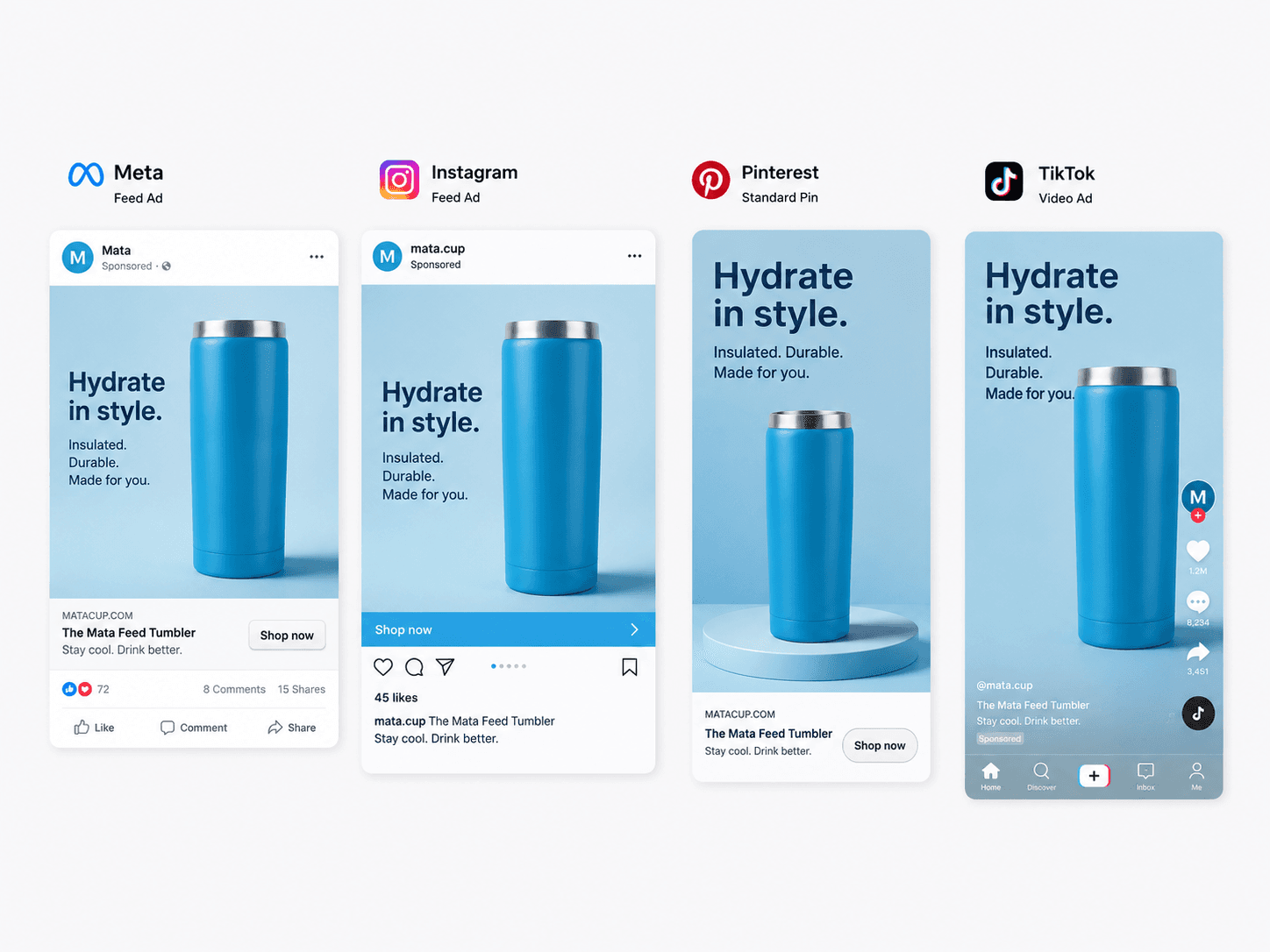
Build ads for every channel, from your catalog.
- Every SKU, every channel, every format.Wire your feed into a template, hit run. AI Ads Builder produces finished ads for Meta, TikTok, Google, Pinterest, Snap, and LinkedIn.
- CDP-powered personalization.Each variant reflects what that customer actually browsed, not a generic feed.
- Automatic performance loop.Winners get more spend, underperformers rotate out. Your rotation runs without you watching.
Write, personalize, and send from one place.
- Email, SMS, push, and pages from one brief.Messages Builder creates your full owned-channel campaign from a single prompt.
- Delivered through Intempt's Journey engine.No separate ESP, no SMS gateway, no push service. The full owned-channel stack on one platform.
- Personalized per segment through your CDP.The first-time subscriber sees a different message than the repeat buyer. Automatically.
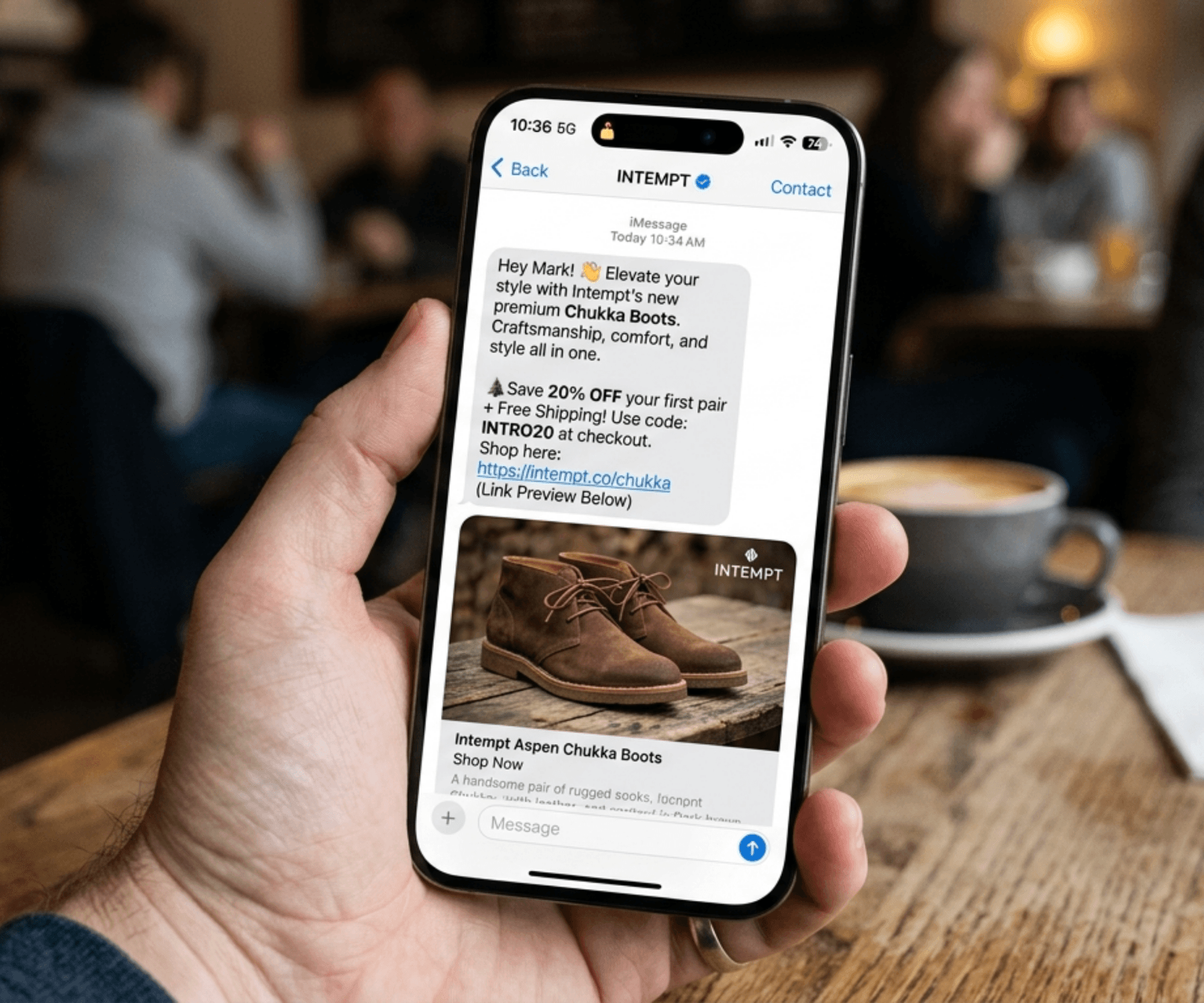
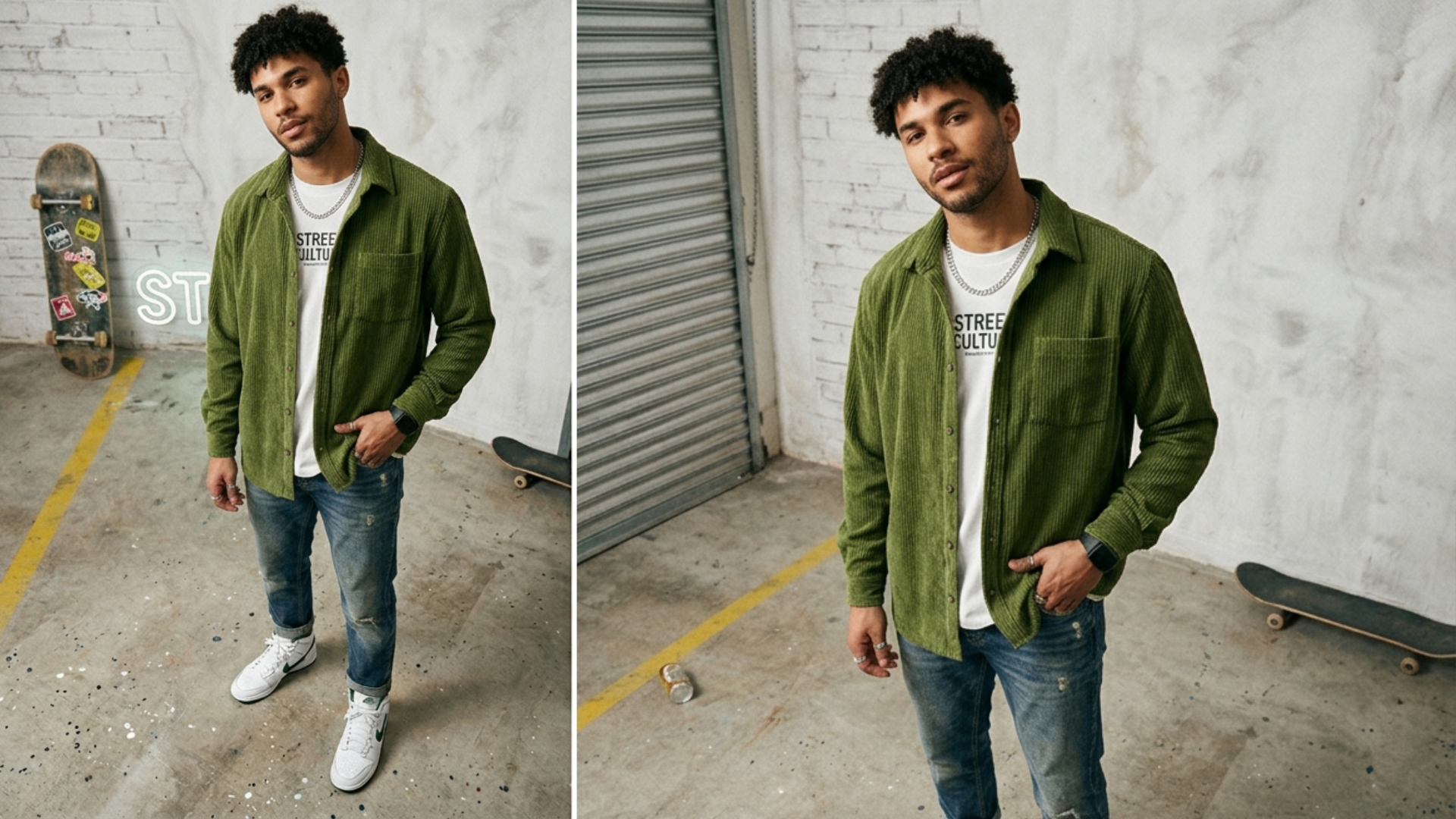
One canvas. Every asset your campaign needs.
Five ways teams use Intempt Design to ship faster.
Connect every trusted source.
Plug into the tools your team already runs on.





%201.svg)
%201.svg)

Certified & Compliant



Your customer data stays yours, and stays secure.
FAQ
Questions? Answered.
Everything you need to know about Intempt Design.
No. Most users never touch the canvas. They tell Blu what they want and the workflow runs in the background. The canvas is there if you want precision; Blu is there if you want speed.
Those are design tools. Intempt is a design and delivery system. We generate, personalize via your CDP, and send/publish directly through Intempt's own engine. They stop at the file.
Those send email and SMS. Intempt generates the email and the SMS and the landing page and the ad, from one brief, and sends them through one journey engine. We replace that stack, not add to it.
Marpipe makes catalog ads. AdCreative.ai makes ad variants. Intempt makes both, plus the matching email, the matching landing page, and the SMS that drives traffic to them.
Bring them in. The canvas treats every input as a starting point: fresh AI generation, your existing catalog, supplier flat lays, agency-shot lookbooks. Use what's already yours.
Yes. Upload your flat lays, define your scene and avatar once, and Blu generates images consistently across every SKU. Apply a recipe to your whole catalog or filter by feed to target bestsellers or a specific category.
Stop shipping creative from five tools.
Get every channel asset out of one canvas. On-brand, catalog-aware, and sent through your own journey engine.