
Stock library. Prompt box. Freelancer's invoice.No creative engine.
Your AI tool needs prompts you can't write. Your freelancer charges $2,500 for 5 images in one format.² You resize them yourself. The creative process became the bottleneck.
 4.5on G2

Brief a photographer. Schedule a shoot. Wait 2 weeks. Get 5 images.
Hire a designer to resize for every ad channel and email.
Pay $80–150/hr for an experienced freelancer who doesn't know your brand.¹
Stock photography that looks like everyone else's.
Video requires a production team, a studio, and 4 weeks.
Upload one photo. Pick a recipe. 50 product shots in 15 seconds.
Every format generated automatically. Sized for every channel.
Brand kit extracted from your URL. Every visual is on-brand by default.
Visuals from YOUR product, YOUR brand, YOUR style.
Cinemagraph, reel cuts, product-in-motion — from the same upload.
THE OFFER
Here's what this would cost you the old way.
Total value
$0
Your price
$0
250 credits. 125 visuals. Every format. On brand. Yours free.
No credit card required
The creative studio your agency bills you $5K/mo for
Brand kit from your URL
Colors, fonts, logo, tone — extracted automatically
AI Studio with 25 recipes
Packshot, lifestyle, UGC, editorial, cinemagraph, flatlay…
Every content surface
Ads, email, landing pages, video, social
Visual editor + export
Edit, download, or ship through the platform
The photoshoot you were about to schedule
~50 product shots
Upload one photo, pick a recipe, done in 15 seconds
~30 ad variants
Sized for Meta, Google, TikTok automatically
~10 video clips
Cinemagraph, reel cut, product-in-motion
Emails + landing sections
On-brand, ready to send or publish
Six design products. One brand kit. Blu creates everything.
Image, video, pages, messages, workflows, and reusable blocks — all reading from your brand kit and product catalog. Blu handles the creative, you approve.
Visuals and copy
from one brief.
Describe the campaign. Blu generates the hero image and writes the matching subject line, body, and SMS — all from the same Brand Kit.
Lifestyle heroes, pack shots, and editorial from your catalog
Blu finds the product, generates variants, applies your Brand Kit
Matching copy for email, SMS, and push from the same brief
Subject line, body, and short-form — all on-brand, all at once
Push finished assets directly into a Journey or Experiment
No export, no upload — ship from the canvas
Recipe gallery
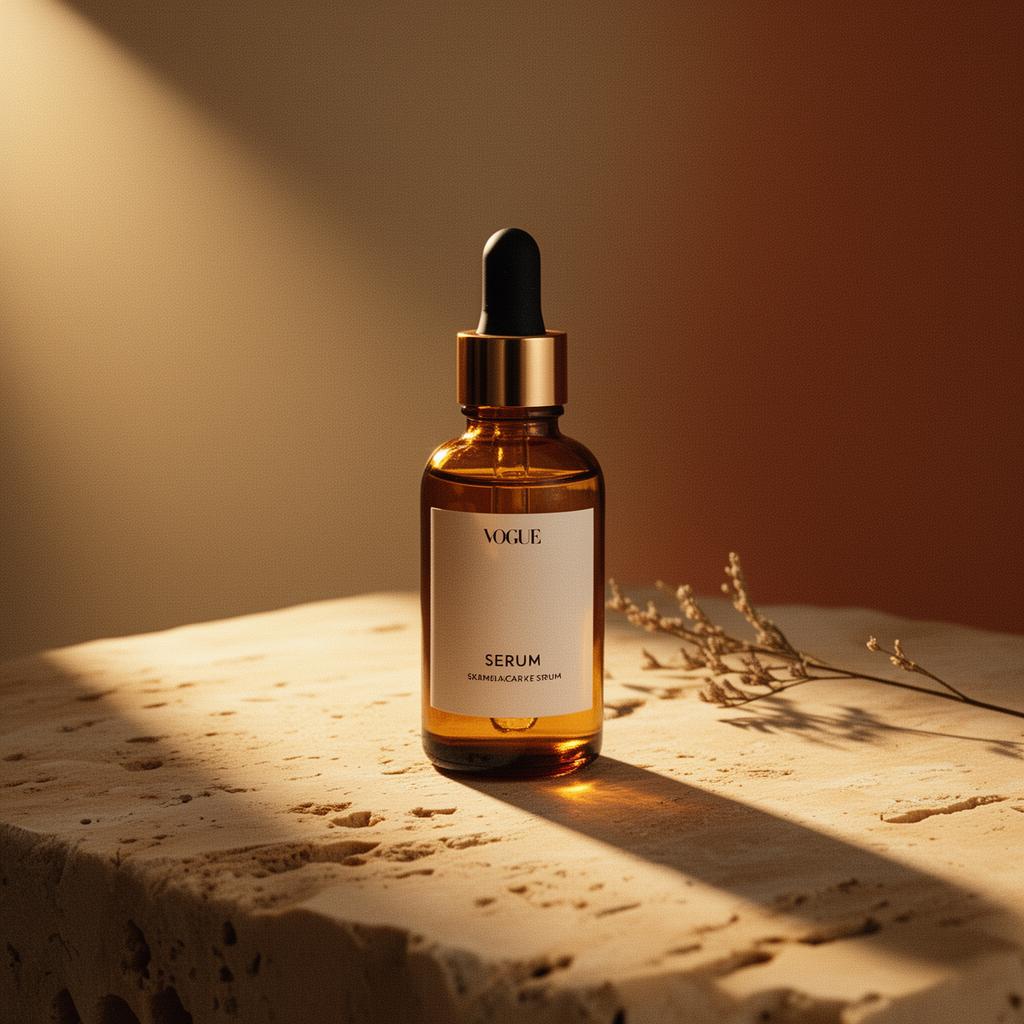
Every visual your agency would bill separately. Pick one. Done in seconds.
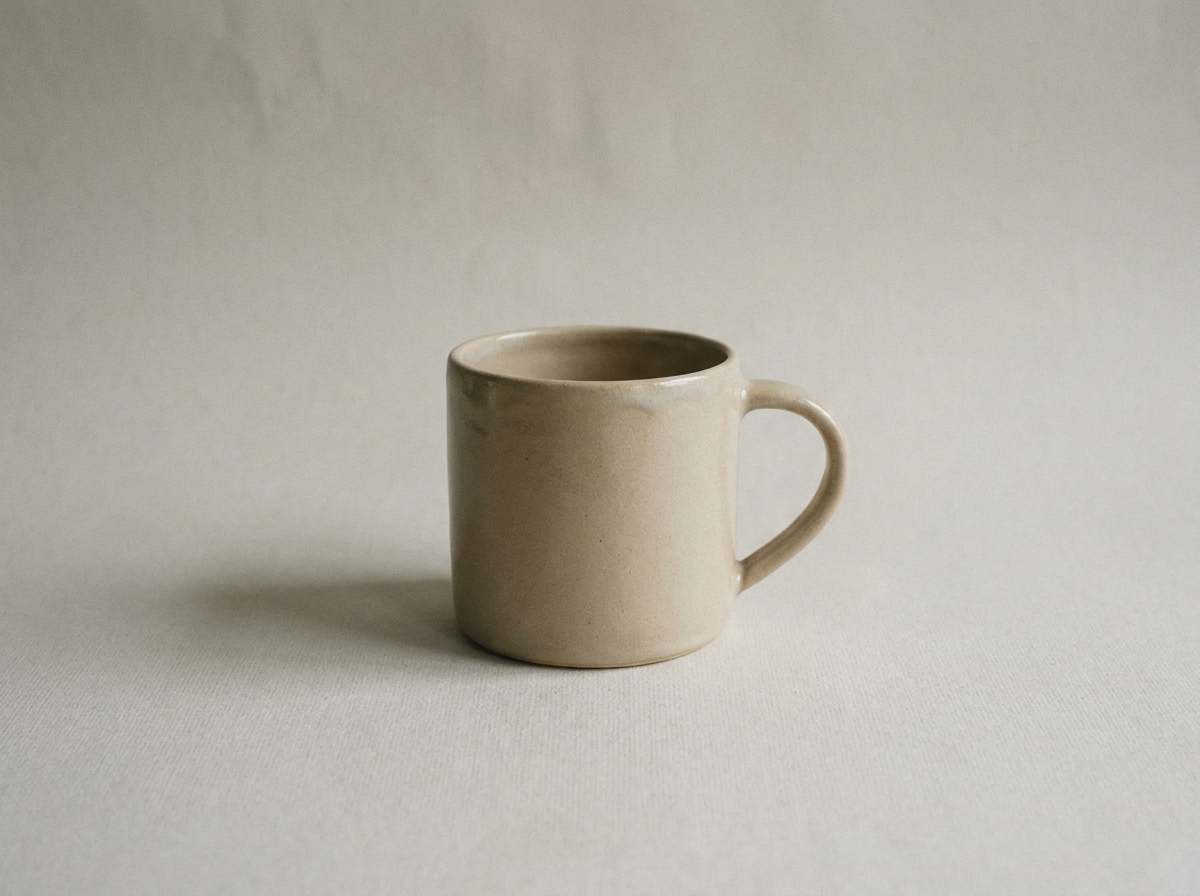
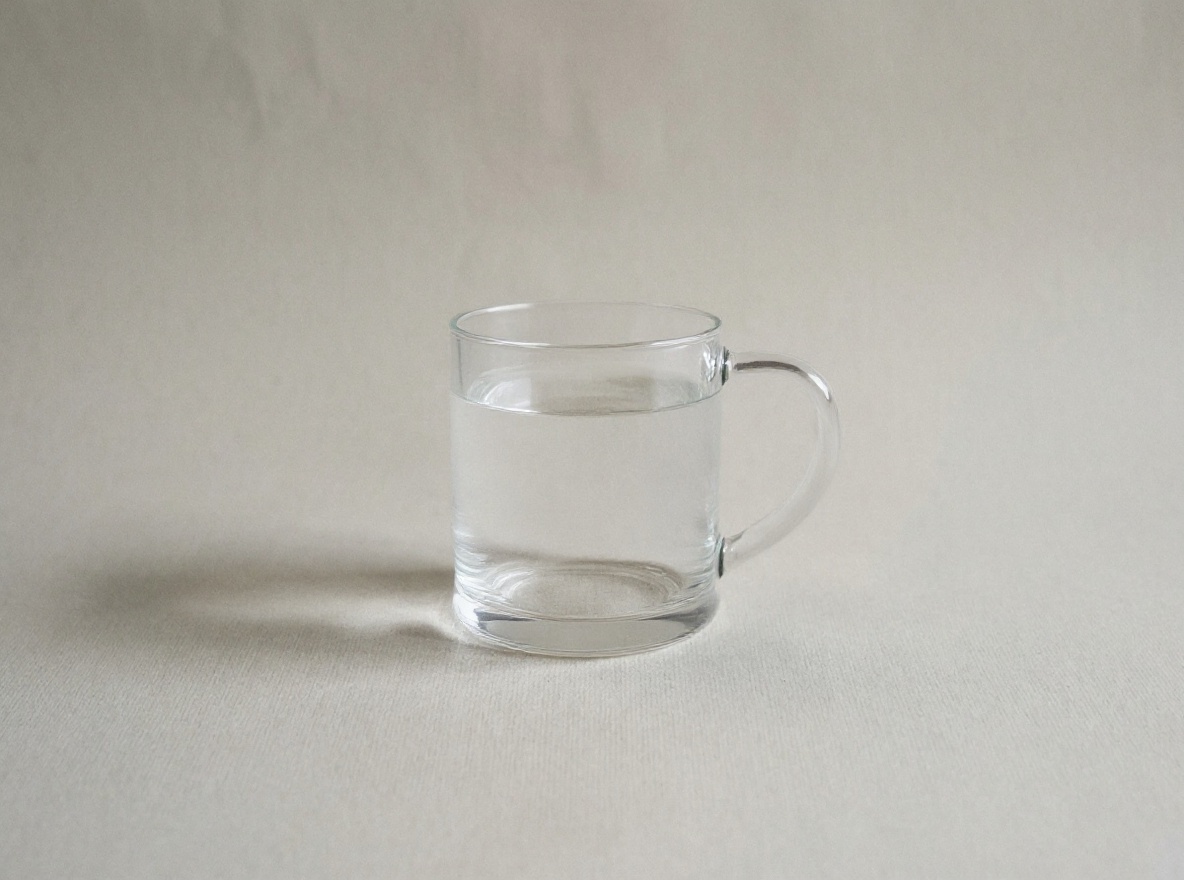
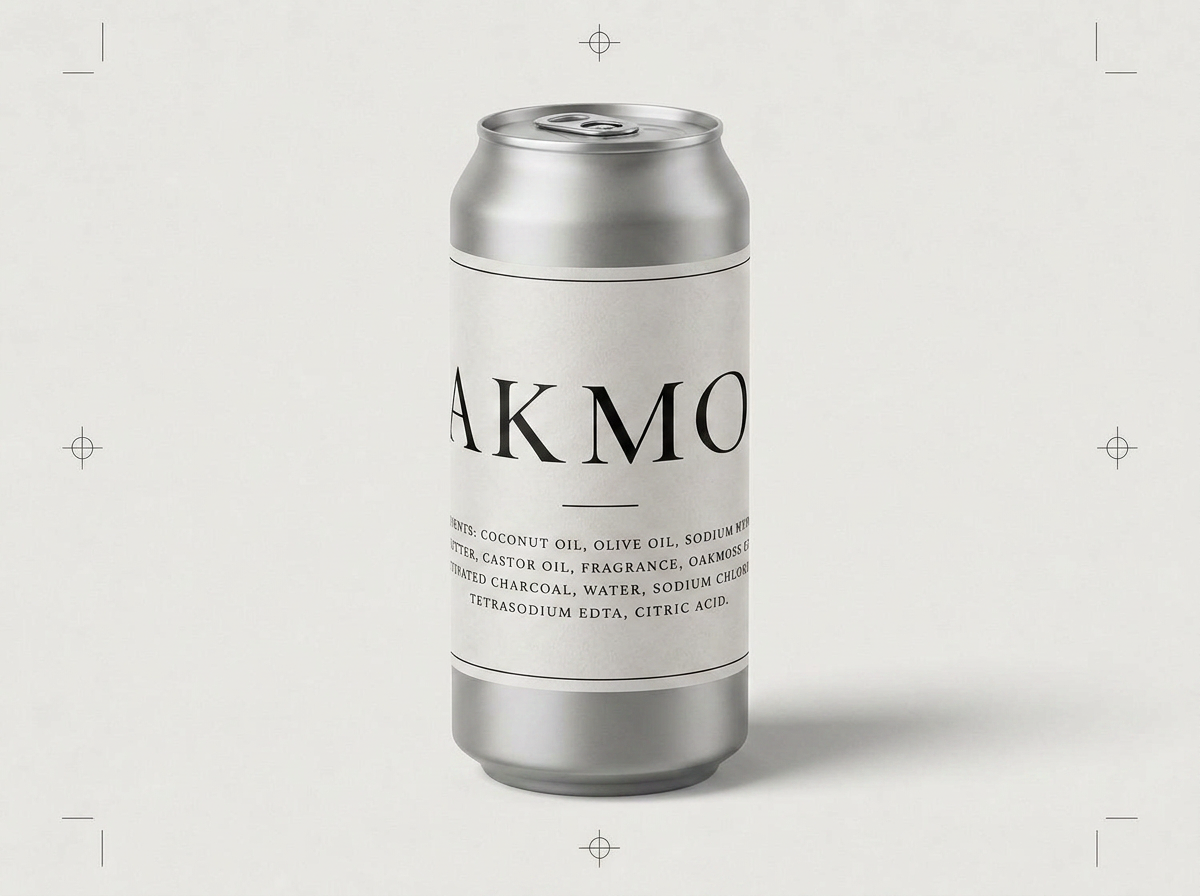
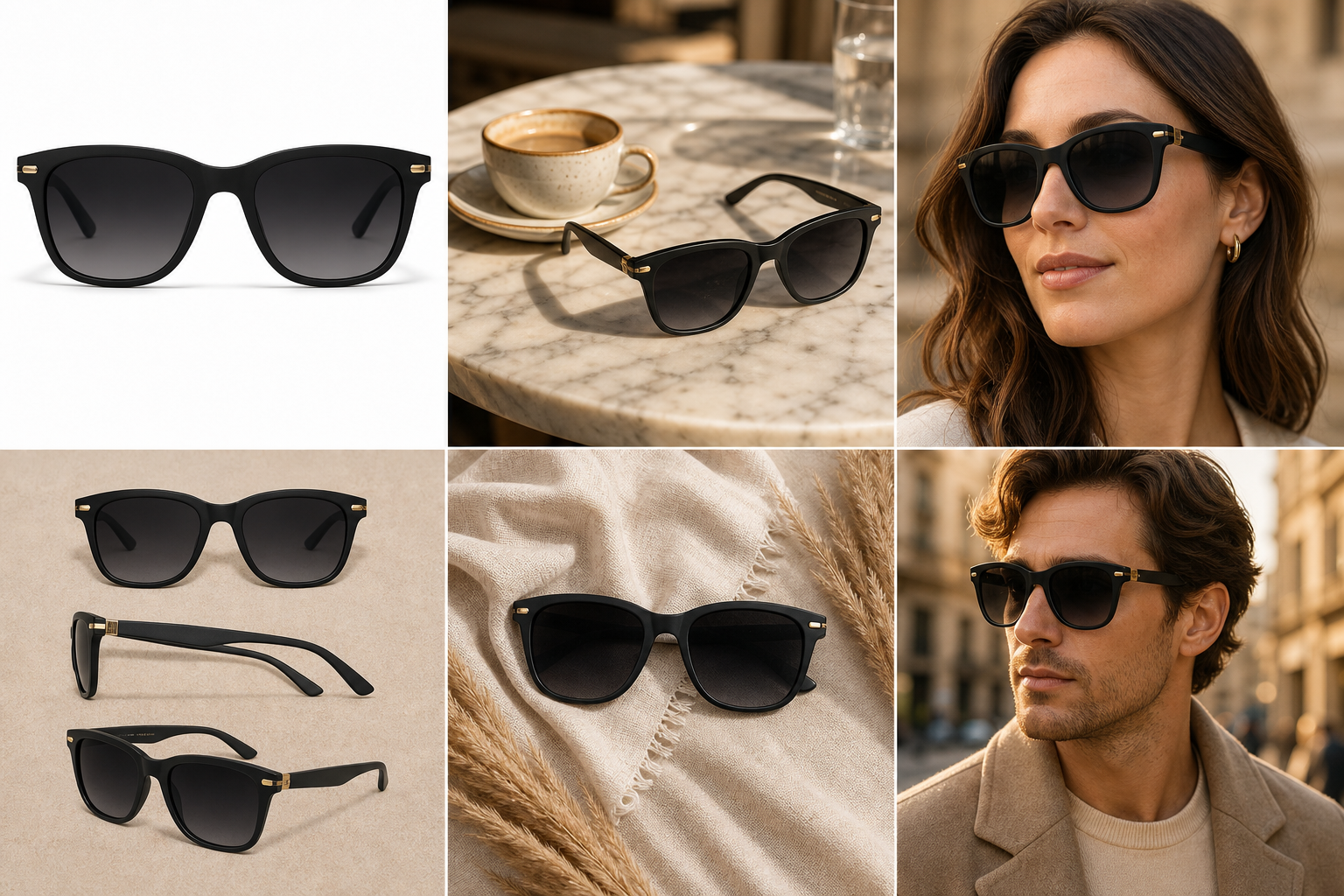
Each recipe encodes a different creative treatment. Same product, completely different output. Hover any tile to see.
Product swap
Recreate this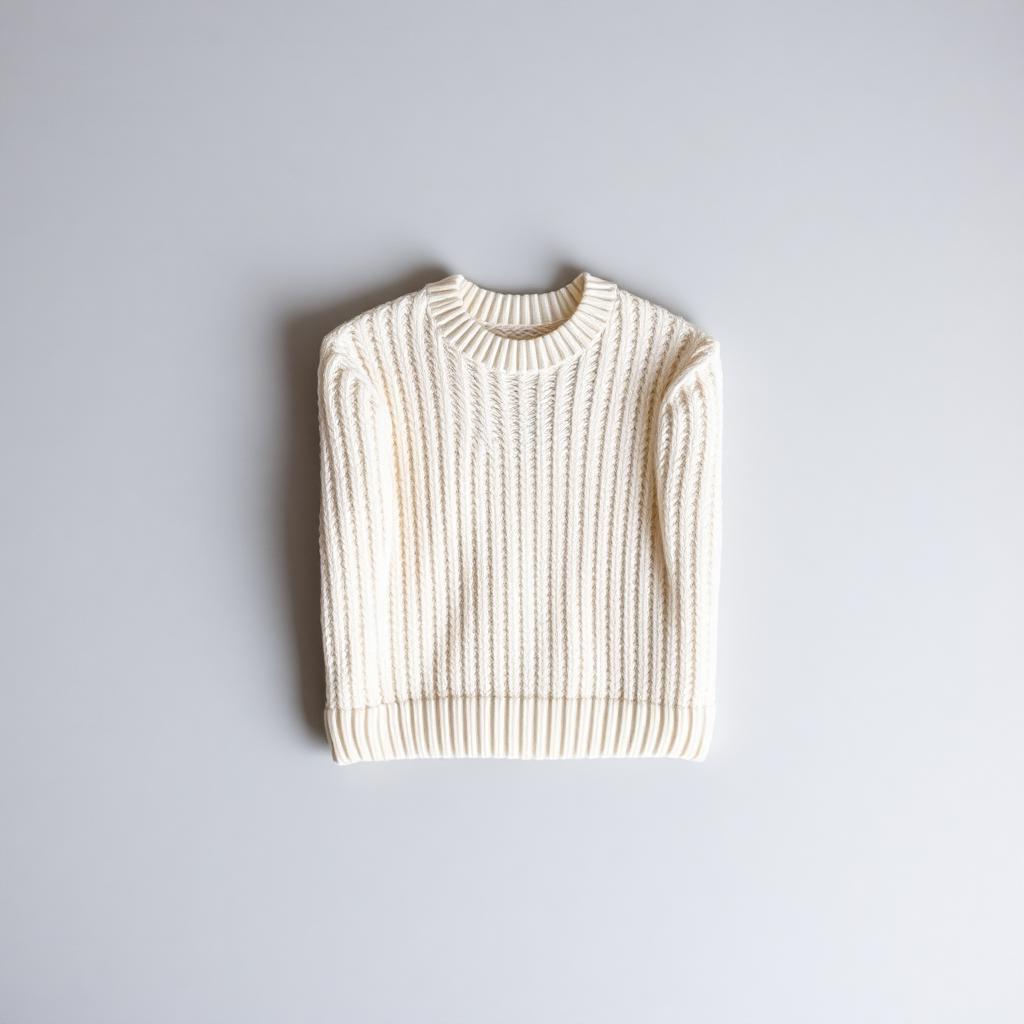
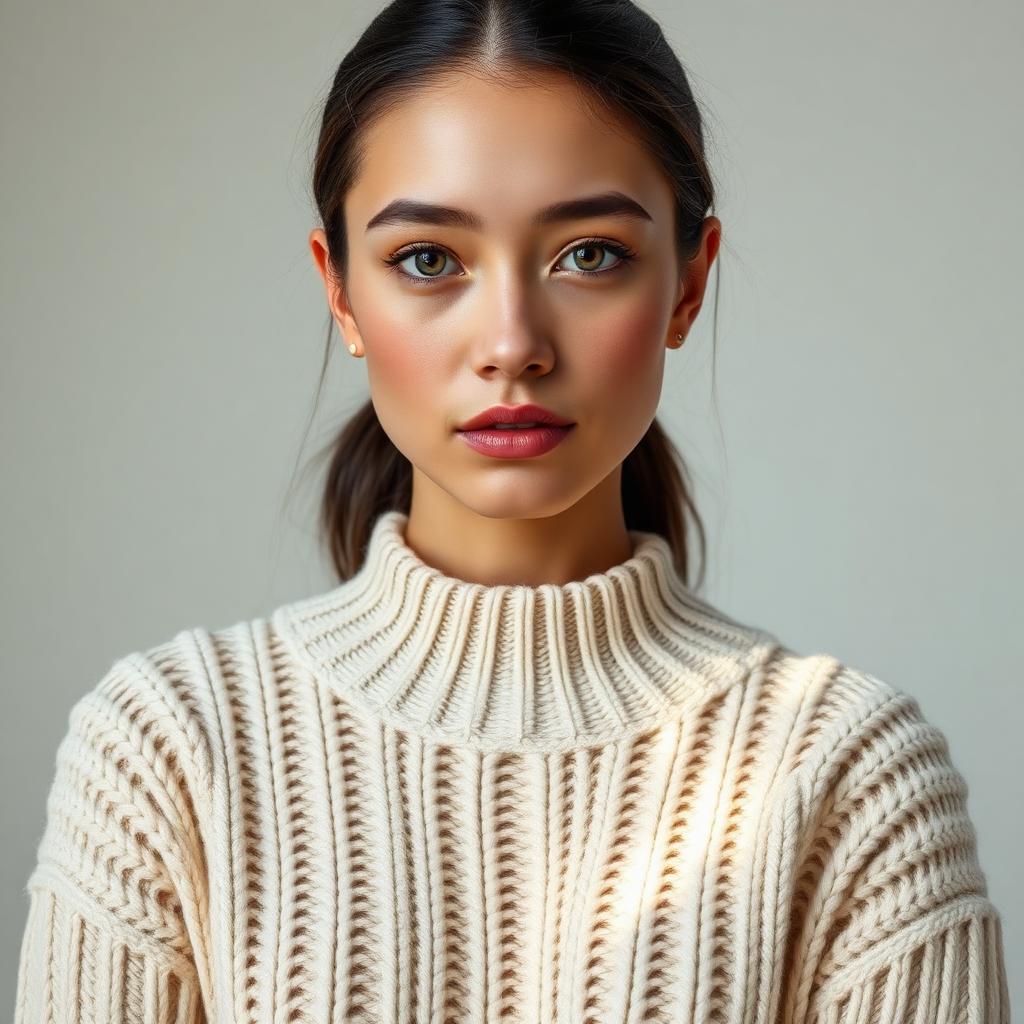
On-model try-on
Recreate this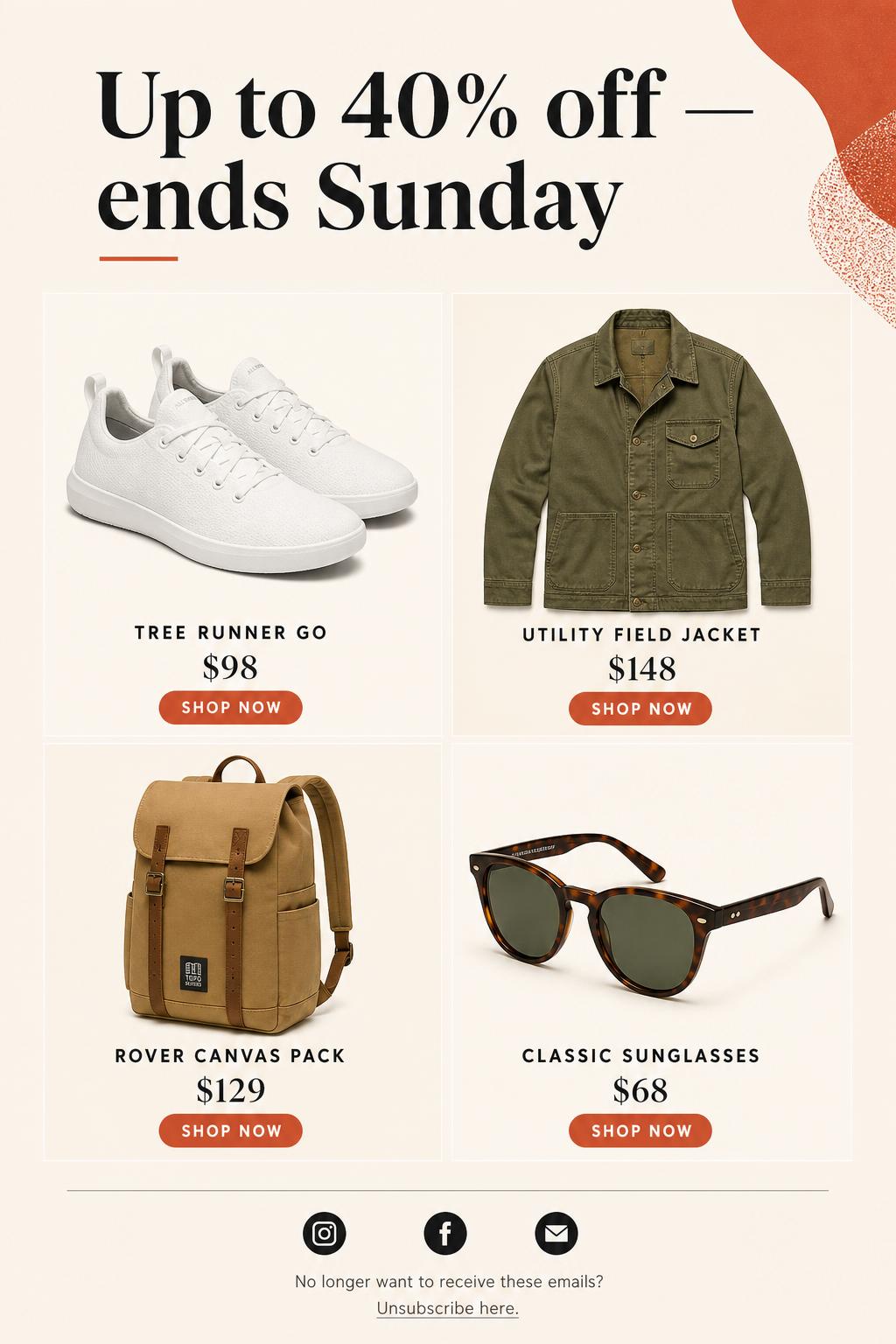
Product announcement email
Recreate this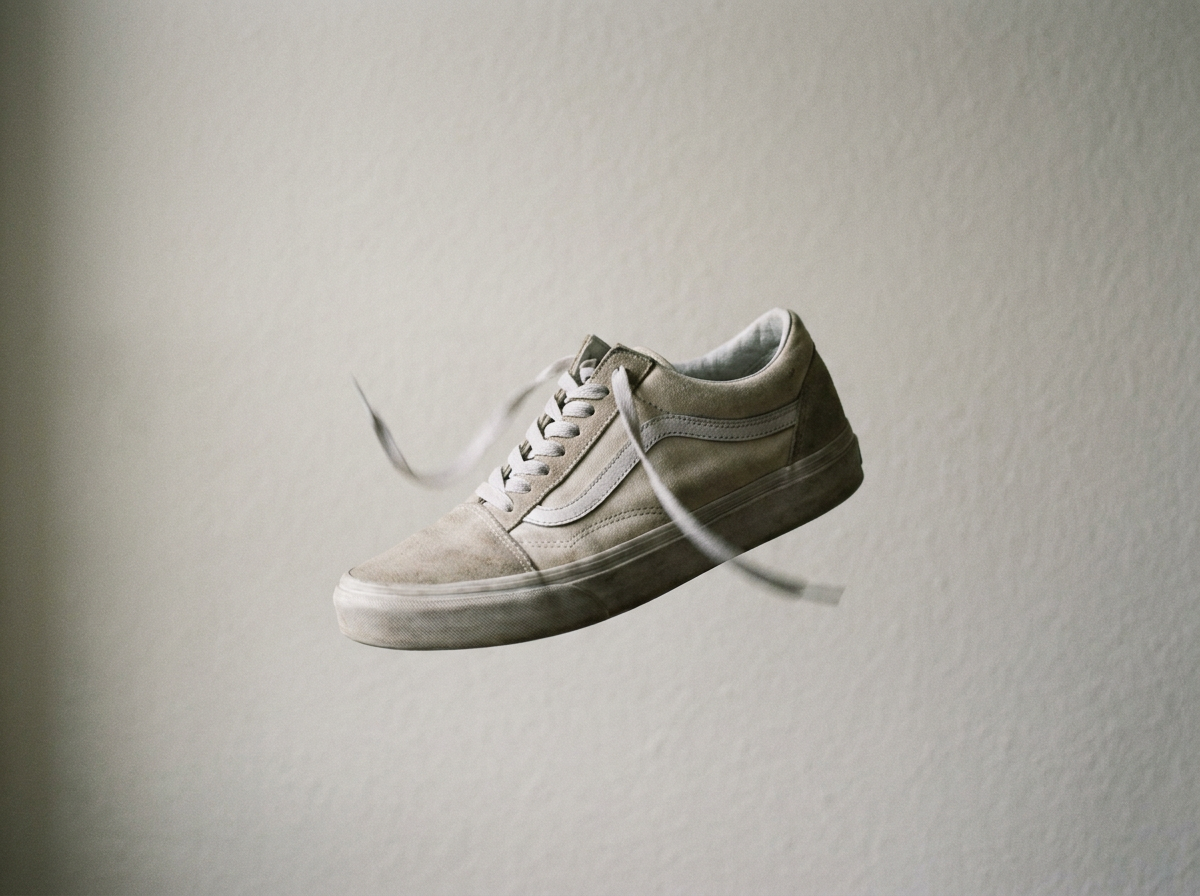
Ad video
Recreate this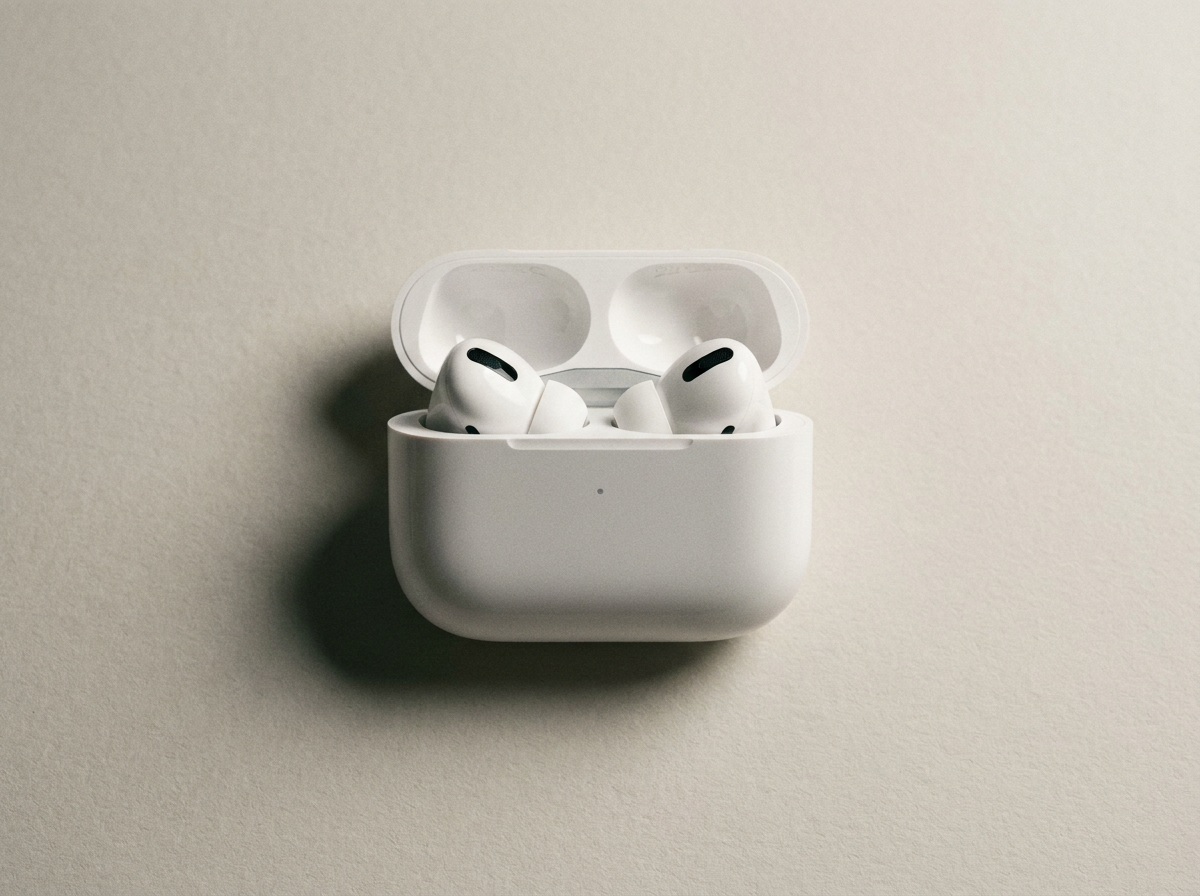
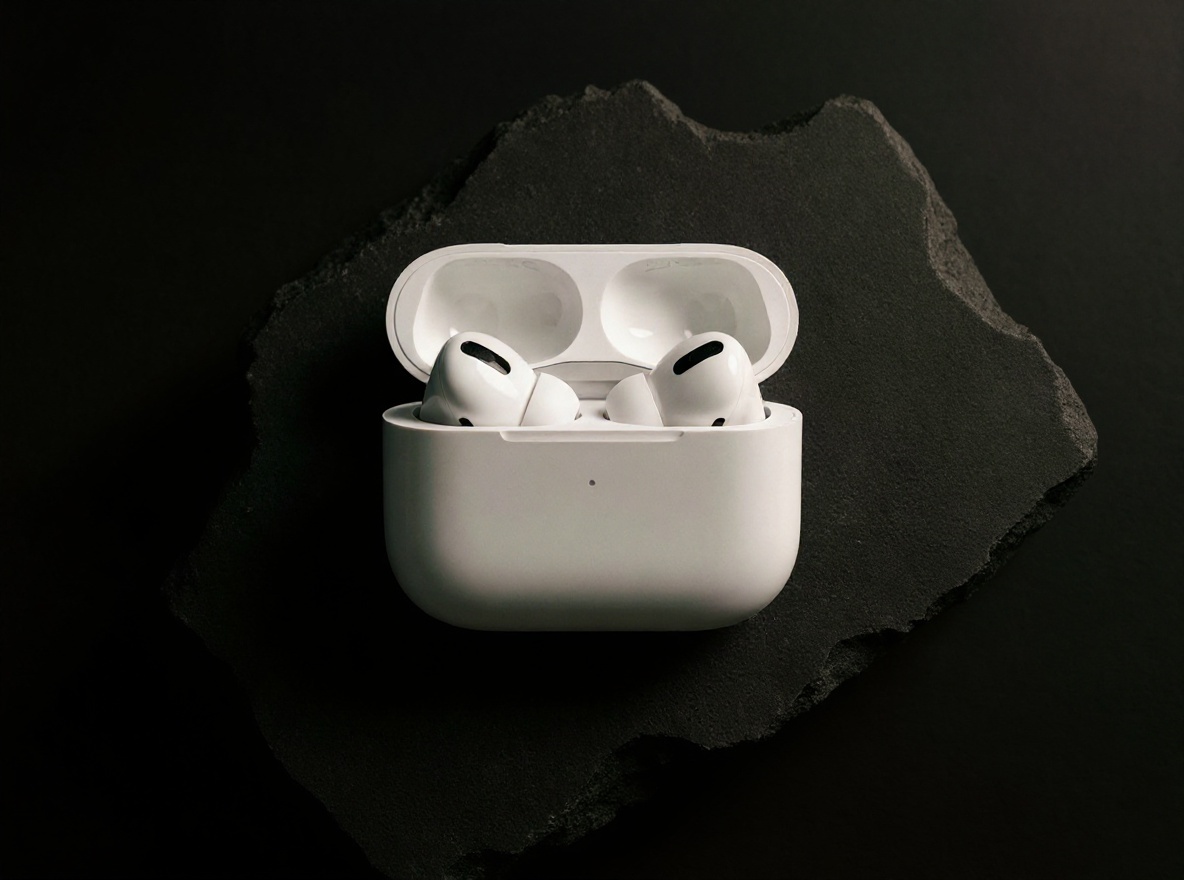
Packshot
Recreate this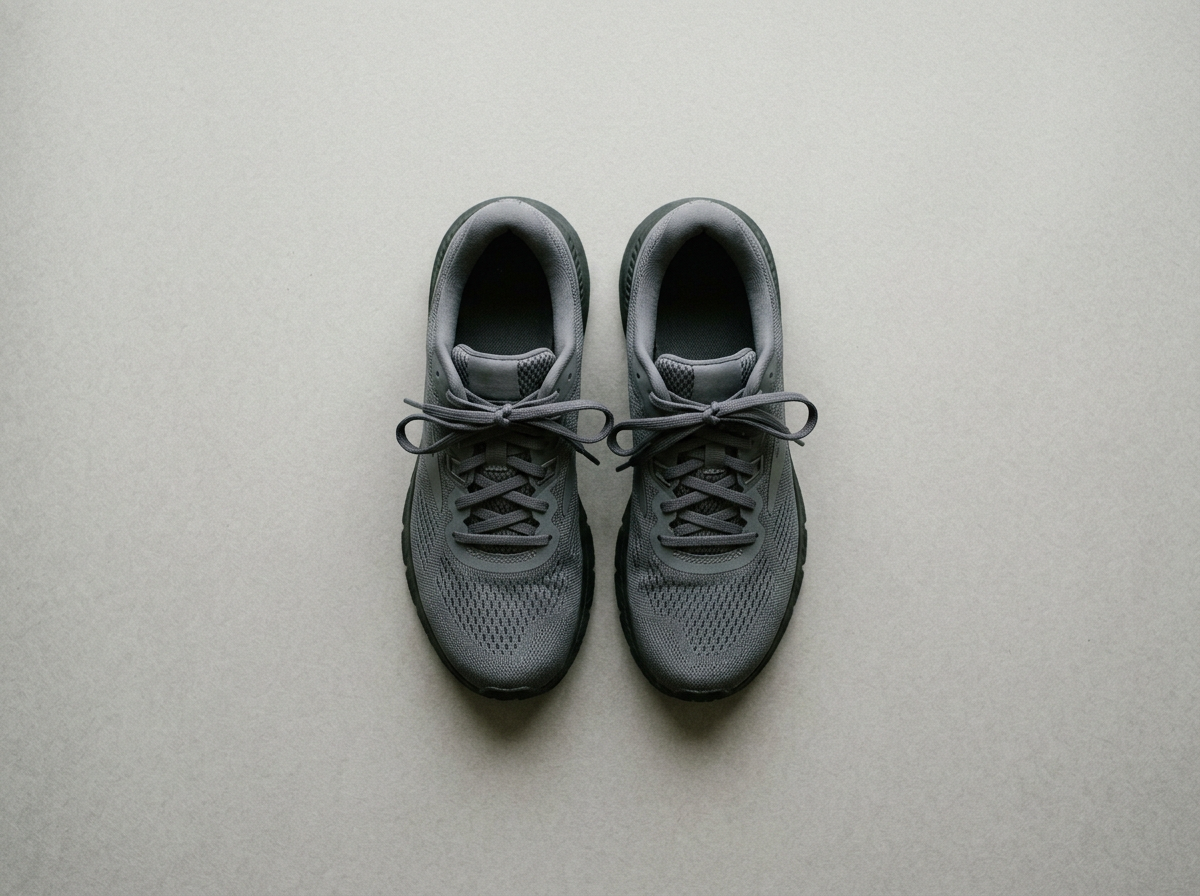
Cinemagraph
Recreate this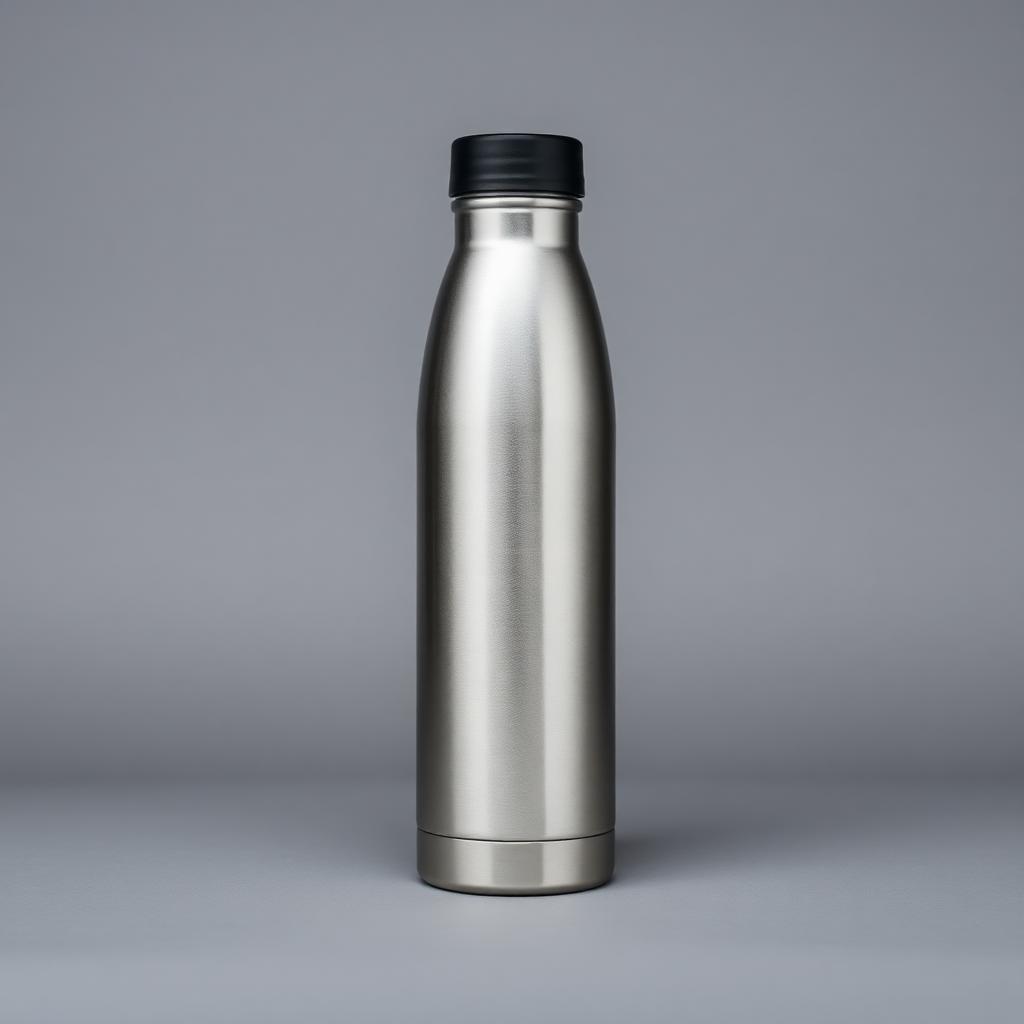
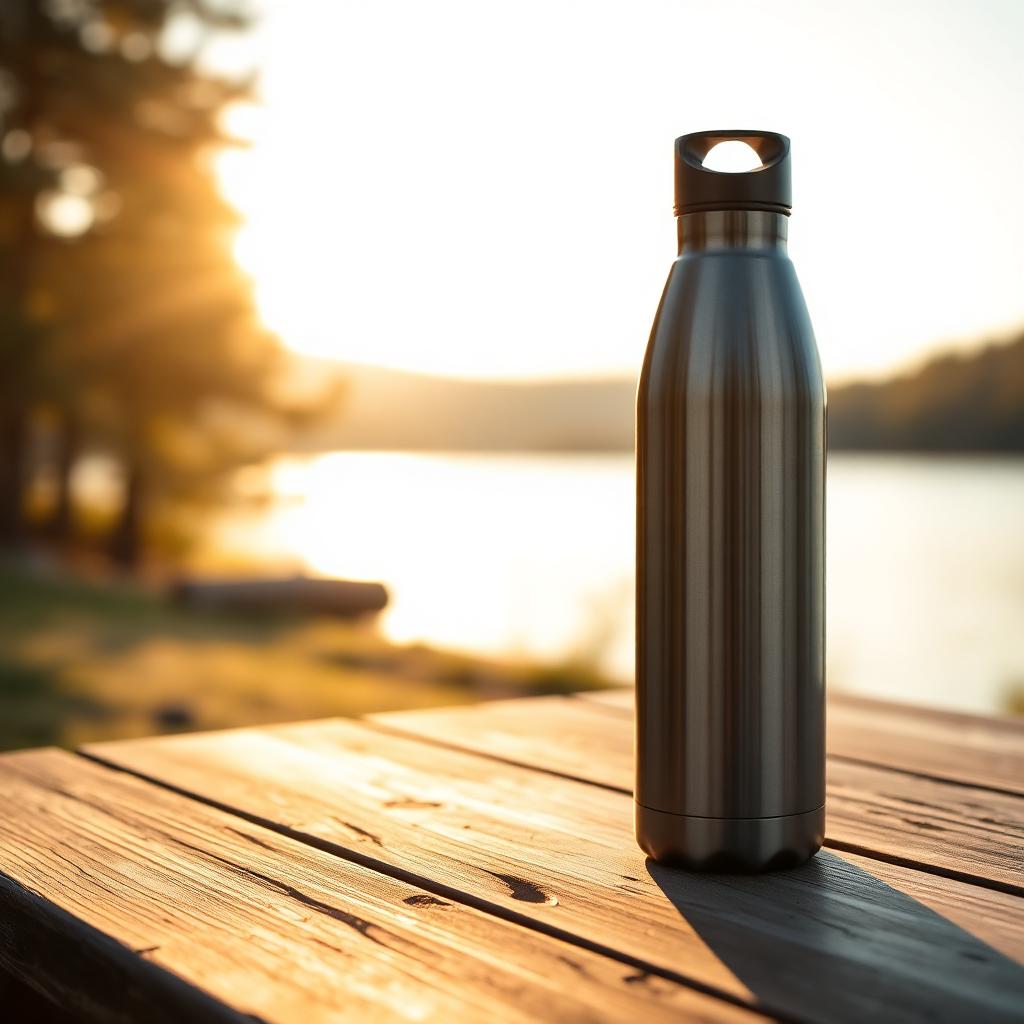
Lifestyle scene
Recreate this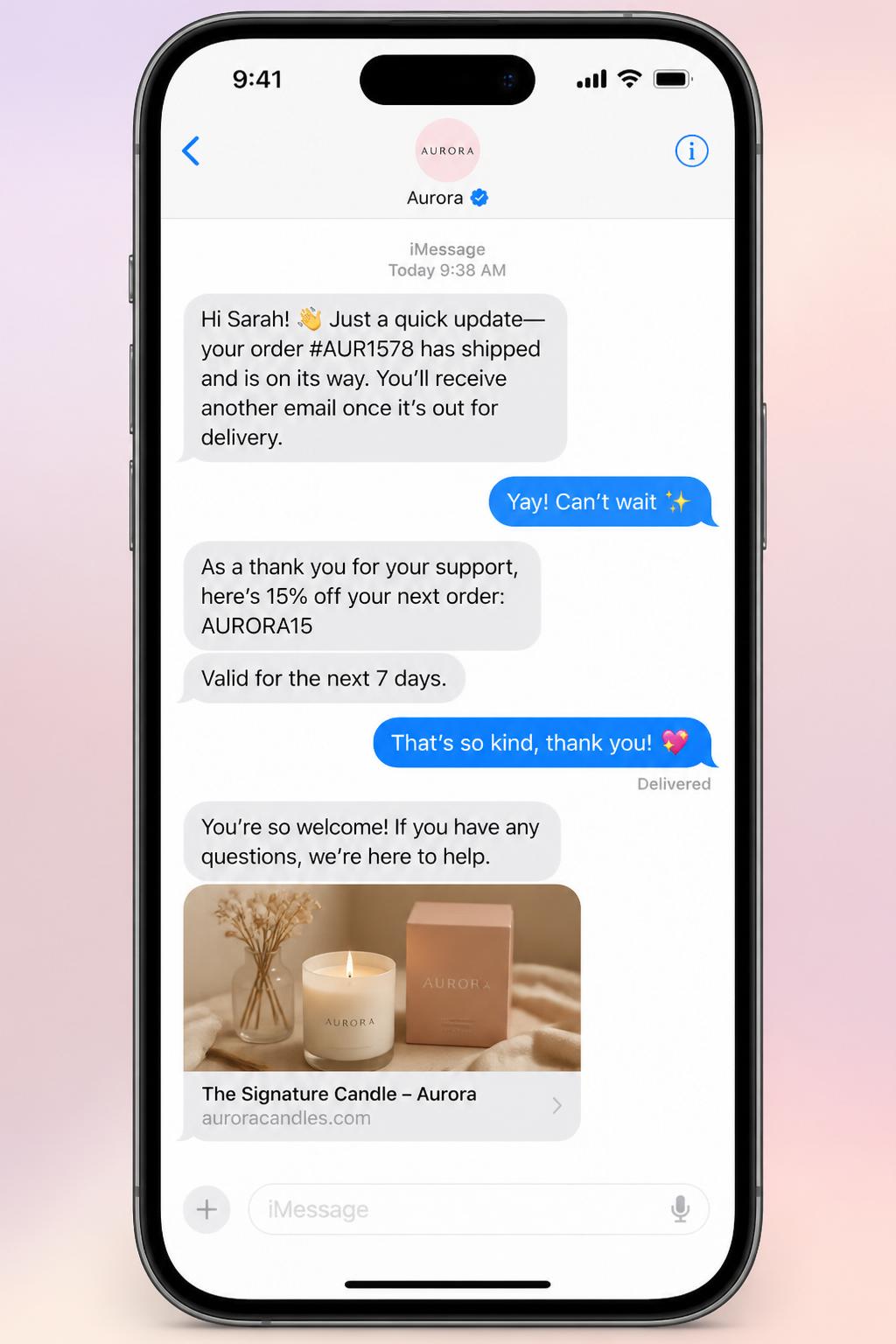
Flash sale SMS
Recreate this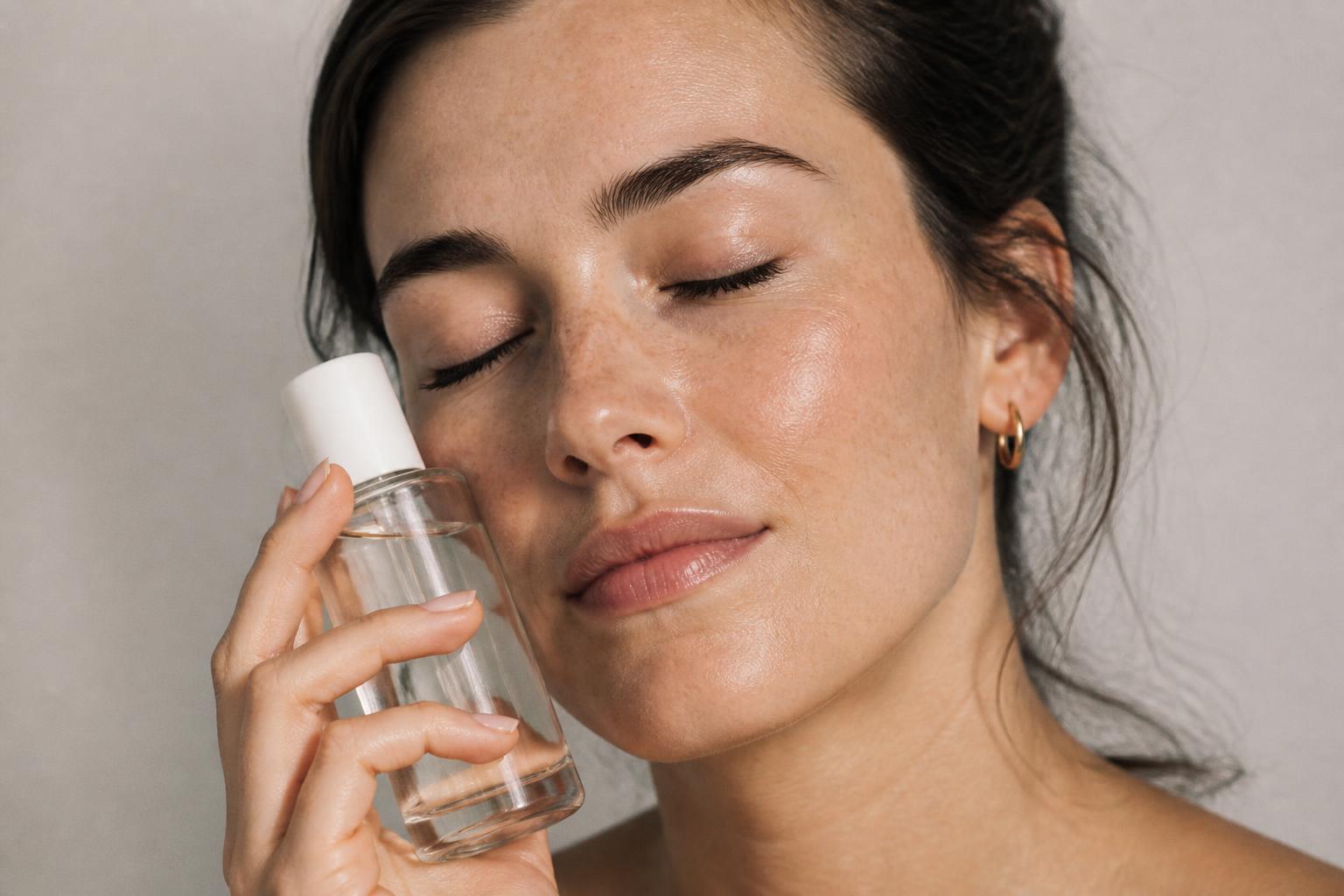
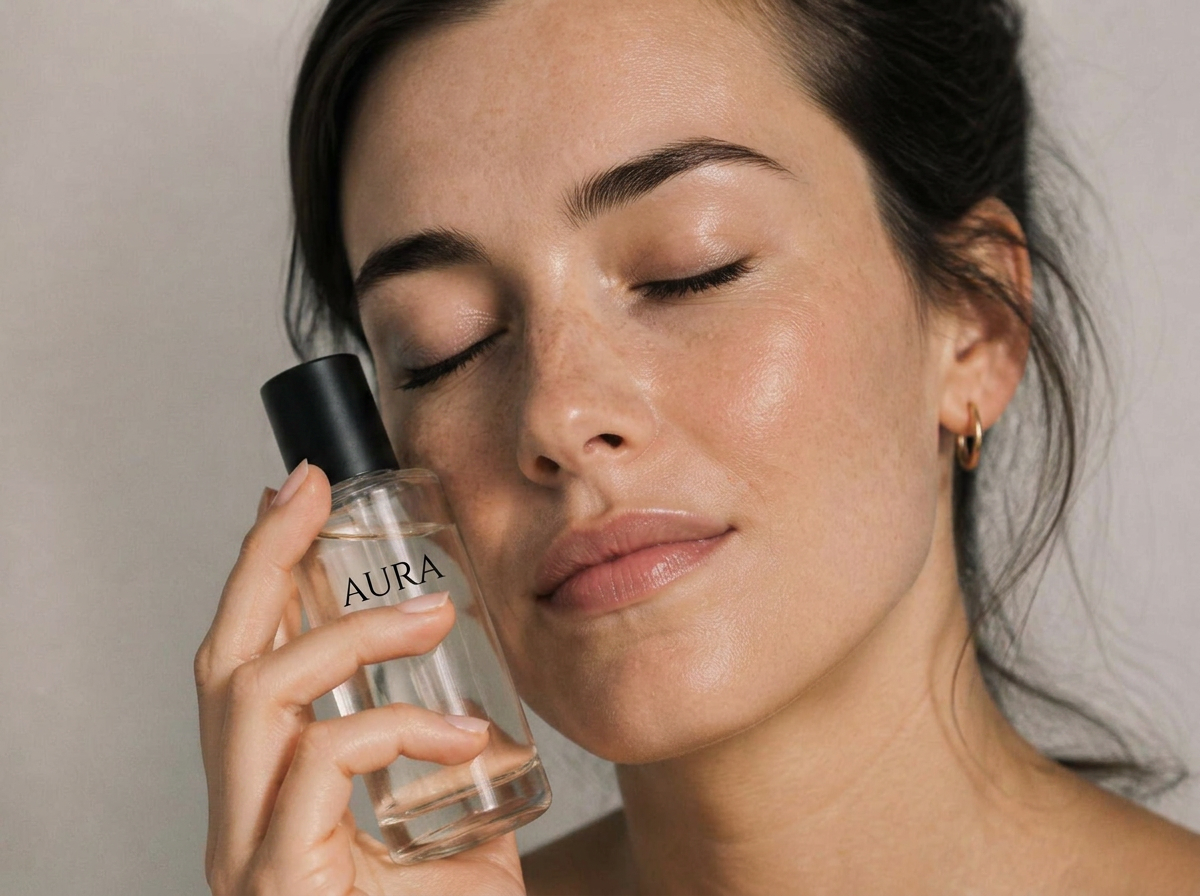
Beauty close-up
Recreate this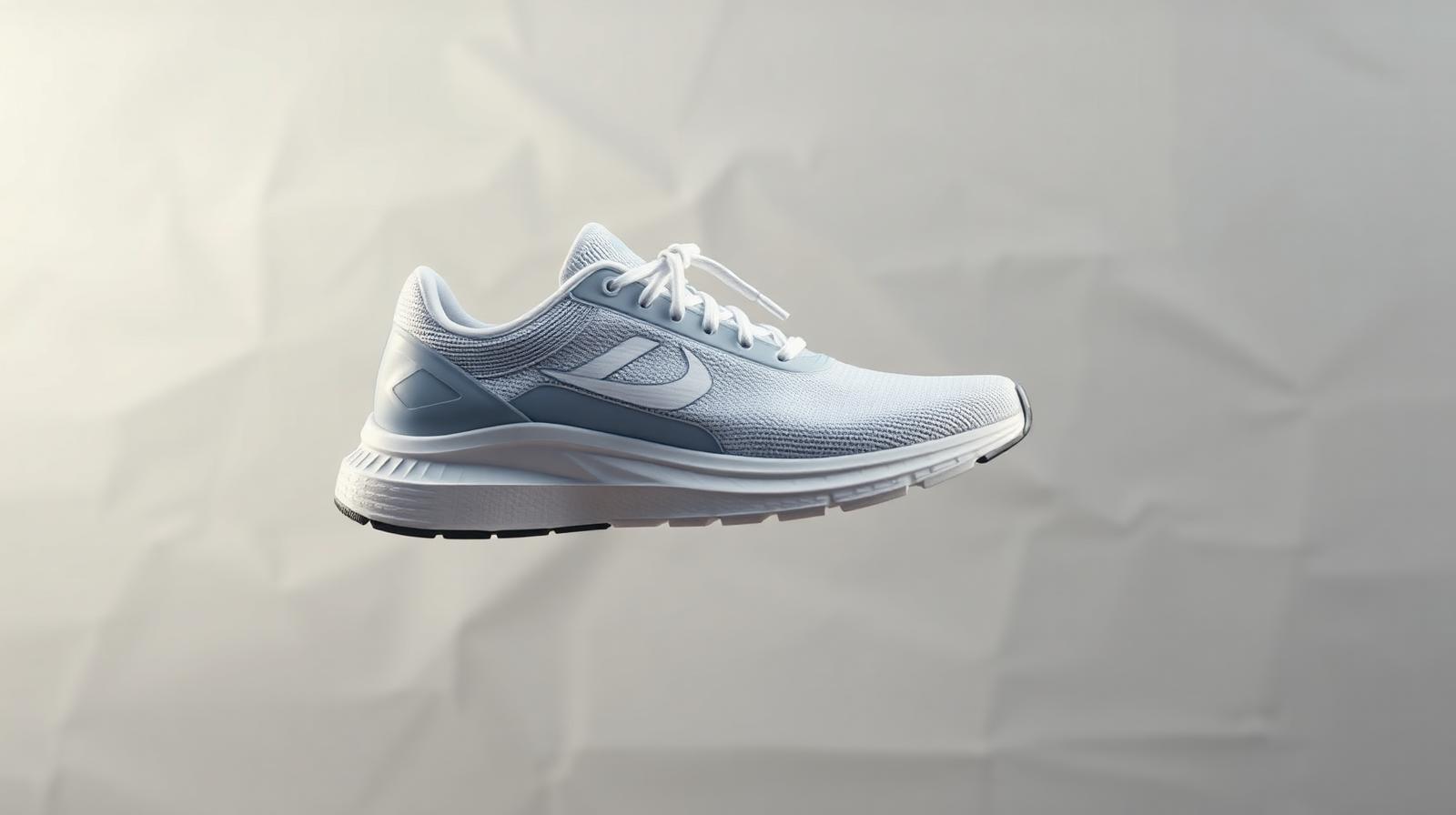
Reel cut
Recreate this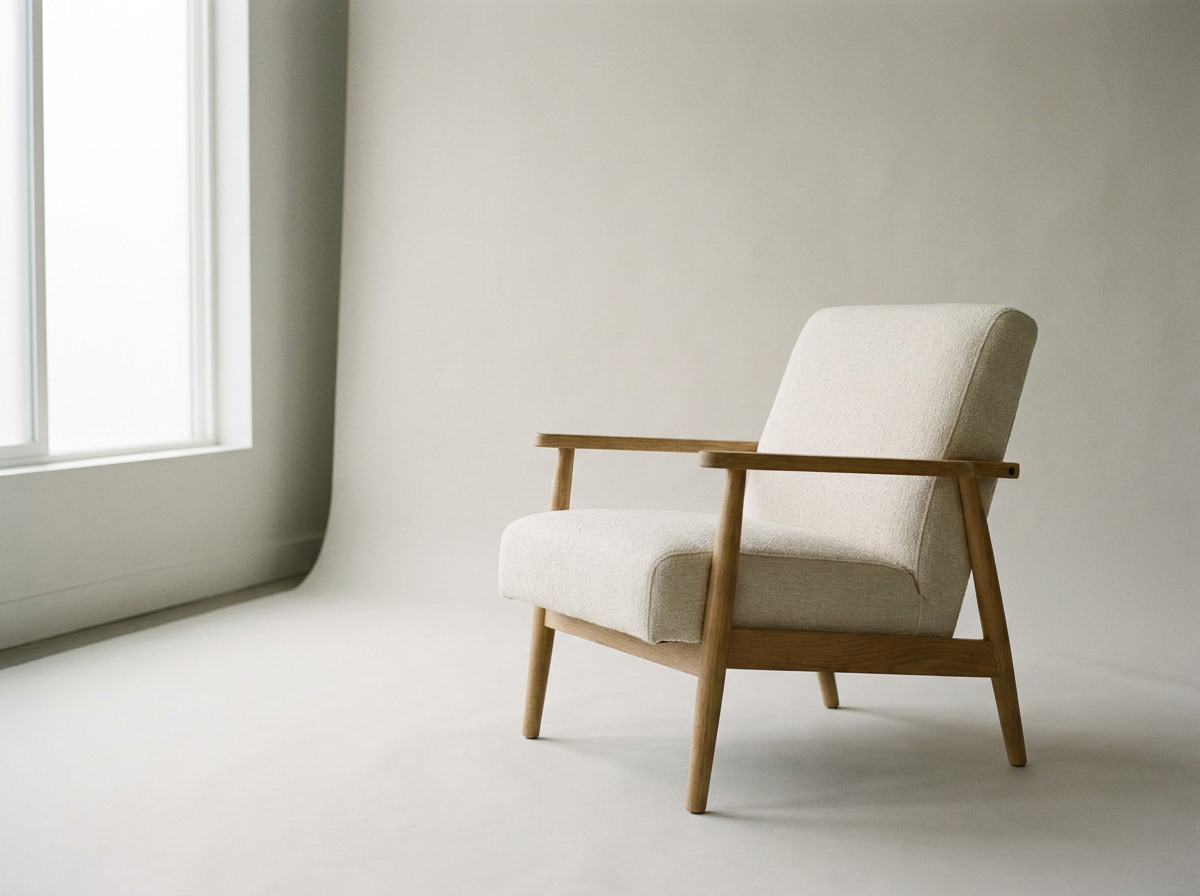
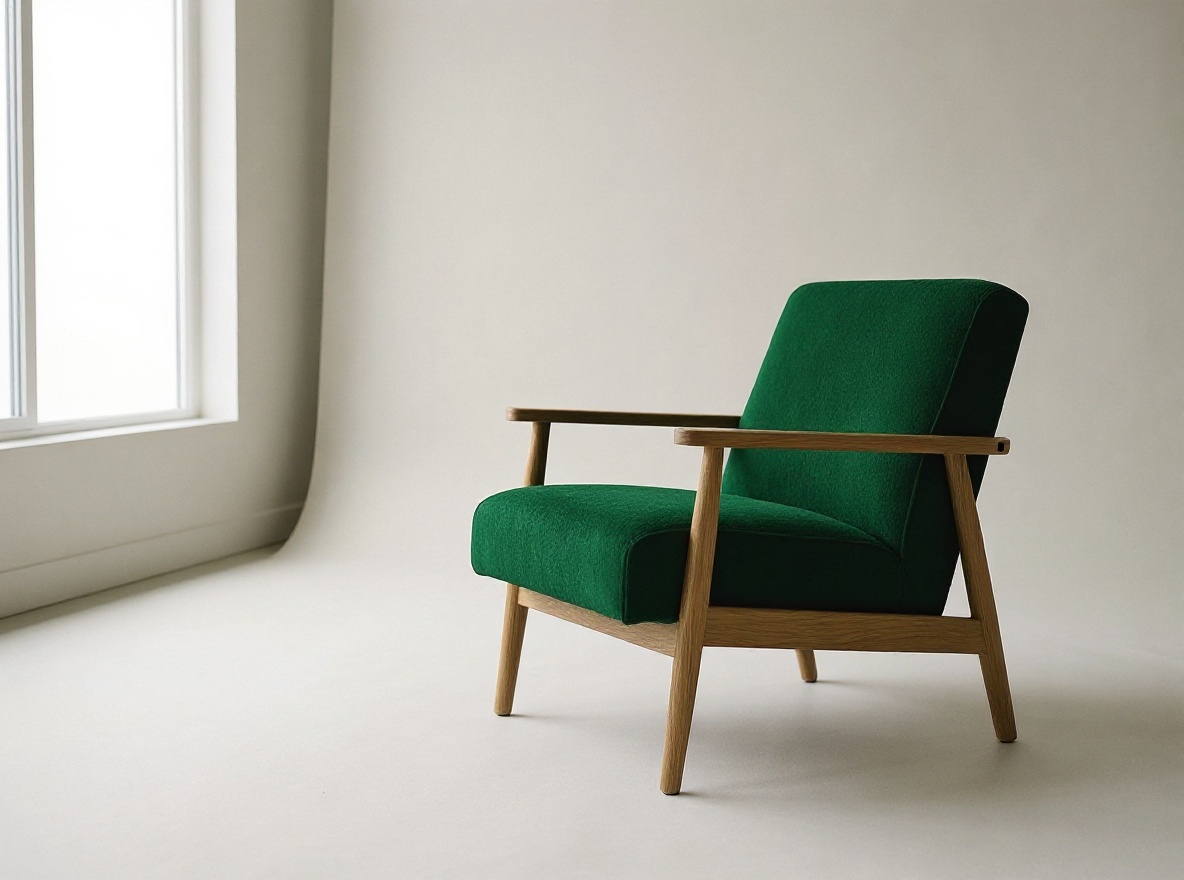
Material swap
Recreate this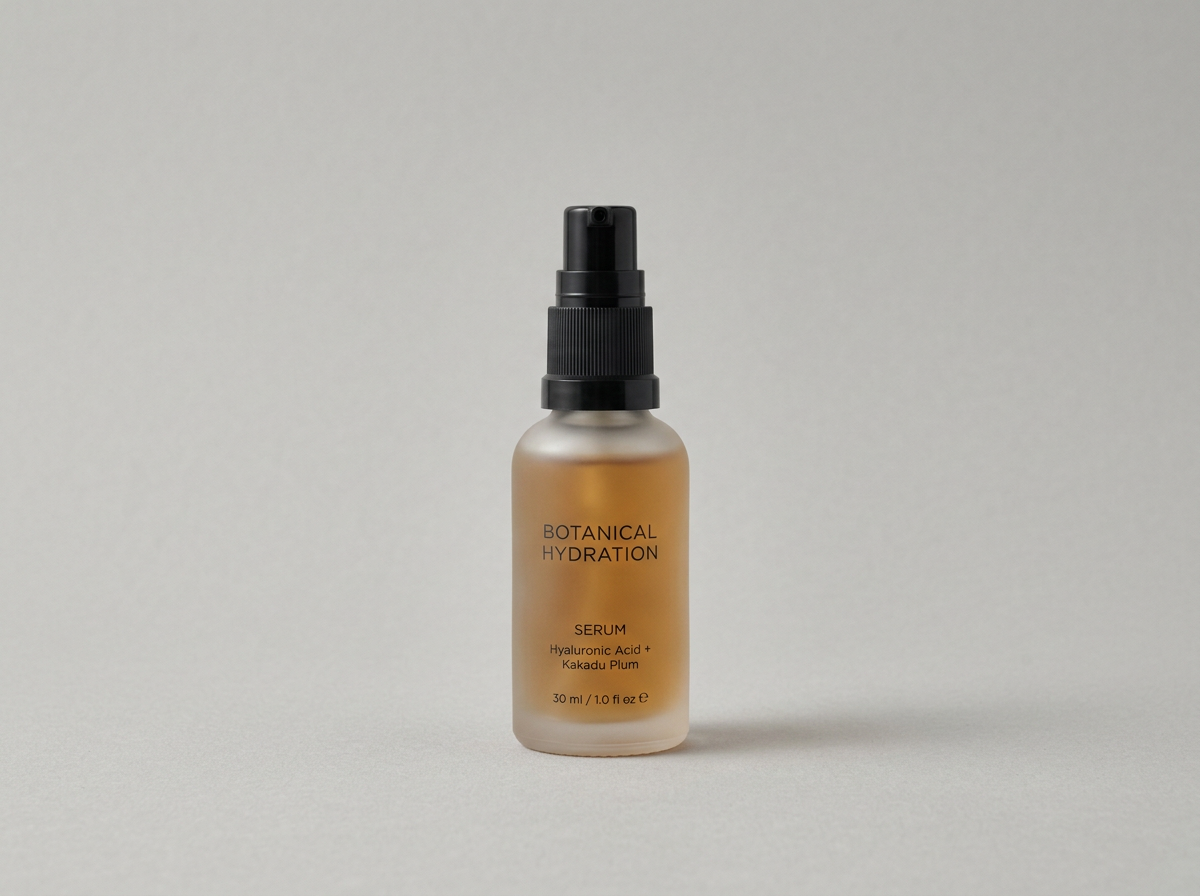
UGC selfie video
Recreate this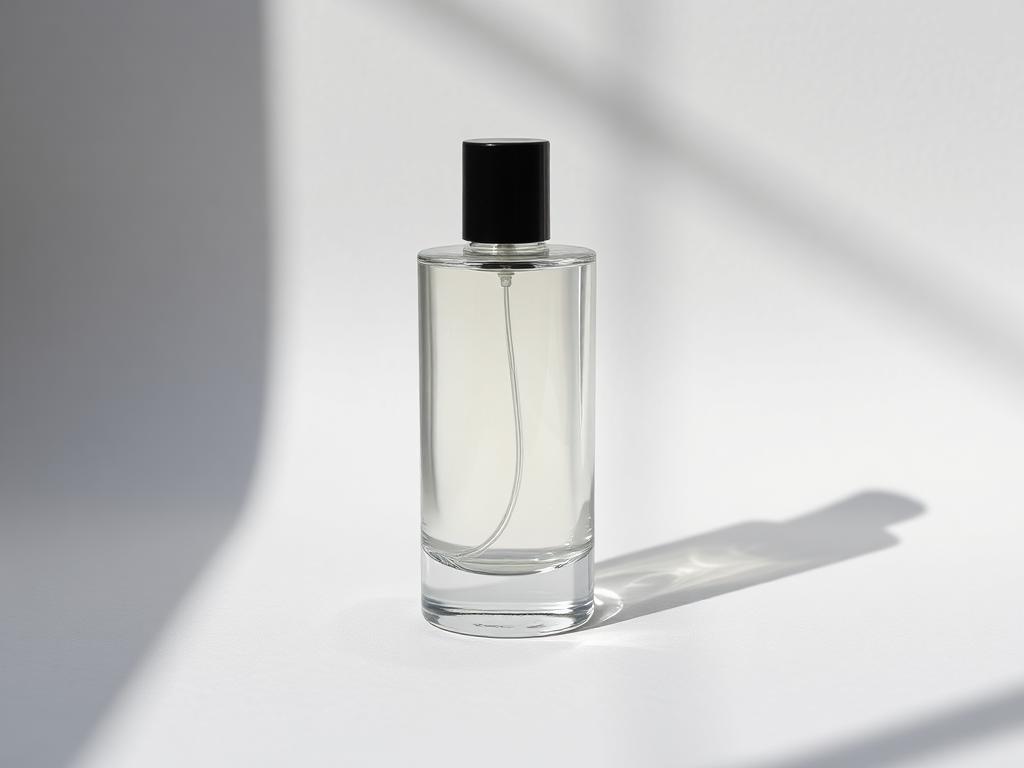
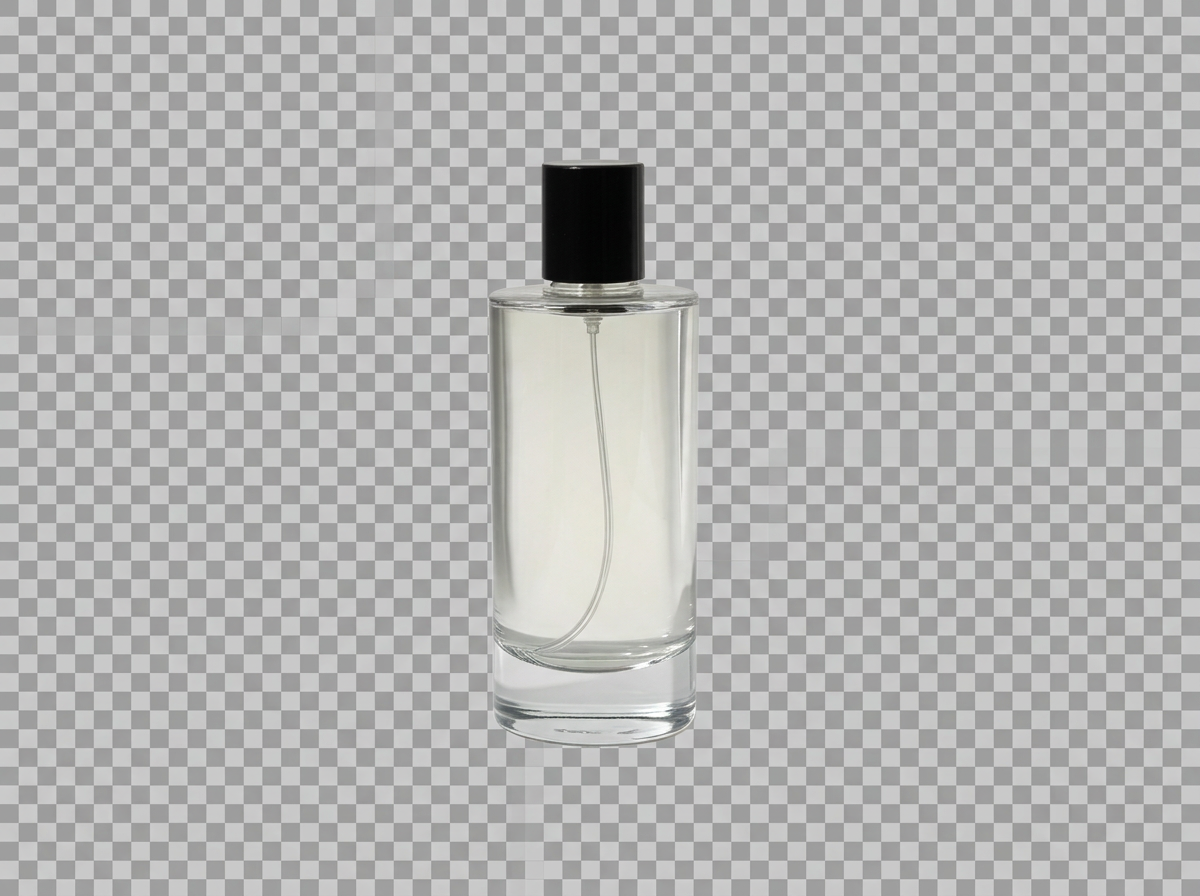
Background remove
Recreate this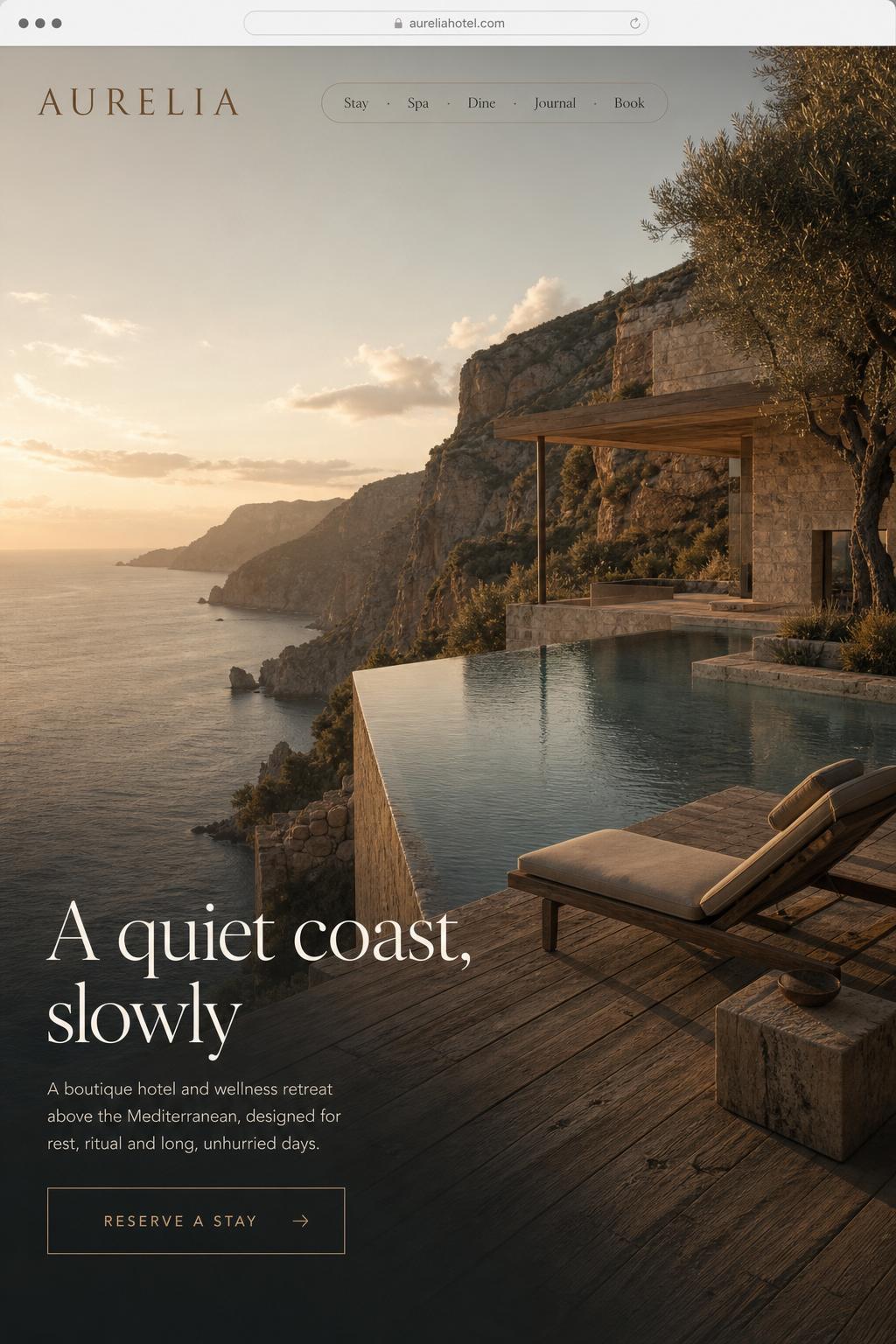
Product launch site
Recreate this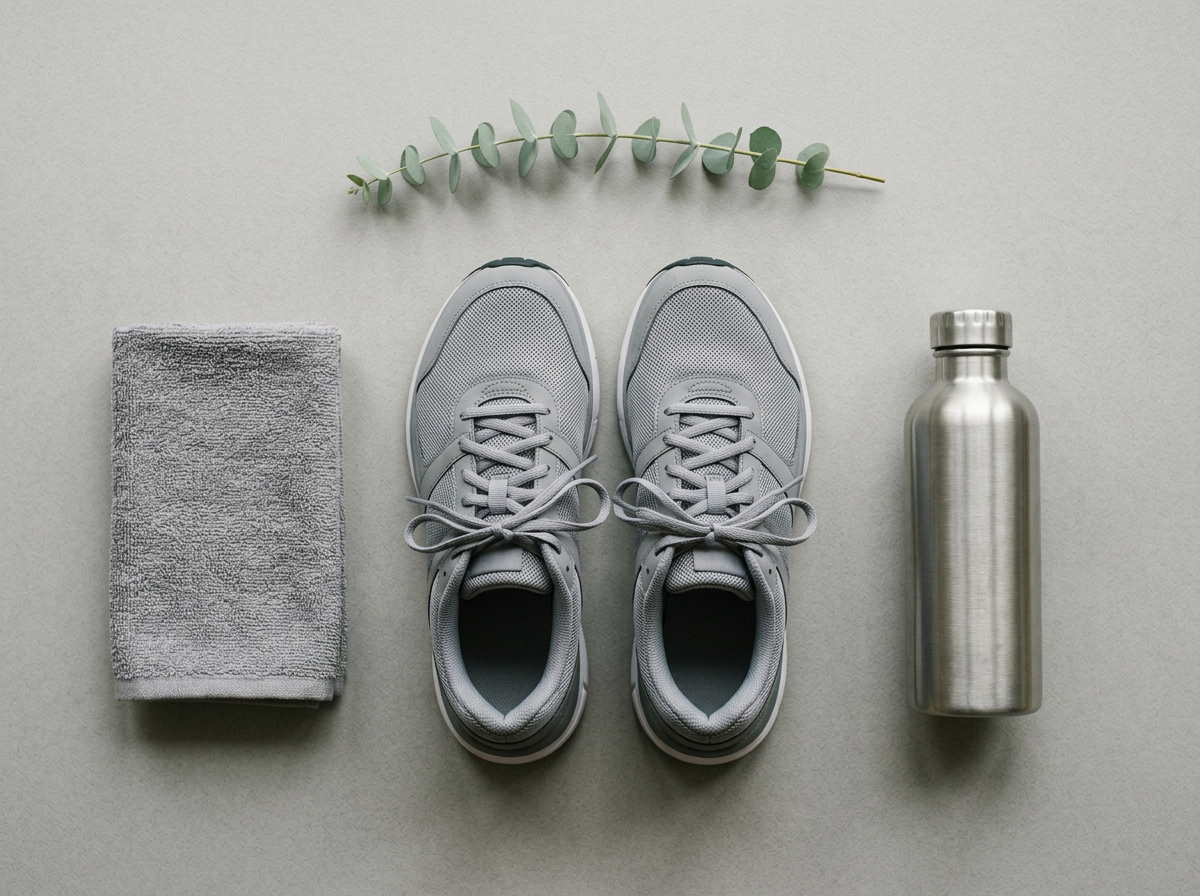
Flatlay
Recreate this
Talking avatar
Recreate thisProduct in motion
Recreate this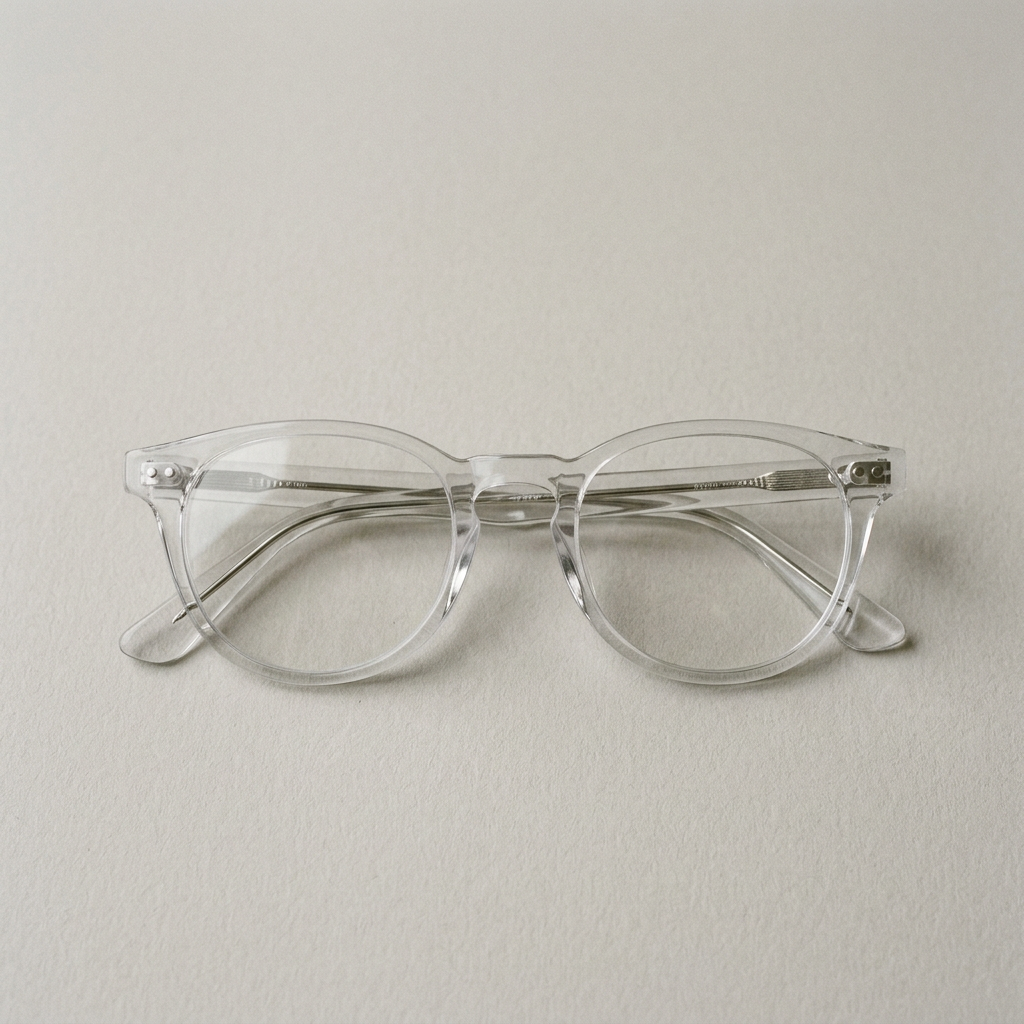
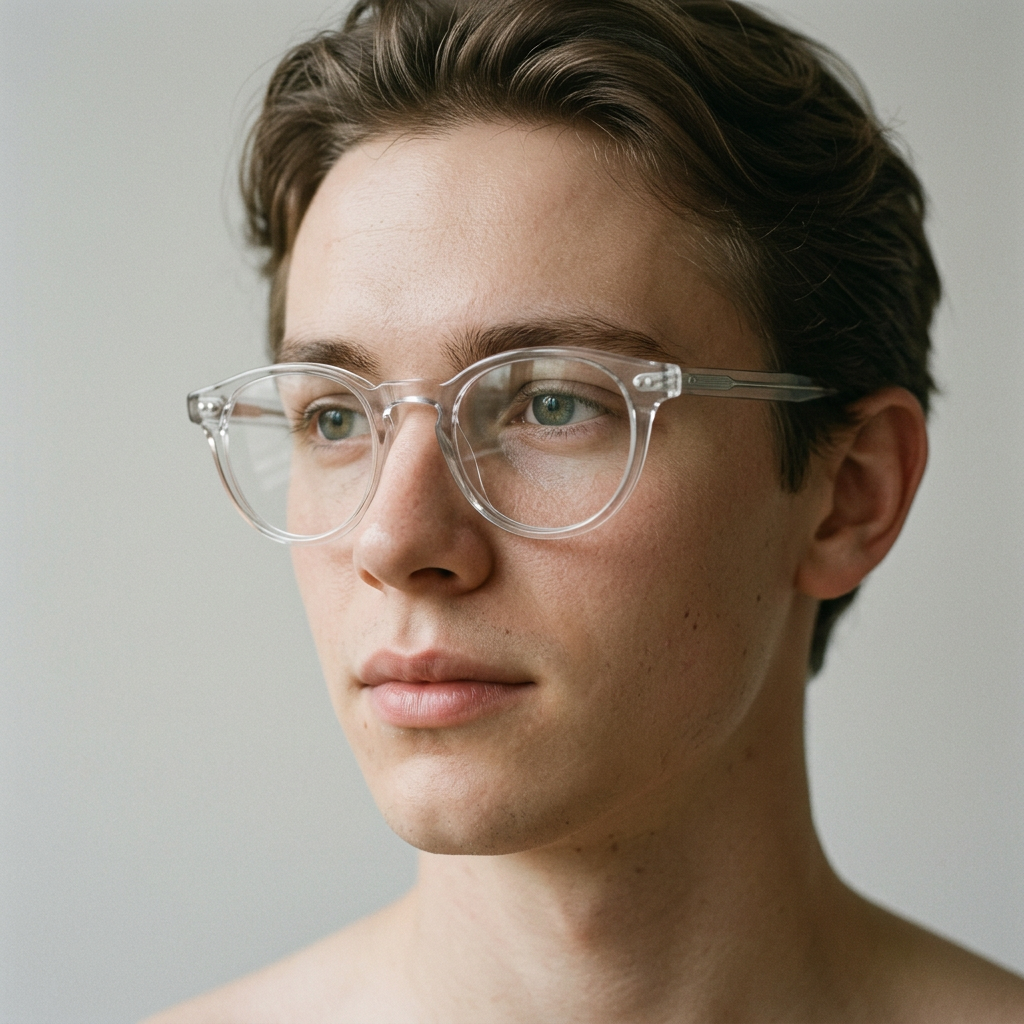
Accessory try-on
Recreate this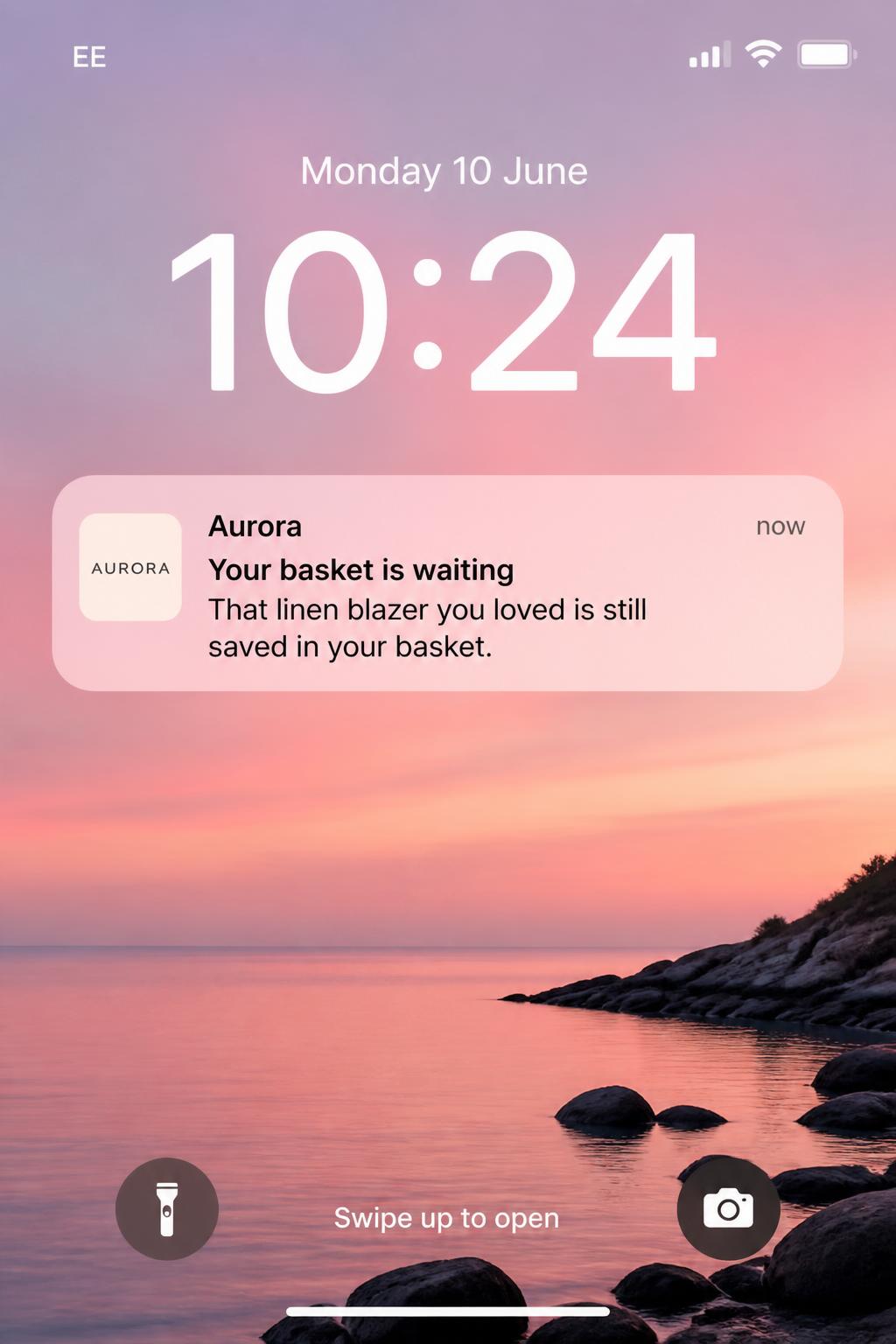
Re-engagement push
Recreate this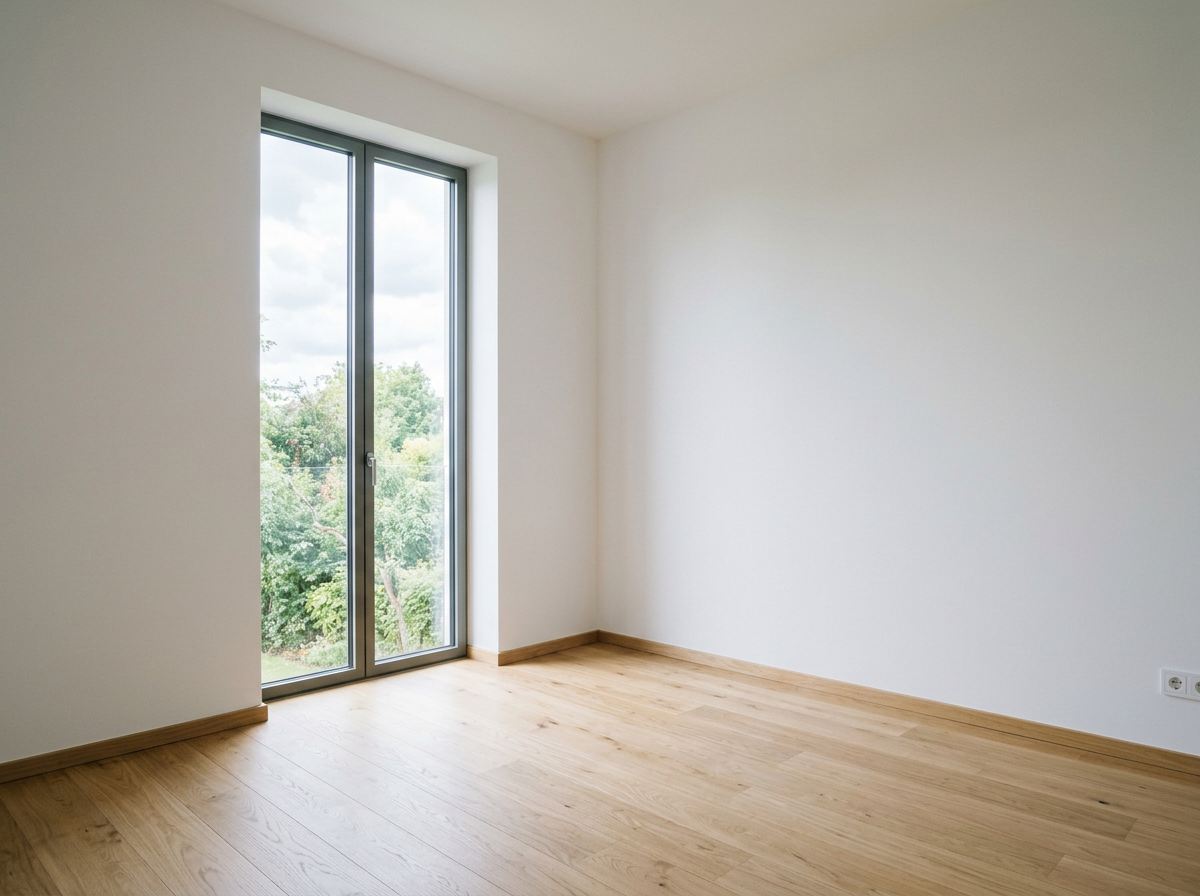
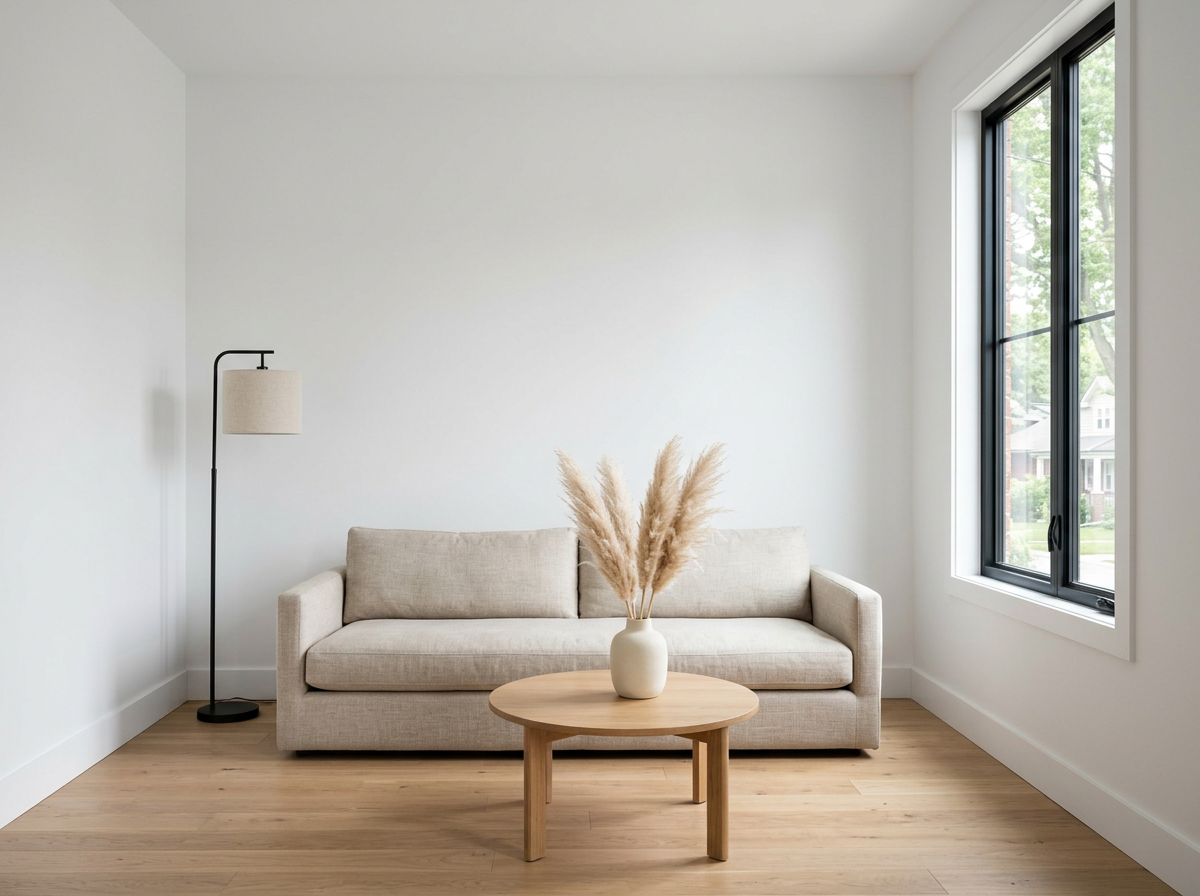
Interior staging
Recreate this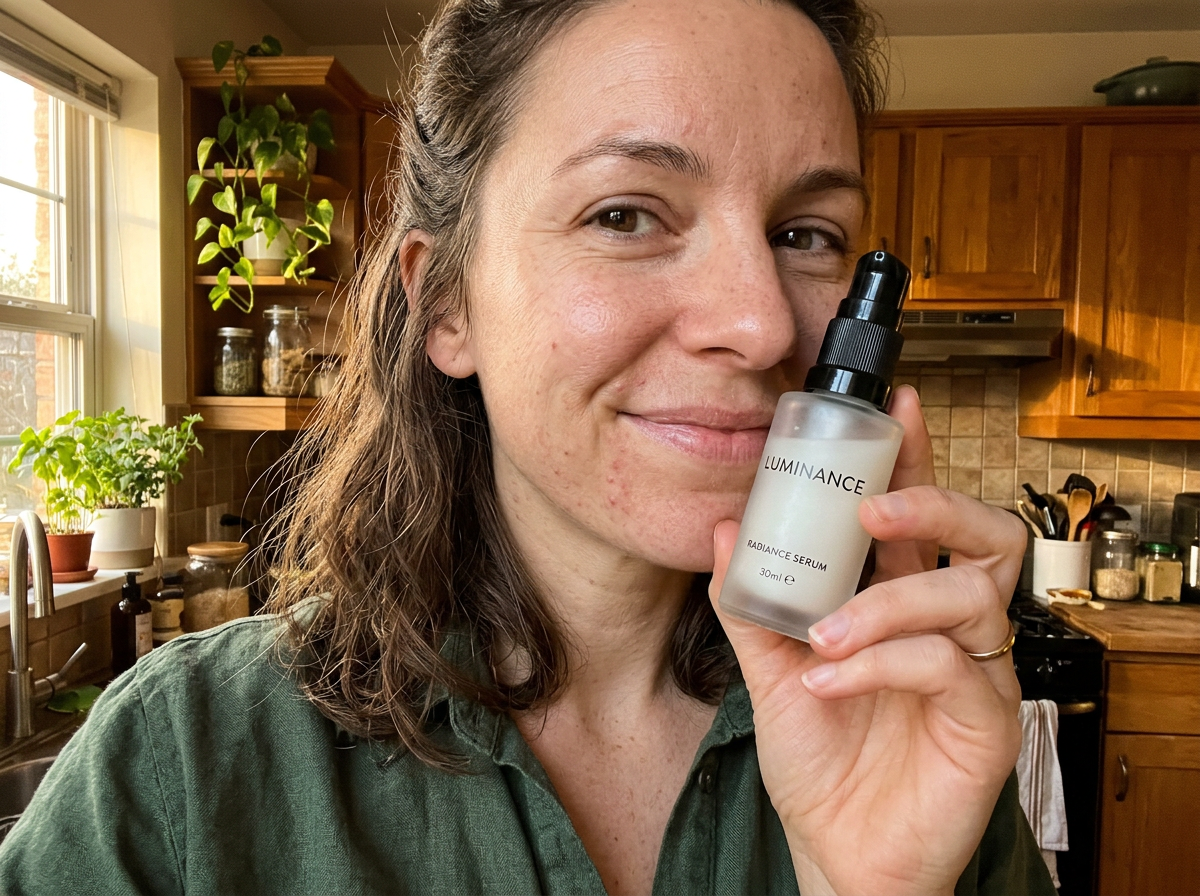
UGC photo
Recreate this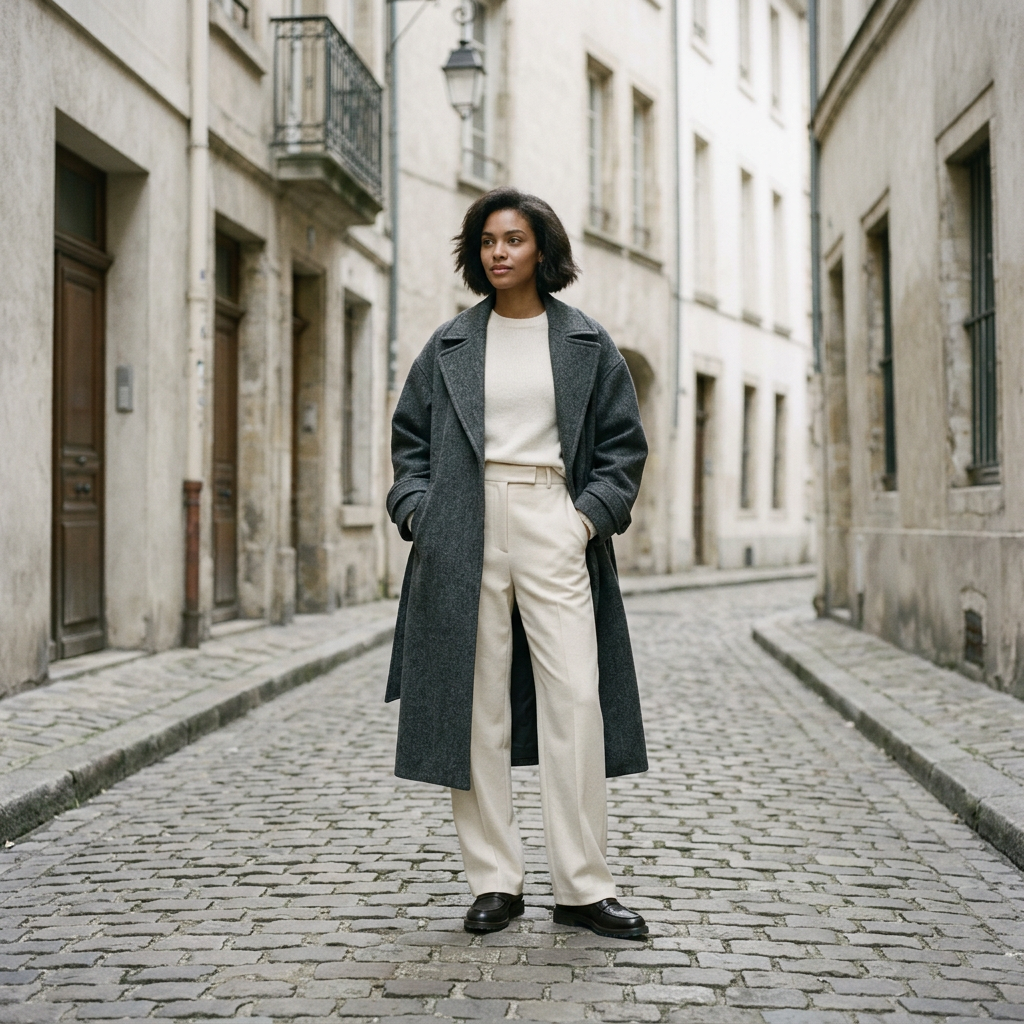
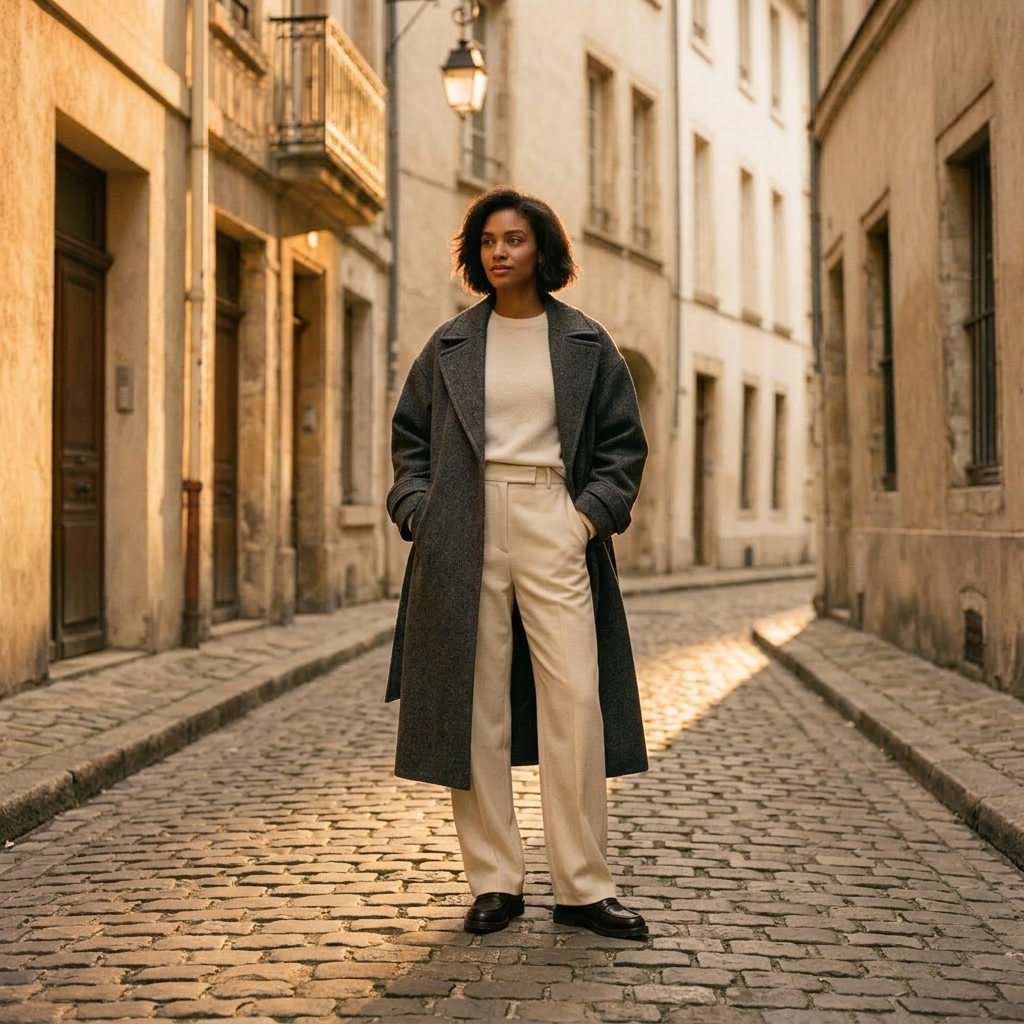
Editorial lookbook
Recreate this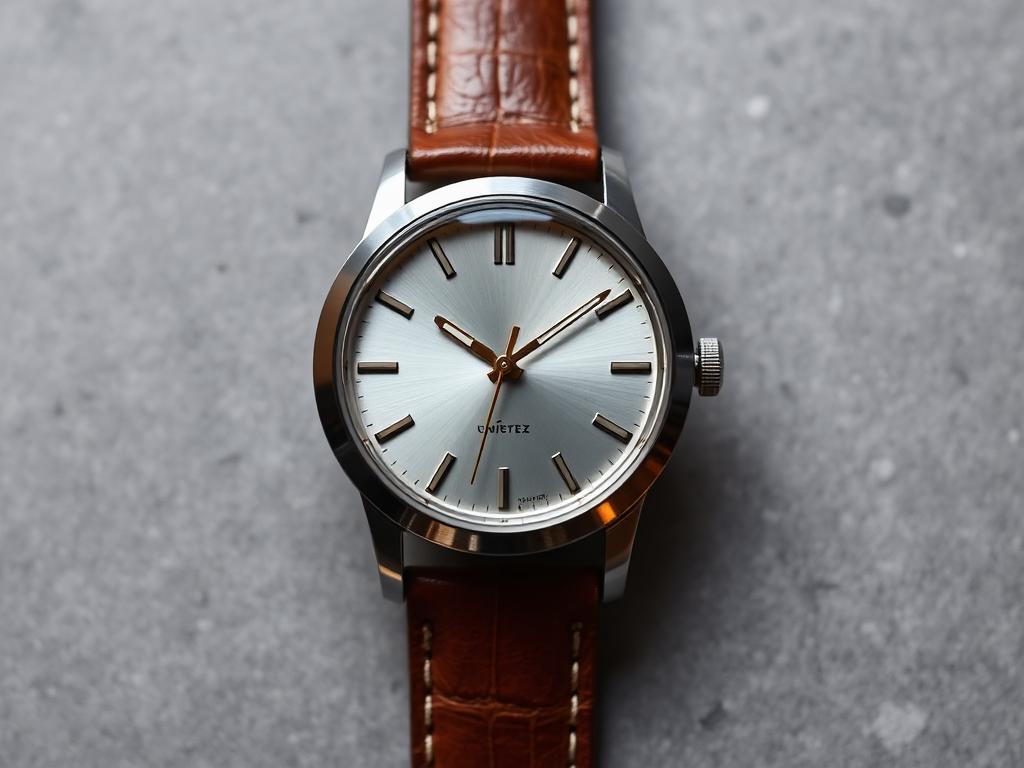
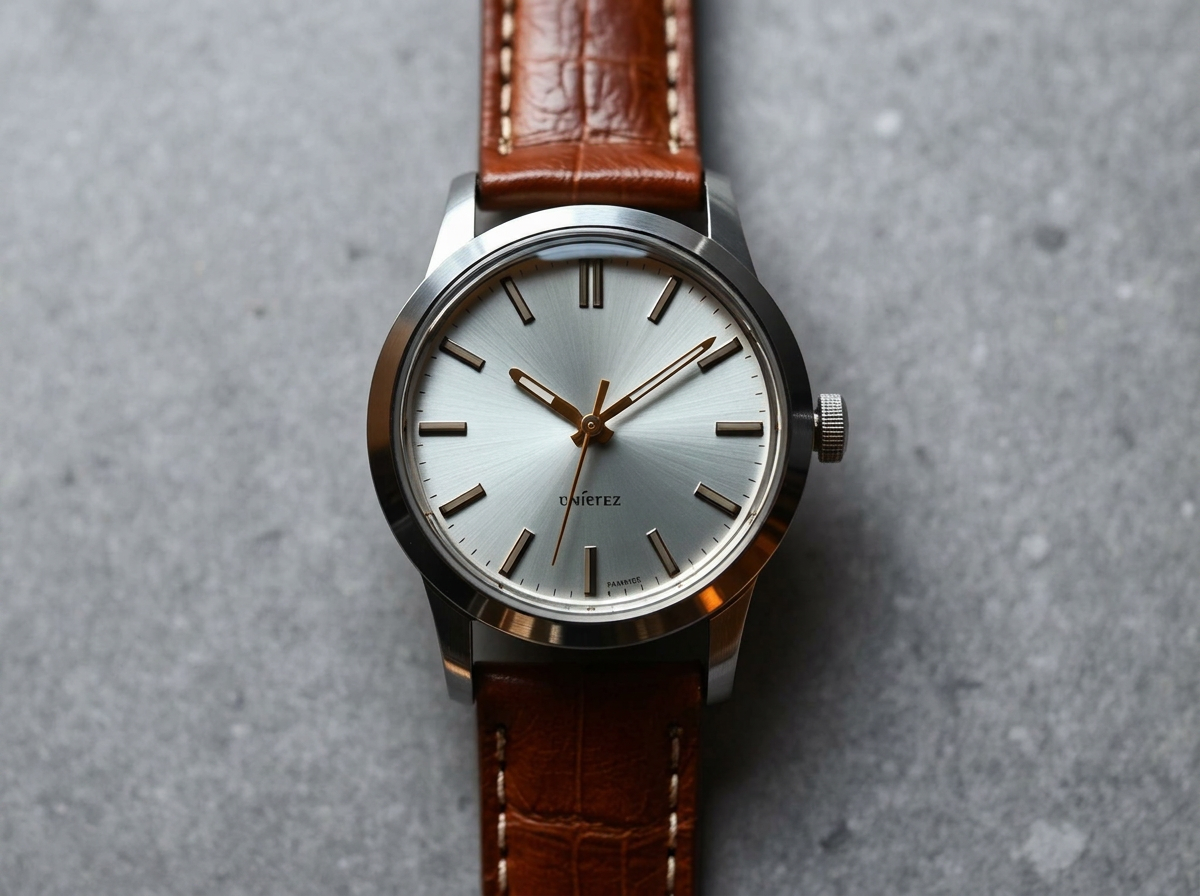
Upscale
Recreate this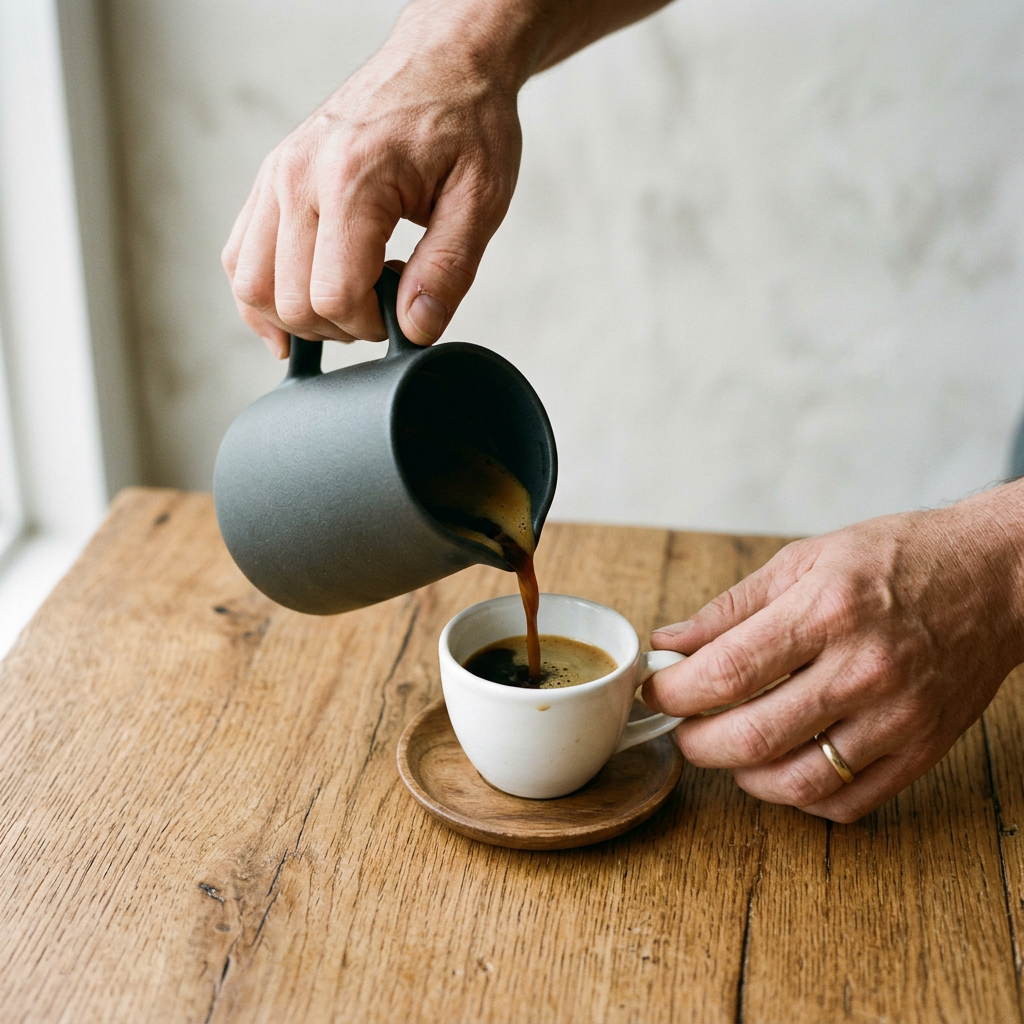
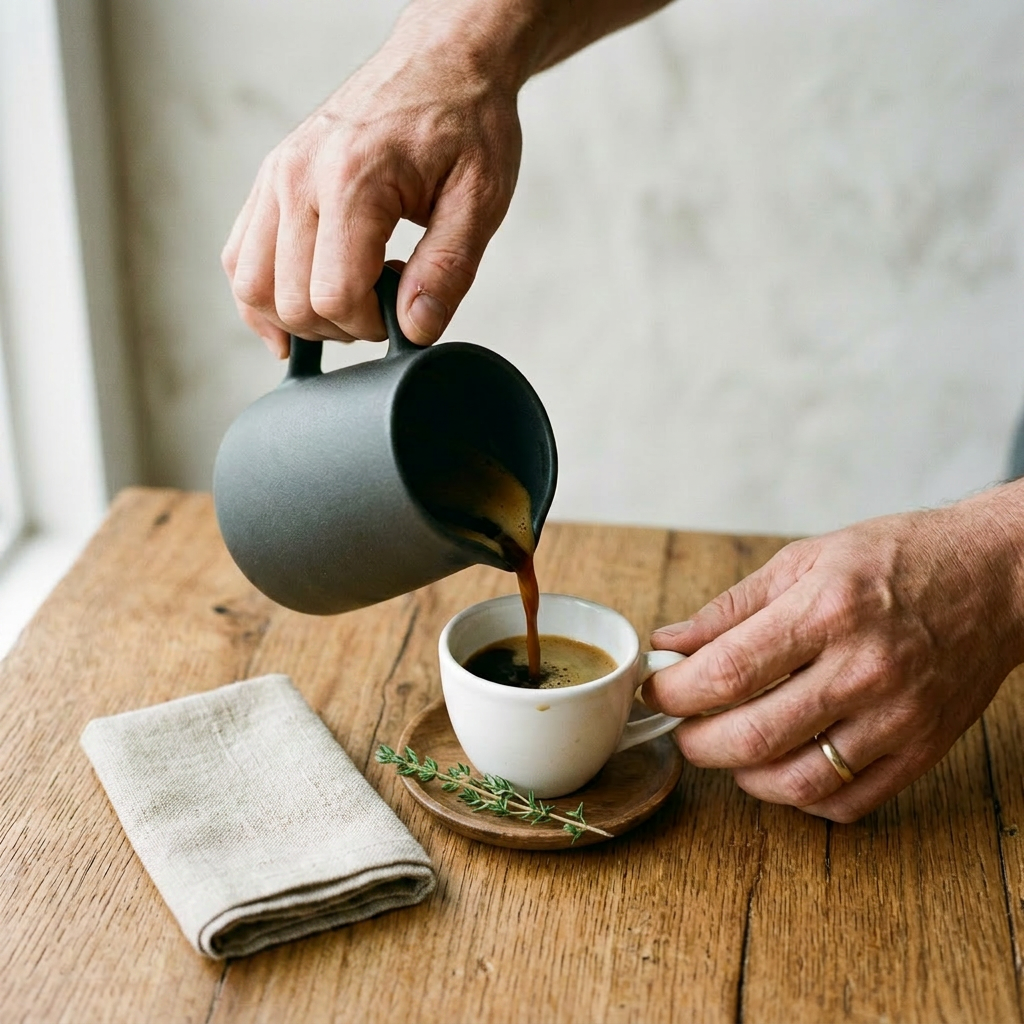
Hands in use
Recreate this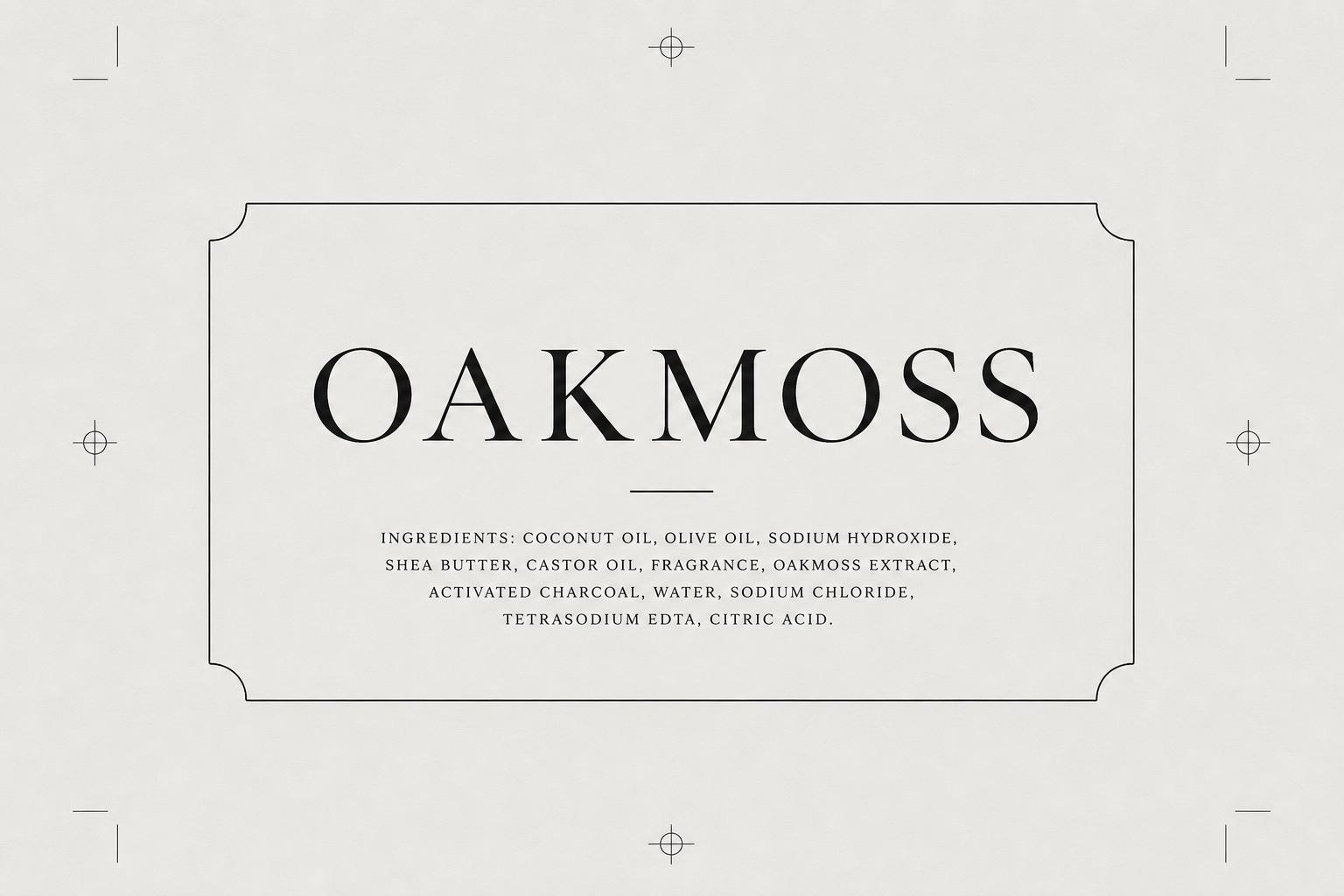
250 credits included — no credit card
Your agency bills per shoot. Per talent. Per edit.
Your creative studio bills per credit — fractions of a cent per asset. Same quality. No briefs. No revisions. No waiting.
~$0.20
per product visual
vs. $500–2,000 per traditional shoot day²
200+
recipe templates
Studio, lifestyle, editorial, seasonal, on-model
Minutes
not weeks
From product photo to finished campaign creative
1 credit = $0.10 · Actual credit usage varies by model, resolution, and complexity
Hire a photographer + retoucher
Schedule, shoot, wait for edits, repeat for every variant.
$500–2,000 per shoot day²
Plus retouching, talent, and studio rental
One-week turnaround minimum
Edits, approvals, and re-shoots add more
Separate tools for every step
Resize, export, upload to each channel manually
Reshoots for every variant
New season, new angle, new campaign — back to the studio
Drop in your product photo
Blu + Brand Kit + Recipe = campaign-ready creative in minutes.
Recipes encode the art direction
Lighting, composition, styling — you just pick one
Brand Kit applied automatically
Palette, typography, and logo placement locked
Every format from one photo
Ads, email, social, video, landing pages
Ships without leaving the canvas
Push into a Journey or Experiment directly
Typical turnaround: under two minutes per asset
250 credits included — no credit card
FAQ
Frequently asked questions
Quick answers before you start creating.
Getting started
First steps.
It's the visual-creation layer inside the Intempt platform. You feed it a product photo (or a text description), pick a recipe, and Blu — the built-in creative assistant — generates assets styled to your Brand Kit. Because it lives inside Intempt, those assets flow straight into Journeys, Experiments, and Analytics without a manual export step.
Packshots, lifestyle composites, flat lays, on-model try-ons, editorial spreads, cinemagraphs, vertical reels, product turntables, spokesperson avatars, email banners, SMS cards, push thumbnails, and landing-page sections. Each output type has its own recipe with baked-in art direction.
Neither. Recipes encode the lighting, composition, and styling decisions a creative director would make. You pick the recipe, upload your product, and Blu handles the generation. Brand Kit constrains the output to your visual identity automatically.
Sign up for a free Intempt account -- you get credits on signup, enough to run several recipes across different asset types. No payment info needed to start.
A clean product shot in PNG or JPG works best — ideally on a white or transparent background. Blu strips the background, relights the subject, and composites it into the scene defined by your recipe.
Midjourney and DALL-E are prompt boxes — you write, iterate, download, resize, repeat. Intempt recipes encode the art direction (angle, lighting, background, format) so the output is campaign-ready in one click. Your Brand Kit is applied automatically, and you push the result into a Journey or Experiment from the same screen — no round-trip through five tools.
Pricing & credits
How billing works.
No. Design is included in every Intempt plan. Free accounts come with starter credits. Paid tiers include a larger credit allowance that scales with your plan, plus the option to purchase additional credits when you need burst capacity.
It depends on the recipe. Credit cost is calculated dynamically based on the underlying model, resolution, and complexity of the operation. You see the estimated cost before confirming each generation -- nothing runs without your approval.
Yes -- cancel from Settings and your plan stays active until the end of the current billing period. No cancellation fees.
Team and Enterprise plans support multiple seats. Everyone on the team shares Brand Kit settings and the org credit pool, but each person's usage is tracked individually. Role-based permissions control who can generate, who can publish, and who can manage settings.
Output & quality
What you get.
Images export as high-res PNG or JPG. Standard aspect ratios — 1:1, 4:3, 16:9, 9:16 — are built into each recipe. Channel-specific recipes auto-crop to the destination spec (email header, push icon, story frame) so you don't resize manually.
Image recipes typically finish in 5–15 seconds. Video recipes (cinemagraphs, reels, avatar clips) take 30–90 seconds depending on duration. You can queue several at once — they process in parallel.
Yes. Upload a batch of product photos, select the recipe, and Blu processes them concurrently. A 50-SKU product-page refresh that used to take a studio two weeks runs in a few minutes.
Recipes apply different art direction — lighting setups, camera angles, background environments, and prop styling all change. The product itself stays pixel-accurate; the creative treatment around it shifts to match the recipe's intent.
Yes. Motion recipes take any product still and add movement — a cinemagraph animates one element, a turntable spins the product, a reel recipe cuts a 9:16 vertical clip, and an avatar recipe pairs it with a generated spokesperson. You pick the motion type; Blu handles the render.
A workflow chains multiple recipes into an automated pipeline. Example: when a new SKU lands in your catalog, Blu auto-generates a packshot, two lifestyle variants, and an email banner — then drops all four into the product-launch Journey. Workflows run on triggers without anyone typing a prompt, which is how teams scale from one-off generation to always-on creative production.
Brand Kit & recipes
Staying on-brand.
Your color palette, typography, logos, tone-of-voice guidelines, and any visual rules you want enforced (minimum logo clear space, background restrictions, etc.). Once saved, every recipe Blu runs inherits those constraints — generated visuals use your palette, email copy matches your tone, and logos are placed according to your rules.
A recipe is a structured creative template with baked-in art direction — it defines the output type (e.g., packshot, editorial spread, email banner), the composition rules, the lighting setup, and the crop specs. You don't write a prompt; you pick the recipe and upload your product. Recipes are curated for specific outcomes: storefront hero, social ad, lifecycle email, and so on.
Yes. Custom workflows let you chain steps together and fire them on a trigger — for example, 'when a product is marked active, generate a hero, three social crops, and an email banner, then insert all five into the launch Journey.' Custom recipes let you define your own composition, lighting, and styling rules so Blu reproduces your house style exactly.
Yes. Scenes are reusable — apply the same marble-countertop setup or window-light editorial backdrop to any product in your catalog. This is how brands keep visual consistency across a collection: same scene, different products, every season.
You can export individual files or bulk-download an entire campaign as a ZIP at full resolution. But the bigger unlock is skipping the export entirely — push assets straight into a Journey, Experiment, or your site's content blocks from the Design Canvas.
Ownership & data
Your IP, your data.
Yes. Every asset Blu generates is yours to use commercially — storefronts, paid ads, email campaigns, social, print, packaging. There are no extra licensing fees and no attribution requirements.
No. Generated assets belong to your organization. Intempt does not claim IP over your output, and your visuals are never used to train models or exposed to other accounts.
Yes. Uploads, generated assets, and Brand Kit configurations are scoped to your organization. Data is encrypted at rest and in transit, never shared across accounts, and never fed into model training pipelines.
Delete individual assets or whole projects from Settings — asset deletion is immediate. Full account deletion purges all data within 30 days, consistent with GDPR and CCPA requirements.
Infrastructure runs on AWS across US and EU regions. Enterprise plans can pin data to a specific region. All storage is encrypted at rest (AES-256) and all traffic is encrypted in transit (TLS 1.3).
Built for the outcomes that matter.
Seven design use cases teams run on Intempt.
Connect every trusted source.
Plug into the tools your team already runs on.





%201.svg)
%201.svg)

Certified & Compliant

Your customer data stays yours, and stays secure.
The teams that made the switch
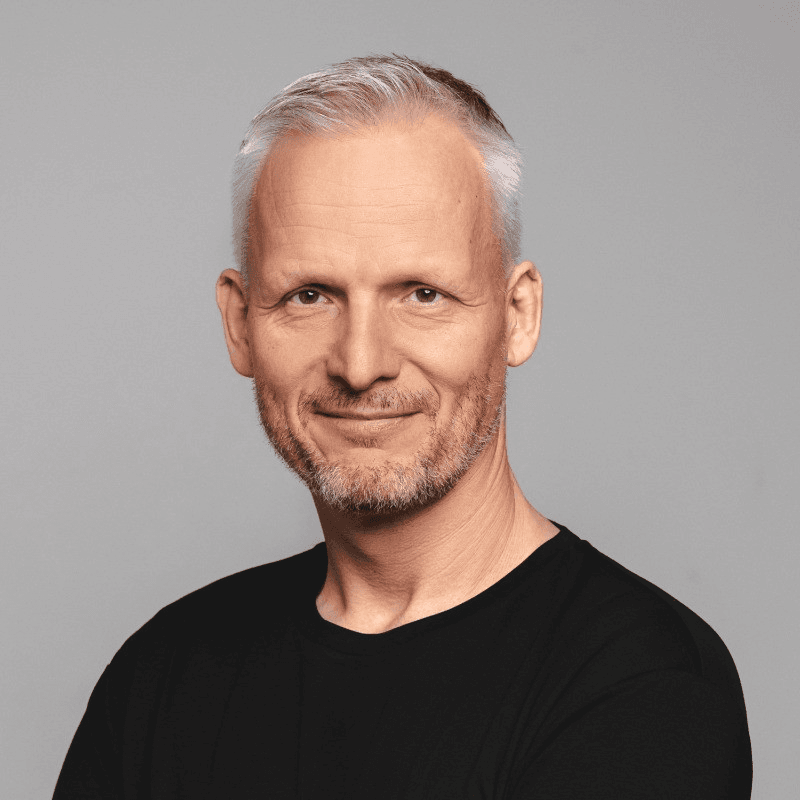

“We were losing visitors before they signed up. Intempt's personalized experiences changed that - we started meeting people where they were instead of guessing. Once they're in, Intempt's automated email takes over and keeps the relationship moving. Acquisition and retention finally feel like one connected motion instead of two separate problems.”
Jim Stromberg, CEO
StockInvest
Case Study
StockInvest needed to turn anonymous traffic into registered users before any retention strategy could work. With Intempt's Experiences, they personalized the anonymous visitor flow, surfacing the right content and CTAs to boost signup conversion. Once users signed up, automated Journeys nurtured them through onboarding and deeper engagement, steadily increasing lifetime value.
Sources
- 1.Senior/specialized US-based designer rates. PayScale (2026), Twine, Adobe freelancer rate research. Mid-level rates start at $35–65/hr.
- 2.Nightjar (2026), Squareshot (2025), ProShot Media (2026). Studio session costs $2,000–5,000; styled hero images $100–500+ per image.
- 3.Foldwrap (2026), Coders.dev. Banner resizing $250–1,500 per static set; $800–4,000+ for animated campaigns.
- 4.Synthesia (2025), Colossyan (2026), Clutch (2026). Short-form product videos (15–60 sec) range $1,500–5,000.
- 5.Email Mavlers, Oyolloo, beehiiv Blog. Custom HTML email templates $500–2,000; mid-range $800.
- 6.LinearDesign (2025), Landingi (2025), Apexure (2026), Unbounce (2024). Freelancer landing pages $500–2,000.
One photo in. 125 visuals out. The photographer can wait.
Paste your URL. Upload one product photo. Blu handles the rest.